Cut to black
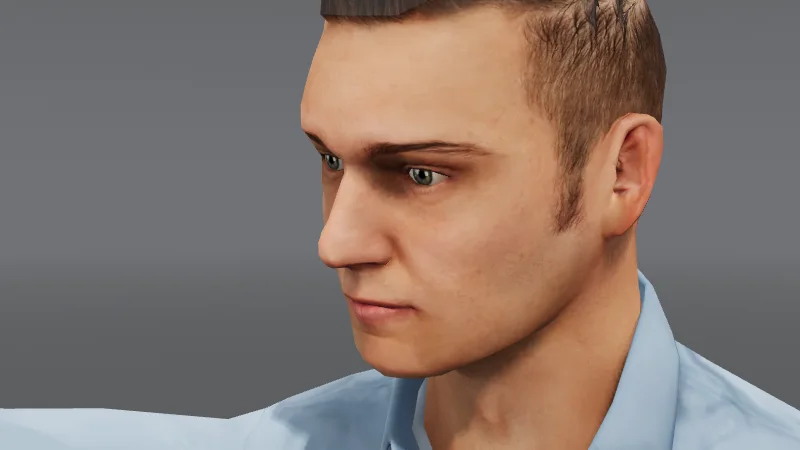
The picture drops straight to a black screen. Endings, cliffhangers, an open question.
 AB
- Made in
- Editing
- Also called
- smash to black
What it does
Instead of fading, the picture disappears at once and the screen is black, often with the sound cut at the same instant. A fade lets the viewer down gently; a cut to black takes the scene away. It can end a film, end an act before a break, or leave a question deliberately open.
When to use it
Use it when an ending should feel sudden or unresolved, cutting at the peak of a moment rather than after it. Hold the black for a beat before anything follows: the length of the silence is part of the effect.
Writing the prompt
Video tools make pictures, so it is simplest to add the black in the editor: cut at the moment you want and hold a black frame. In a multi-shot prompt you can end with "cut to black" as the last beat, but check that the clip really ends on black rather than on a dark picture.
Easily mixed up with
Cut to black
The picture drops straight to a black screen.
Fade out
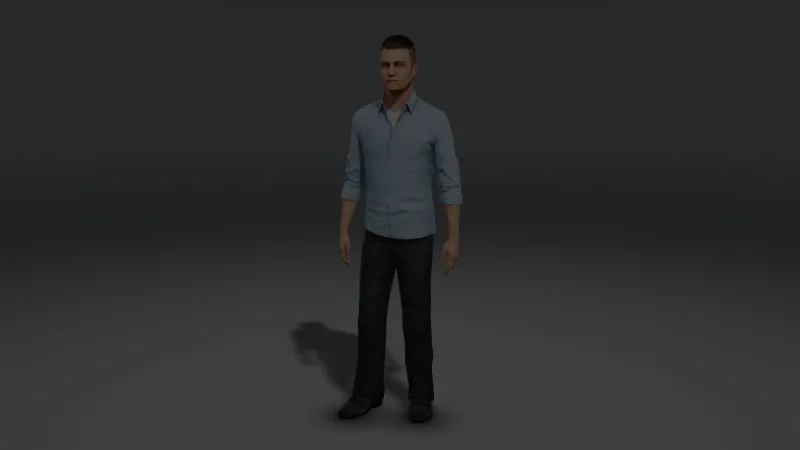
Darkens gradually into black instead of dropping at once.
Smash cut
Cuts abruptly to another scene, not to darkness.