Iris wipe
A growing circle swaps one shot straight for the next. Playful or retro scene changes, cartoons, pointing at one spot.
- Made in
- Editing
- Also called
- iris round, circle open, oval iris
What it does
A circle grows from a point, usually the centre, and the next shot appears inside it until it fills the frame; or the circle shrinks, closing the old shot down onto the new one. Unlike an iris in or iris out, it does not pass through black: one picture replaces the other directly. Many references treat the two as one and disagree on whether an iris is a camera device or a kind of wipe; one guide separates the camera iris from the shape wipe made in editing.
When to use it
Use it for a playful or old-fashioned change of scene, in comedy, children's films or a pastiche of silent cinema, or to lead the eye to one spot in the next shot, since the circle can open anywhere in the frame. In a serious modern drama it draws attention to itself, so it is rarely used there.
Writing the prompt
Make both shots and add the iris in the editor, where you set its centre and the softness of its edge: Premiere Pro lists it as Iris Round among its Legacy transitions, iMovie as Circle Open. Put the point of interest of the second shot where the circle opens, for example "the boy centered in frame", so the first thing seen through it is what matters.
Also

Heart wipe
The next shot opens through a growing heart. Romance and wedding videos, often as a joke.

Diamond wipe
A diamond-shaped opening grows from the centre. Playful or retro scene changes.

Box iris
A rectangle opens from the centre onto the next shot. Clean, graphic scene changes.
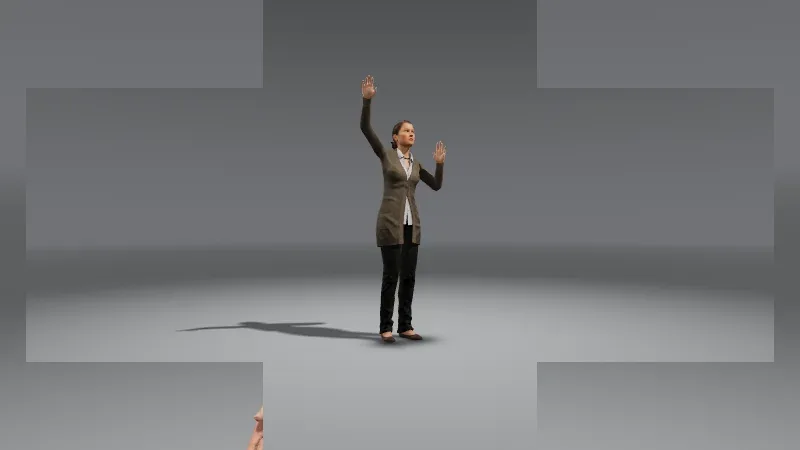
Cross iris
A plus-shaped opening spreads out from the centre. Graphic, playful scene changes.
Easily mixed up with

Iris wipe
A growing circle swaps one shot straight for the next.
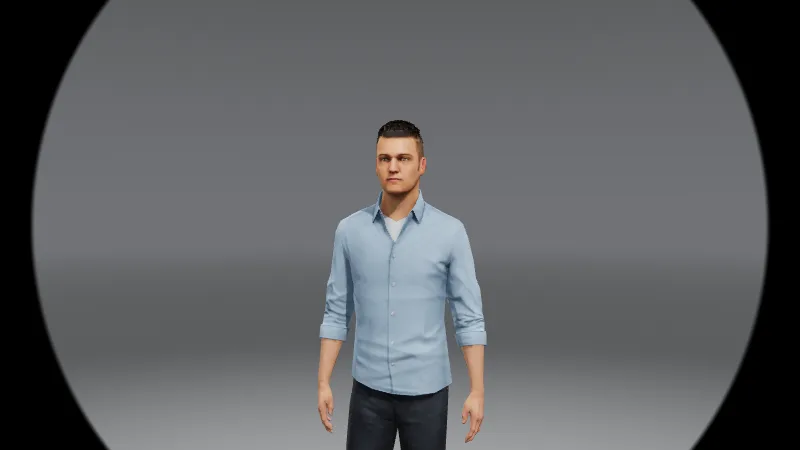
Iris in
Opens out of black, not out of another shot.
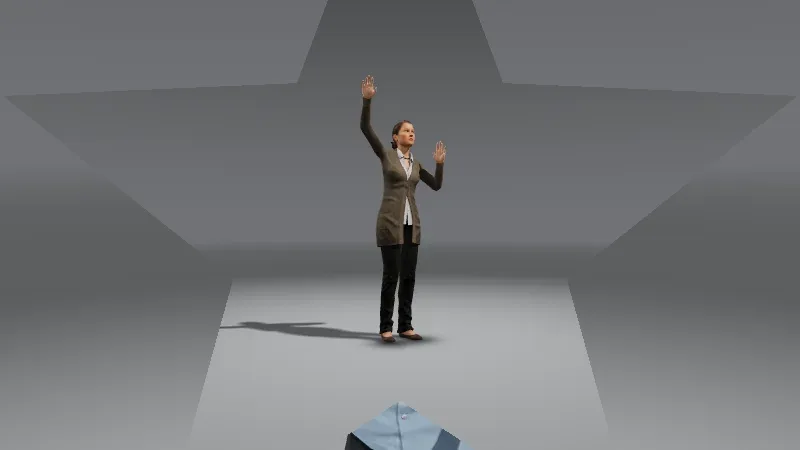
Star wipe
The same growing opening, shaped like a star.