Guide / Camera-made transitions
Blur transition
One shot blurs out of focus, and the next sharpens out of the blur. Dreams, memories, dazed moments, soft changes of scene.
- Made in
- Camera or editing
- Also called
- defocus transition, focus out and in, blur dissolve, cross blur
What it does
The first shot slips out of focus until only soft shapes and light remain, and the next shot starts just as soft and sharpens into a new picture. A soft frame hides detail, so the change underneath feels gentle rather than abrupt, and it often hints at a change in the character's mind: waking, fainting, remembering. Editing programs offer it as a preset in which both pictures blur and the change happens at the softest point.
When to use it
Use it to go into or out of a dream or a memory, to show a character fainting or waking, or for a soft change of scene in a calm piece. Blur both shots to about the same degree at the join, and let it take a little longer than a cut.
Writing the prompt
Describe the defocus at the join of each shot: "the image slowly goes out of focus until only soft light remains" at the end of Shot 1, and "starts completely out of focus and slowly sharpens" at the start of Shot 2. Or make two sharp shots and use a blur dissolve preset in the editor. For a focus shift inside one shot, Runway's and Google's guides use "rack focus".
Easily mixed up with
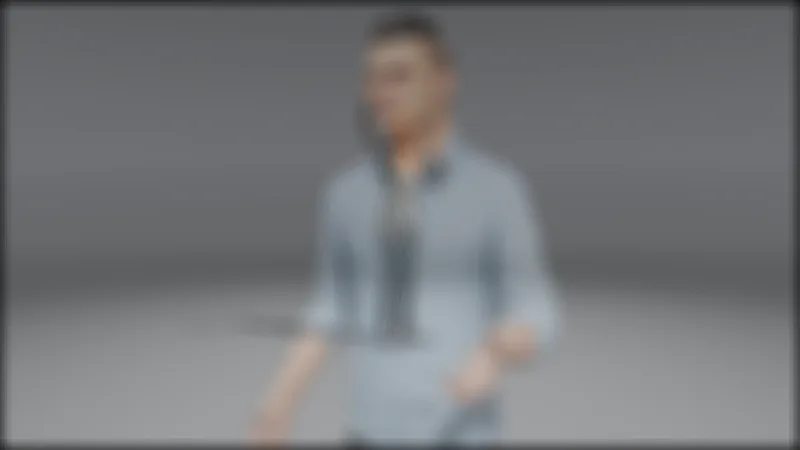
Blur transition
One shot blurs out of focus, and the next sharpens out of the blur.
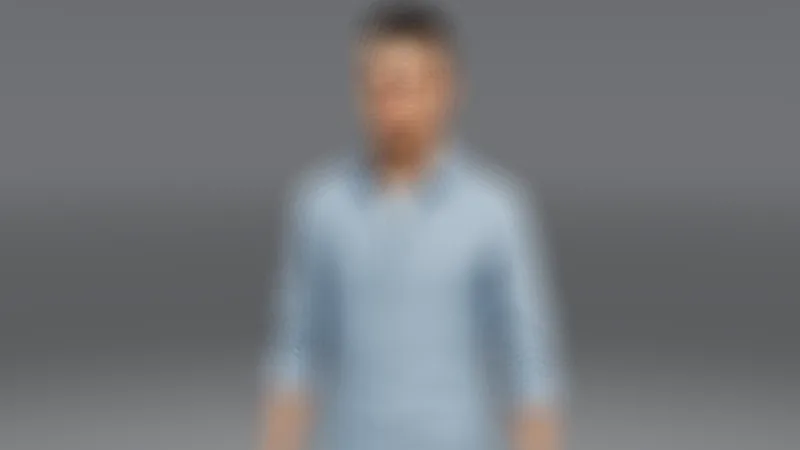
Focus out
Only the first half: the shot goes soft and stays there.
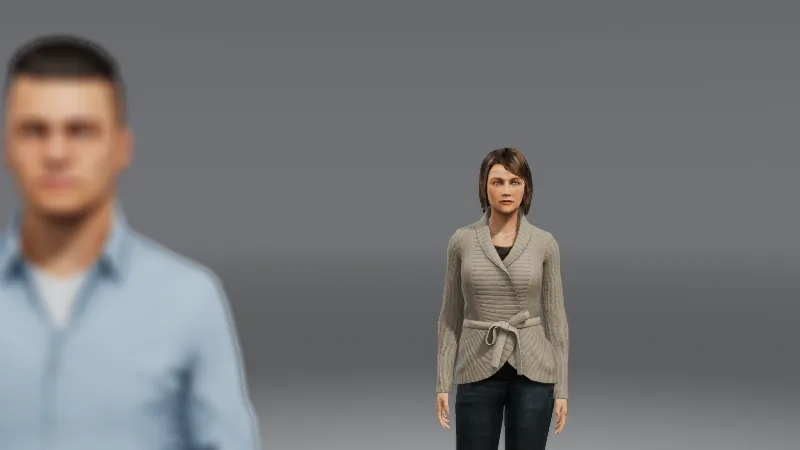
Rack focus
Moves focus between two subjects inside one shot, with no cut.