Guide / Camera-made transitions
Push-in to black
The camera pushes into something dark until the frame is black. Changes of place, reveals.
- Made in
- Camera
- Also called
- push to black, blackout transition
What it does
The camera moves in on a dark surface, such as a jacket, a wall in shadow or someone's back, until it fills the frame and the screen goes black. The next shot starts in black and pulls back from a dark surface to reveal a new place. The black frame works like a cut to black that the camera made itself, and the cut between the two shots hides inside it.
When to use it
Use it to change place without a visible cut: into a character's dark coat in the city, out of another dark coat in the countryside. Choose surfaces that are truly dark and matte, because shiny or textured ones keep some detail and give the join away.
Writing the prompt
Ask for the push at the end of Shot 1 and the pull at the start of Shot 2: "the camera pushes in on his dark jacket until the frame is completely black", then "the camera pulls back from a dark surface to reveal". Check that the clip really reaches black, and darken the last frames in the editor if it does not.
Easily mixed up with
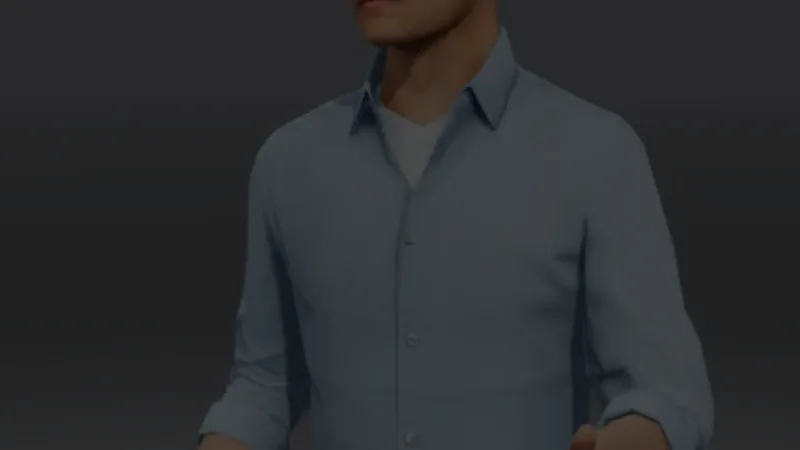
Push-in to black
The camera pushes into something dark until the frame is black.
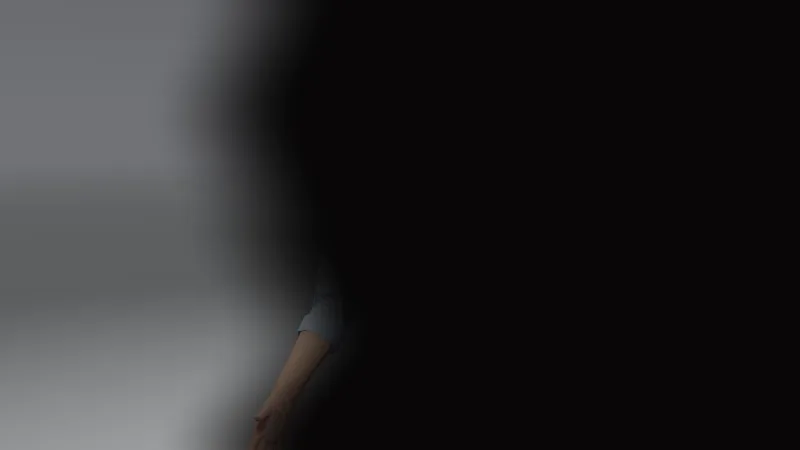
Lens cover
Something comes to the lens, instead of the lens going to it.

Cut to black
Drops to black at once, with no move into it.