Cut-in
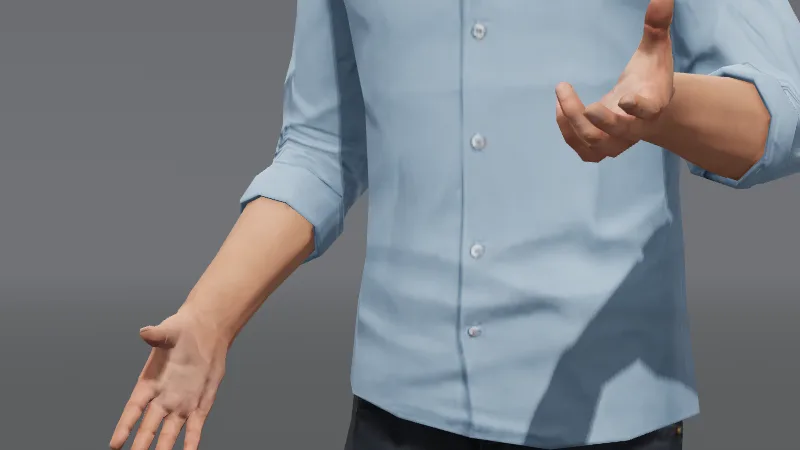
Cuts closer to a detail of the same scene. A note, a screen, hands, a clue.

 AB
- Made in
- Camera or editing
- Also called
- insert, insert shot
What it does
From a wider view, the edit jumps to a close look at one part of it, a letter in a hand, a ring, a phone screen, while the scene runs on. The detail gives information the wide shot cannot show at that size. The names overlap: some writers call any such closer view a cut-in and keep insert for close shots of objects, while others use the two words for the same thing.
When to use it
Use it when the audience must read or notice something: text on a screen, a clue, a hand slipping something into a pocket. Keep it just long enough to be read.
Writing the prompt
Name the detail and keep it in the same place and light as the wider shot: "medium shot of a man at a desk. Cut-in: extreme close-up of his hands turning a key over". Generated text is often garbled, so add any words that must be read, such as a note or a screen, in the editor.
Easily mixed up with
Cut-in
Cuts closer to a detail of the same scene.

Cutaway
Looks at something else, often outside the scene.
Axial cut
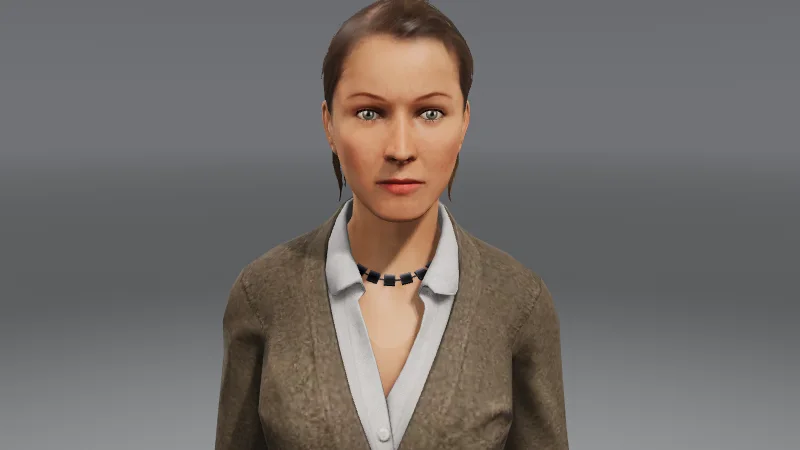
Goes closer on exactly the same line of view.