Cut
The picture switches at once to the next shot. Almost every join in a film.
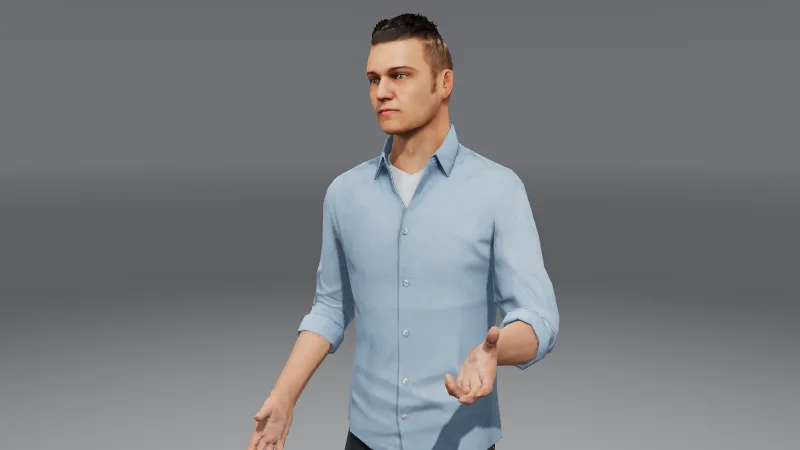
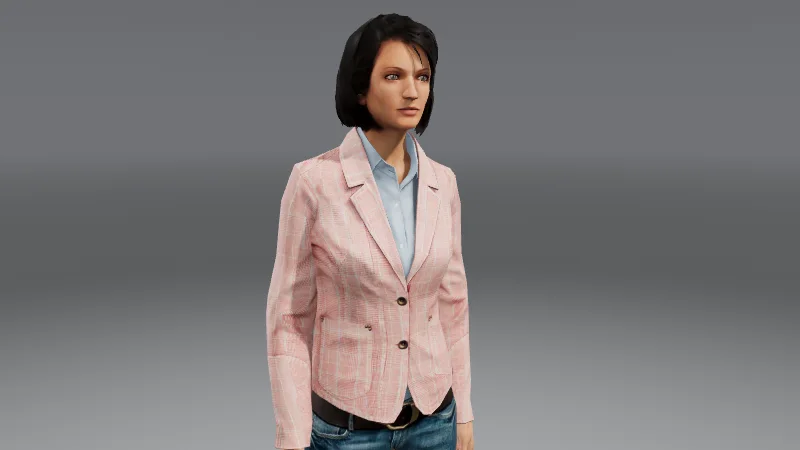 AB
- Made in
- Editing
- Also called
- straight cut, hard cut, direct cut
What it does
The last frame of one shot is followed directly by the first frame of the next, with nothing in between: no fade, no overlap, no effect. Our eyes jump from place to place all day, so a cut between related shots feels natural and mostly goes unnoticed. Most joins in films and series are cuts, and the other transitions stand out precisely because they are not.
When to use it
Use it by default: between the two sides of a conversation, from a wide shot to a closer one, from one scene to the next when the pictures make the change of place clear. Reach for another transition only when the join itself should say something, such as time passing or a dream beginning.
Writing the prompt
In a tool that makes several shots in one clip, label the shots ("Shot 1:", "Shot 2:") or write "cut to" between them, and describe each shot fully. If the tool makes one shot at a time, make both and join them in the editor. To stop a tool from cutting on its own, write "one continuous shot, no cuts".
Easily mixed up with
Cut
The picture switches at once to the next shot.
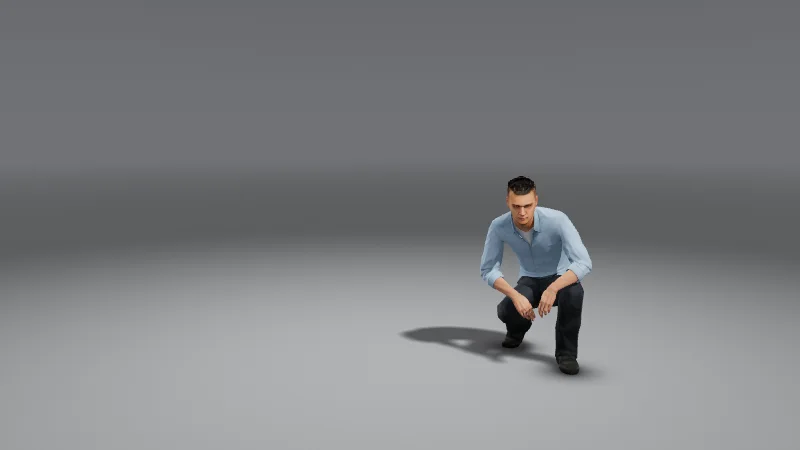
Jump cut
Cuts between two nearly identical framings, so the jump shows.
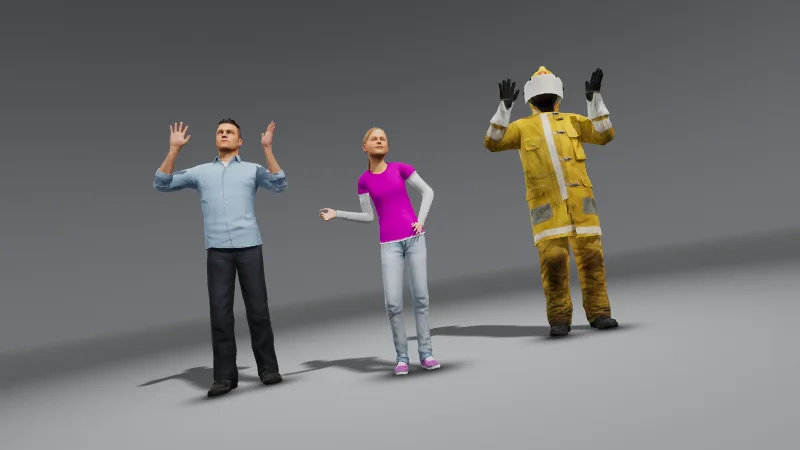
Smash cut
A cut timed to shock, into a scene of the opposite mood.