Cutting on the beat
The cuts land on the beats of the music. Music videos, dance, trailers, montages.
 AB
- Made in
- Editing
- Also called
- cutting to music, editing on the beat
What it does
The cuts fall on the beats, accents or phrase changes of the music, so picture and track move together and the viewer feels the rhythm through the edit. Cutting on every beat gives a fast, driving pace; cutting every second or fourth beat, or at each new phrase, lets it breathe. A big change, such as a new place or a reveal, is often saved for a strong accent like a drop. Some call it rhythmic cutting, a name that can also mean cutting to a visual rhythm.
When to use it
Use it for music videos, dance, sport highlights, trailers, travel reels and montage sequences, anywhere the music leads. Mark the beats on the timeline first (some editing apps can mark them automatically), then trim each shot to fit. In dialogue scenes it rarely fits, because speech sets its own rhythm.
Writing the prompt
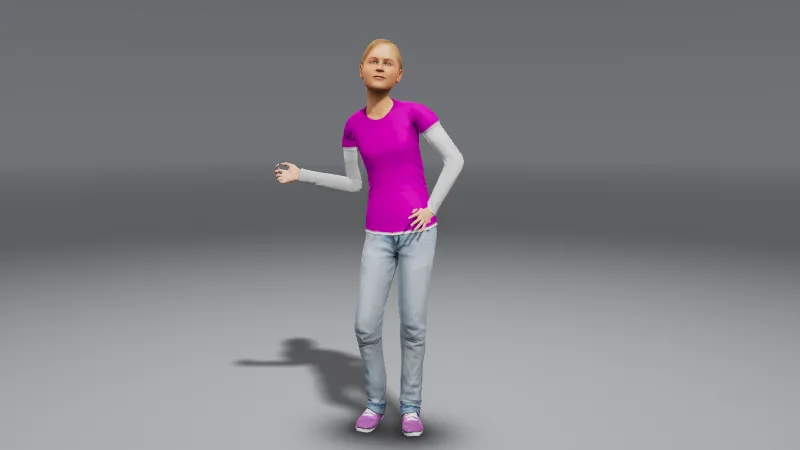
Generated clips know nothing of your track, so cut to the beat in the editor: lay the music first, then trim each shot to it. Give each shot one clear action that can land on a beat, such as "a girl spins once on the spot". Timestamps in a multi-shot prompt, which Veo 3.1 and Kling support, set roughly where cuts fall, but not to the frame.
Easily mixed up with
Cutting on the beat
The cuts land on the beats of the music.
Montage sequence
A run of short shots that compresses time, often cut to music.
Sound bridge
Lets one piece of music hold several shots together, whatever the timing.