J-cut
The next shot's sound starts before its picture. Leading into a scene, a voice before its face, anticipation.
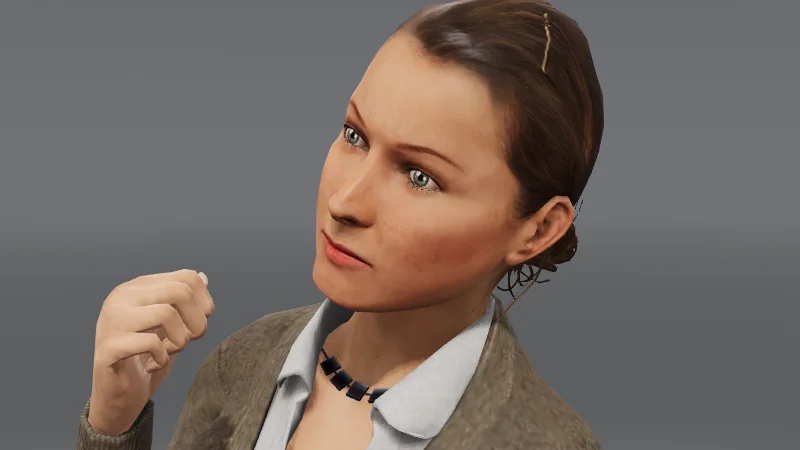
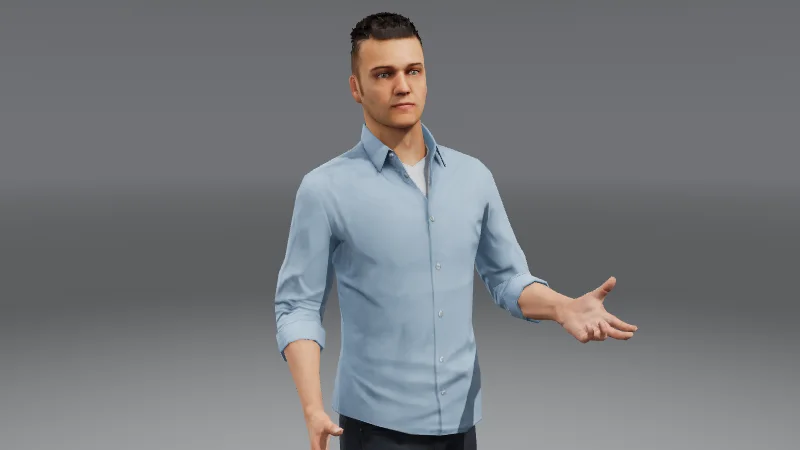 AB
- Made in
- Editing
- Also called
- audio lead, sound advance, prelap
What it does
The picture stays on the current shot while the sound of the next one has already begun: a voice, a train, music from another room. A moment later the picture catches up. Hearing the new scene first draws the viewer into it, so the change feels smooth. On a timeline the incoming sound reaches left under the picture, like the hook of a J. J-cuts and L-cuts are both split edits, cut at different moments in picture and sound. Scripts call an early sound a prelap.
When to use it
Use it to open a scene with sound before picture, such as traffic before the street, to bring in a speaker whose voice should be heard before their face, or to make a dialogue edit feel less mechanical. In conversation, starting the next line a few frames early is a standard way to make the cut less noticeable.
Writing the prompt
A J-cut is made in the editor: make both shots, each with its own sound, then slide the second clip's audio so it starts under the end of the first. In the prompts, keep the first shot quiet, "only quiet room tone, no dialogue", and give the second its line in quotation marks, "a man in the doorway says: 'You should have called.'"
Easily mixed up with
J-cut
The next shot's sound starts before its picture.
L-cut
The other way round: the old sound runs on over the new picture.
Sound bridge
Carries a sound across a change of scene, often for longer.