Dip to black
A quick fade down to black and straight up into the next shot. A pause between sections, interview edits, small time skips.
- Made in
- Editing
- Also called
- fade through black, fade out and fade in
What it does
The first shot darkens to black and the next one rises out of it, usually within a second, with only a moment of full black between. The viewer feels a short breath, a small full stop, without the weight of a slow fade out and fade in. The name dip comes from editing software: Premiere Pro calls it Dip To Black, Final Cut Pro makes it with Fade To Color set to black, and older film writing simply calls it a fade out and fade in.
When to use it
Use it between sections of an interview or a video essay, to step over a small jump in time inside a scene, or to separate two stories without the drama of a long fade. Keep it short: the longer the black lasts, the more it feels like an ending rather than a pause.
Writing the prompt
Make both shots and add the dip in the editor, where it is a ready-made transition: Dip To Black in Premiere Pro, Fade To Color set to black in Final Cut Pro. Give the first shot a quiet ending, such as "she pauses at the door and looks down", so the picture has settled before it goes dark.
Easily mixed up with

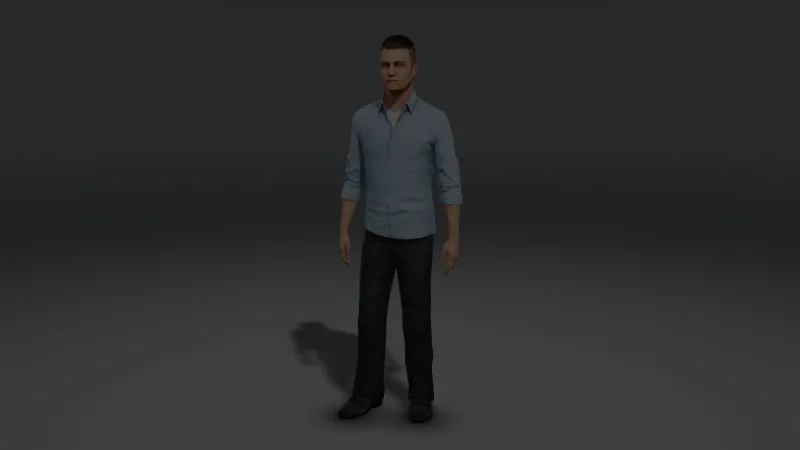
Dip to black
A quick fade down to black and straight up into the next shot.
Fade out
A slower fade that ends on black, usually closing a scene or the film.
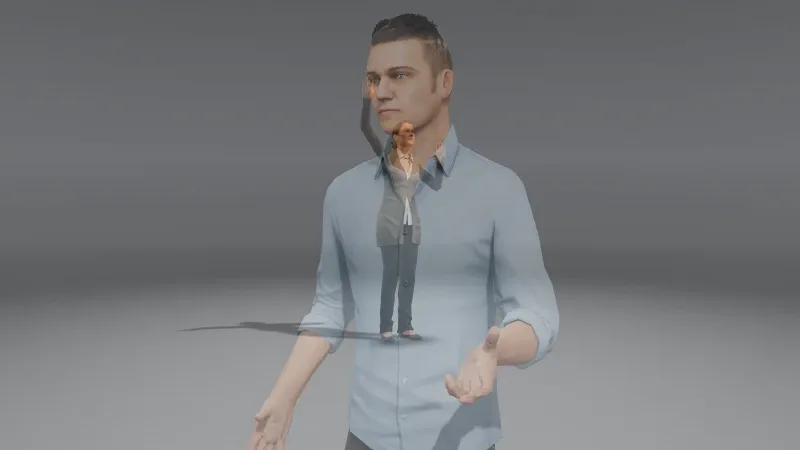
Cross dissolve
Mixes the two shots directly, with no black between them.