Cross dissolve
One shot fades out as the next fades in, so they overlap for a moment. Time passing, a change of place, memories, gentle scene changes.
- Made in
- Editing
- Also called
- dissolve, lap dissolve, mix, crossfade
What it does
For a second or two the outgoing shot fades away while the incoming one fades up over the same frames, so both pictures are on screen at once. The overlap tells the viewer that the two shots belong together and that something, usually time, has passed between them. A long, slow dissolve feels lyrical; a short one barely registers. Writers disagree at the edges: some count a fade to black as a kind of dissolve, others keep fades and dissolves strictly apart.
When to use it
Use it when time passes within a scene, as in a long night of waiting, when one place gives way to another, to slip into a memory, or to link the shots of a montage. In most editors it is the default transition. It slows the rhythm, so in fast or tense scenes a cut usually serves better.
Writing the prompt
The official prompt guides of the main video tools do not list the dissolve among their terms, so make the two shots and mix them in the editor, usually over one to two seconds. Help the overlap by keeping the join calm: end the first shot on a "slow, steady shot" and start the second as a "static shot" with open space, so the two pictures do not fight.
Also
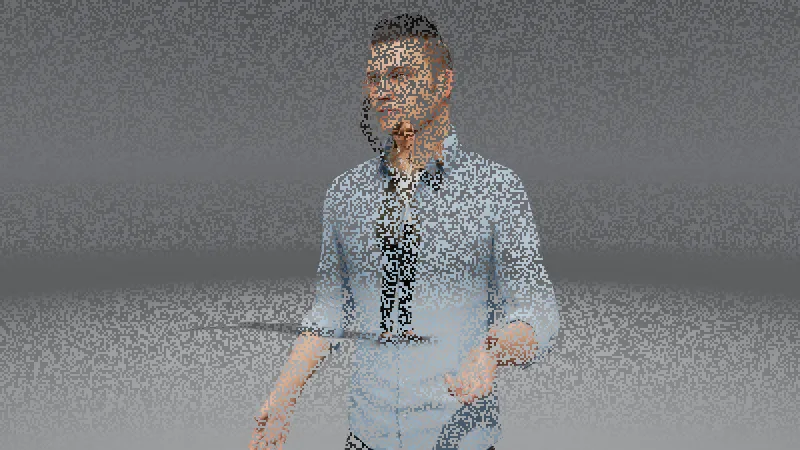
Noise dissolve
The next shot shows through a spreading grain of noise. Grainy, textured or digital-looking changes.
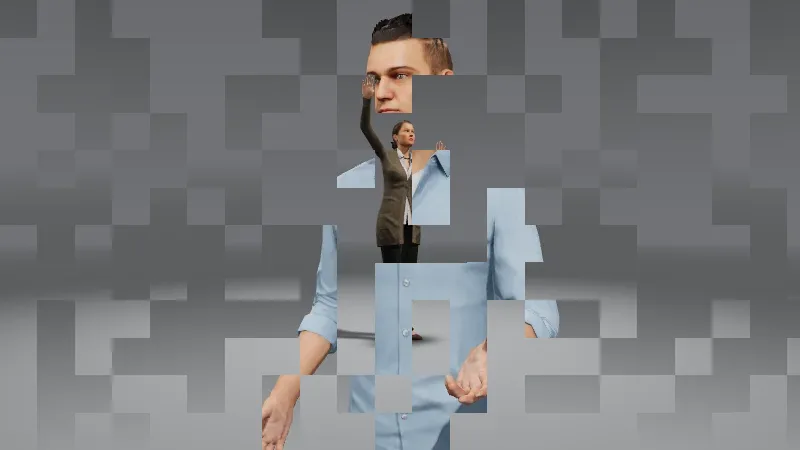
Block dissolve
The old shot breaks away in random blocks. Stylised, technical or digital looks.
Easily mixed up with
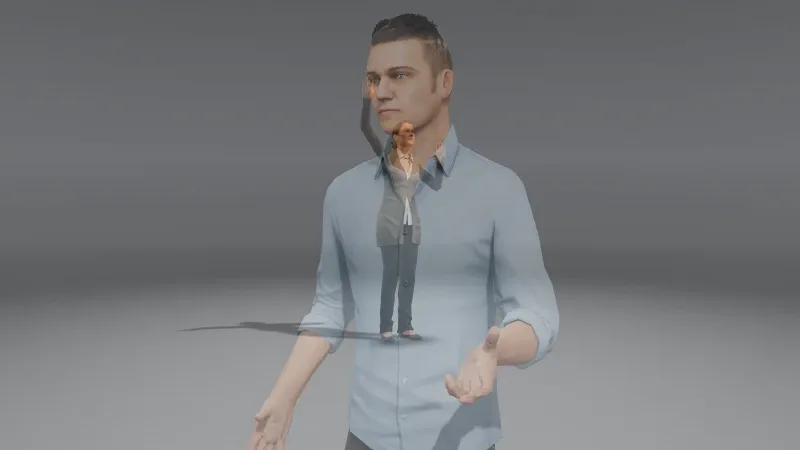
Cross dissolve
One shot fades out as the next fades in, so they overlap for a moment.
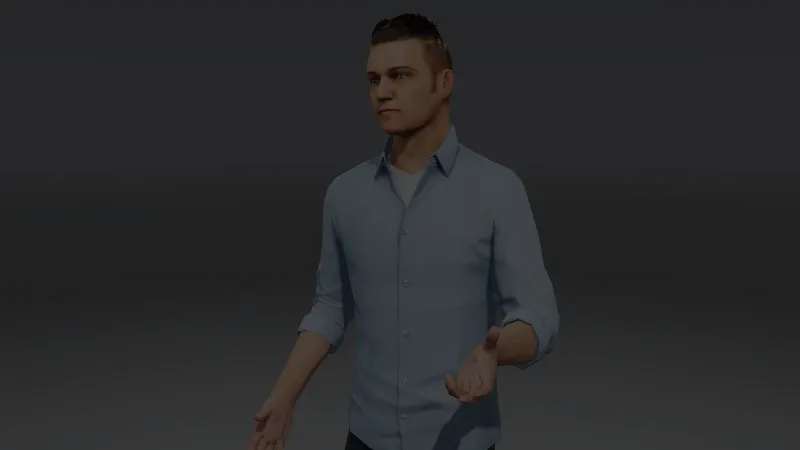
Dip to black
Passes through black between the shots instead of overlapping them.
Match dissolve
A dissolve between shots whose shapes line up.