Flash-forward
The story jumps ahead to the future, then returns. Foreshadowing, dread, a fate shown early.
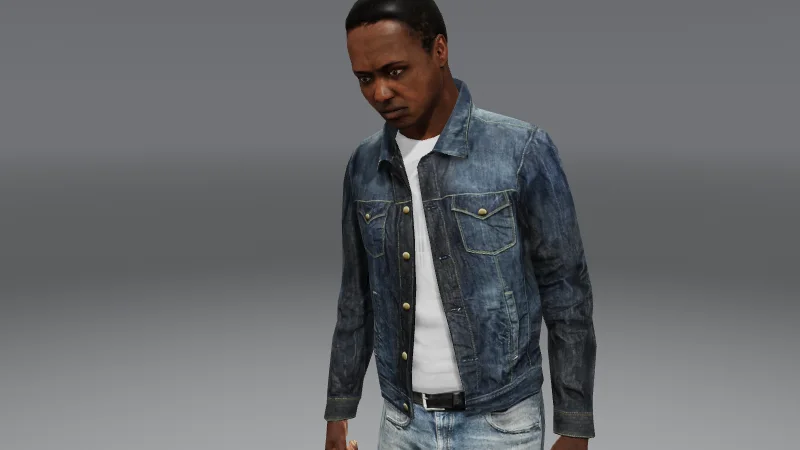
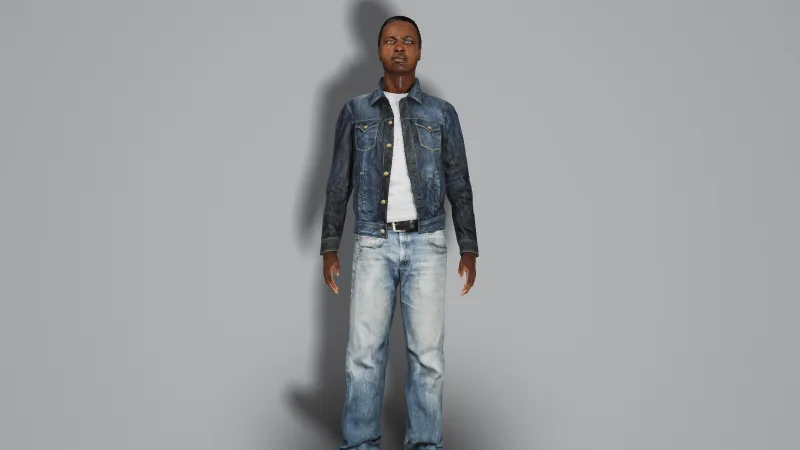 AB
- Made in
- Editing
- Also called
- flashforward
What it does
The story jumps to something that has not happened yet, shows it briefly, and returns to the present. The viewer now knows, or half-knows, where things will end, and watches the rest with that knowledge, so suspense shifts from what will happen to how. It can show a vision of what is coming, a glimpse of a character's fate, or a scene from near the end placed early. It is much rarer than the flashback.
When to use it
Use it to plant a question, to create dread before a happy scene, or to hook viewers in the first minute of a series. Keep the glimpse short and partial, so it raises a question instead of answering it, and mark it clearly, for example with a caption or a distinct look.
Writing the prompt
Mark the jump in time and keep the glimpse short: "Shot 1: medium shot of a man laughing at a party. Flash-forward, one year later: the same man lying still on a cold floor. Back to Shot 1." Repeat his clothing in every shot, since each one is generated fresh, and add any caption, such as a date, in the editor.
Easily mixed up with
Flash-forward
The story jumps ahead to the future, then returns.
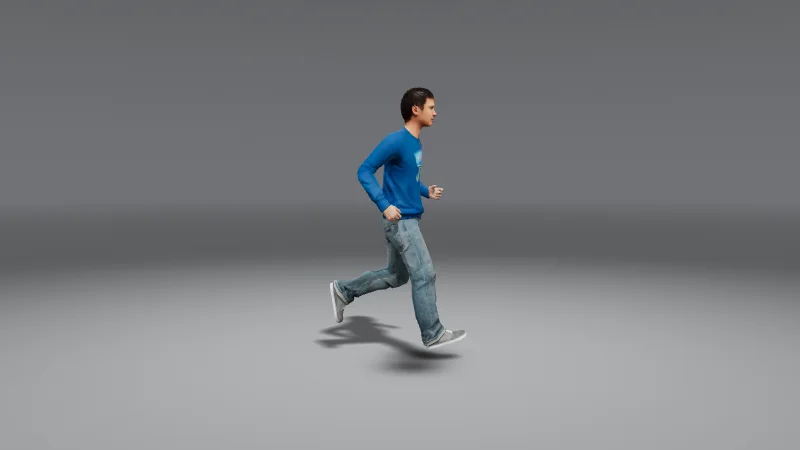
Flashback
Goes back to the past instead of ahead.
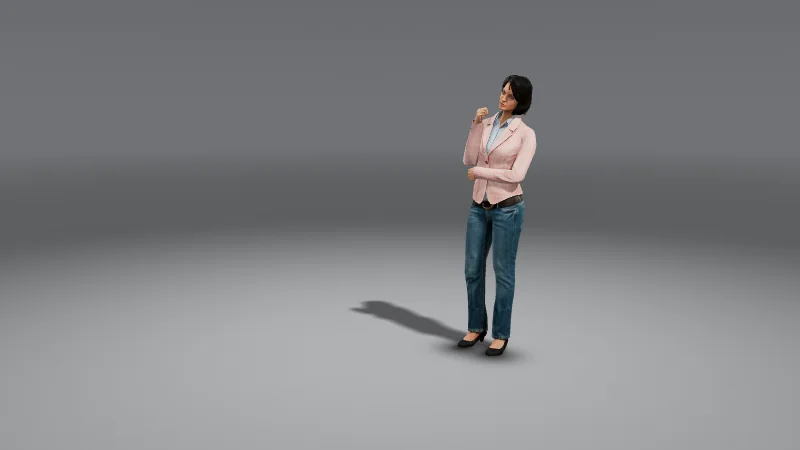
Time cut
Jumps ahead in the same place and stays there.