Flashback
The story jumps back to earlier events, then returns. Backstory, memory, a hidden truth revealed.
 AB
- Made in
- Editing
- Also called
- FLASHBACK (scripts)
What it does
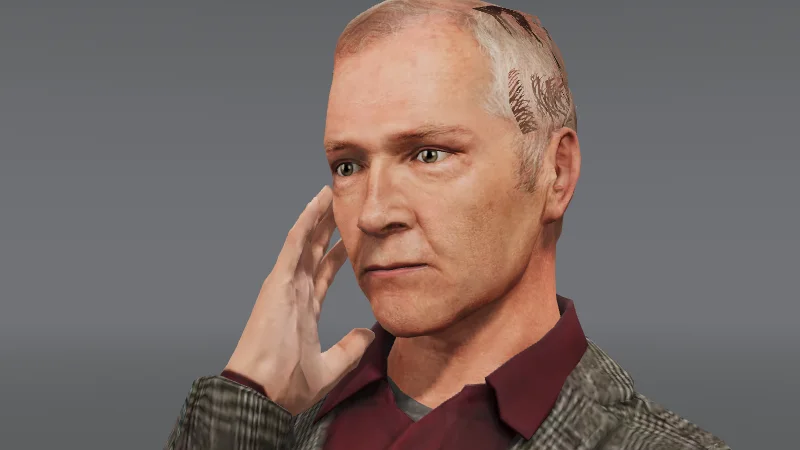
The story leaves its present and shows events that happened earlier, then comes back. The way in is usually marked, by a close-up of a thoughtful face, a dissolve, a ripple, a sound bridge, or a change of colour or grain, so the viewer knows the time has changed. A flashback can be one character's memory or simply the film showing what came before. It is a matter of story order rather than a transition itself: the joins are other transitions.
When to use it
Use it to reveal what a character is hiding, to explain how a situation came about, or to let a memory break into the present at an important moment. Keep the past looking different from the present, through costume, light or colour, so every return is clear.
Writing the prompt
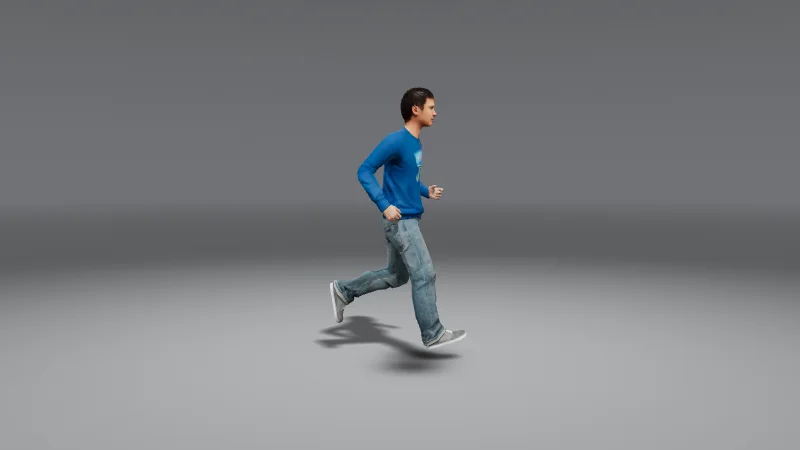
Write the time change into the prompt: "Shot 1: close-up of an old man lost in thought. Flashback, decades earlier: a boy laughing as he runs across a field." Give the past a look of its own, such as "warm, faded colours", and use the same words every time you return to it. A dissolve or sound bridge into the past is usually added in the editor.
Easily mixed up with
Flashback
The story jumps back to earlier events, then returns.
Flash-forward
Jumps ahead to the future instead of back.
Flash cut
A memory flashed for a few frames, not a whole scene.