Jump cut
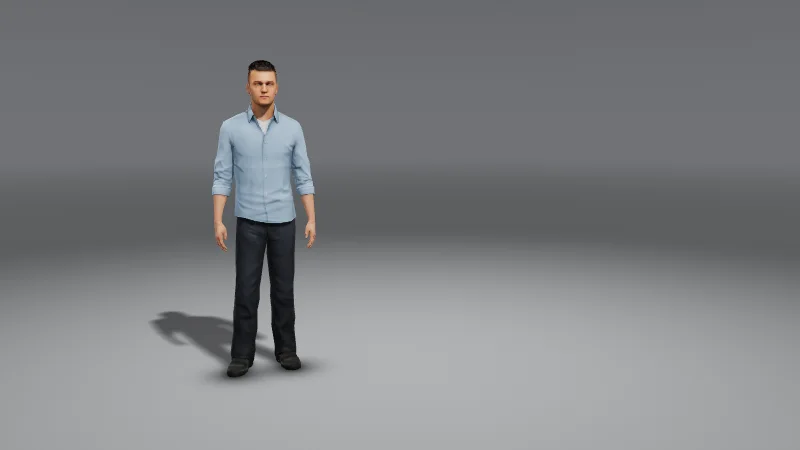
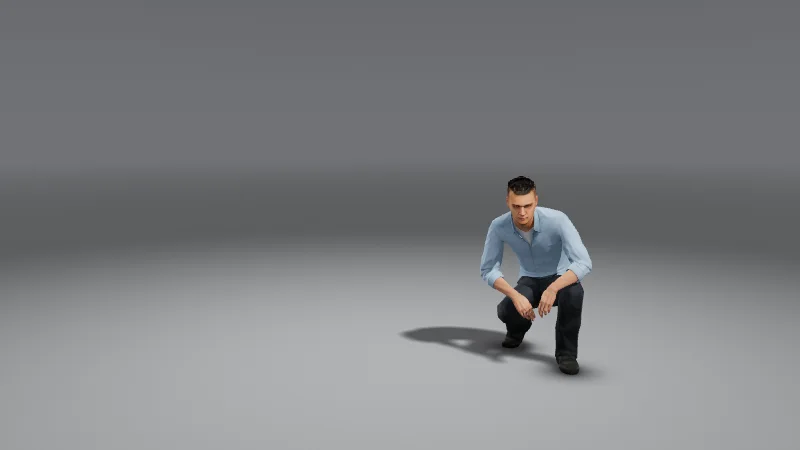
Two near-identical framings, so the subject jumps. Time skips, restlessness, tightened talks to camera.
 AB
- Made in
- Camera or editing
What it does
Two shots of the same subject from almost the same position are joined, so the background holds still while the person seems to leap to a new place or pose. The viewer sees that time was taken out. Definitions differ: some use the name for any cut that changes the camera angle by less than about 30 degrees, and some for any cut that feels jarring.
When to use it
Use it to squeeze a long wait into seconds, to show nerves or boredom, or to trim pauses from a talk to camera, as many online videos do. In a calm scene a single one can look like a mistake, so use several in a row or none at all.
Writing the prompt
Keep the framing fixed and change the subject: "locked-off medium wide shot", then "jump cut to the same framing" with a new pose or place for each step. Google's prompt guide for its Veo video model lists "jump cut" among its editing terms. Generated shots drift slightly, so check that the background really stays put.
Easily mixed up with
Jump cut
Two near-identical framings, so the subject jumps.
Axial cut
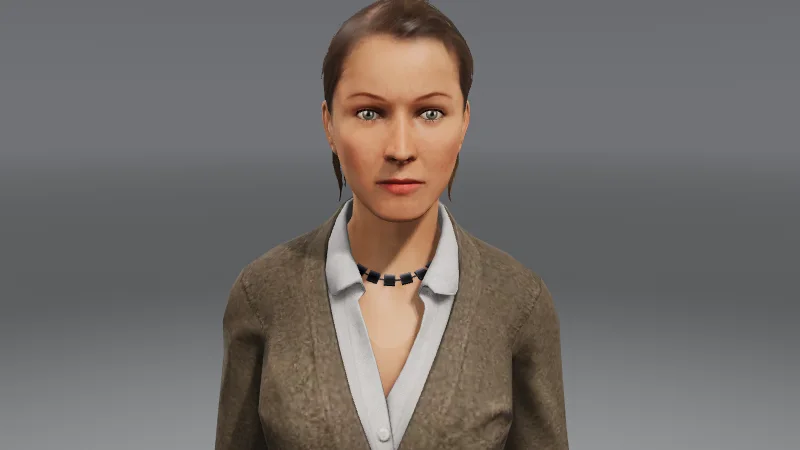
Keeps the angle too, but changes the distance, so the size jumps instead.

Jump cut in
A row of jump cuts that each step closer to the face.