Morph
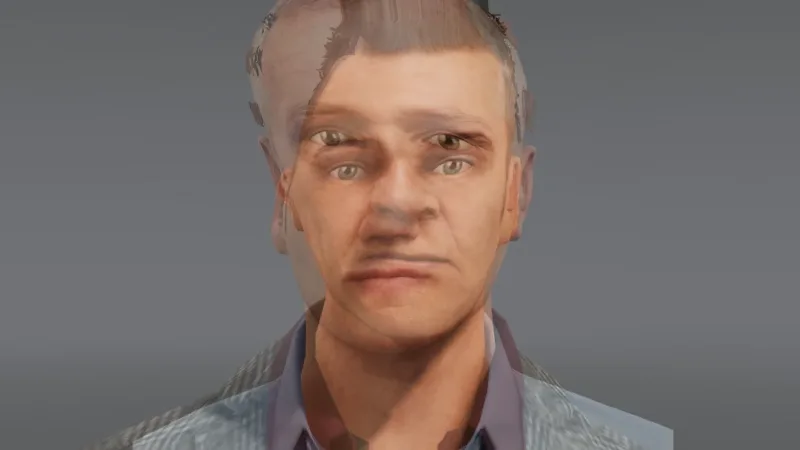
One subject reshapes into another, with no visible cut. Ageing, face changes, transformations.
- Made in
- Editing
- Also called
- morphing, morph transition
What it does
One subject gradually changes into another in front of the viewer: features slide into new places while the colours blend, so a young face becomes an old one or a cup becomes a bird, with no moment where a cut can be seen. Classic morphing warps both pictures toward each other while it dissolves between them, so it works best when the two share a pose and a place in the frame. In AI video it is a common use of start and end frames.
When to use it
Use it to show ageing or growing up, a person turning into someone else, a product changing form, or one place becoming another. It also links a row of faces or objects into one continuous chain. Line up the two pictures first: the closer their pose, size and lighting, the smoother the change.
Writing the prompt
Start-and-end-frame tools suit this best: give the first picture as the start frame and the second as the end frame, then describe the change, for example "the man's face slowly morphs into an old man's face, same pose, same framing". Kling's guide advises similar frames, because very different ones can turn into a hard cut. MiniMax's examples link the two with "transforming into".
Easily mixed up with
Morph
One subject reshapes into another, with no visible cut.
Morph cut
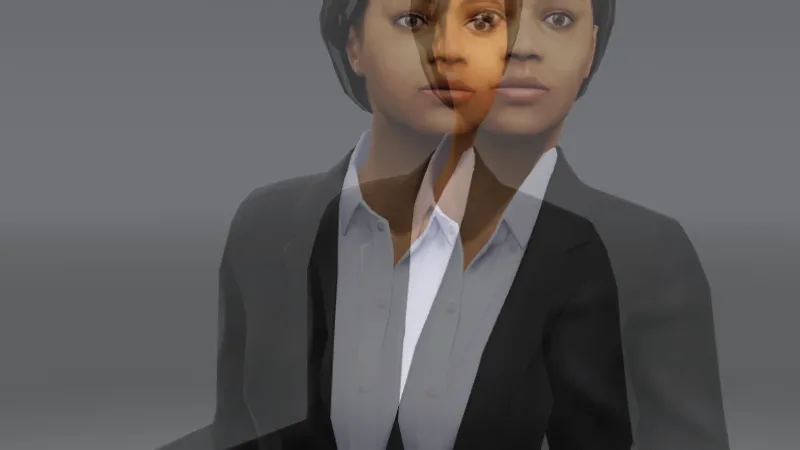
Smooths a small jump in one person's talk, without changing who is on screen.
Match cut
Cuts between two matching pictures, with no change in between.