Morph cut
Smooths a jump in a talking head, so the speech seems unbroken. Interviews, talks to camera, cutting pauses and filler words.
- Made in
- Editing
- Also called
- Smooth Cut (DaVinci Resolve), Flow (Final Cut Pro)
What it does
A pause or a slip is cut out of an interview, and instead of the head jumping to a new position, the frames on either side are tracked and blended so the face slides smoothly across the gap. Done well, the viewer hears one unbroken answer and sees no cut. Morph Cut is the Premiere Pro name, while DaVinci Resolve calls its version Smooth Cut and Final Cut Pro calls it Flow. Some writers also use morph cut loosely for a match dissolve, which is a different thing.
When to use it
Use it in interviews, lectures and vlogs shot on a still camera against a steady background, to remove an "um", a cough or a long pause without a jump cut. Keep it to a few frames. If the speaker moves a lot across the gap, the blend can wobble, so cover that join with a cutaway instead.
Writing the prompt
This is an editing tool, not something to generate. Ask for one long, steady take of the speaker, for example "locked-off medium close-up of a woman talking to camera, plain background, even light". Then cut out the pause in Premiere Pro and drop Morph Cut, in the Dissolve folder, on the join. Premiere analyses the clips before the blend appears.
Easily mixed up with
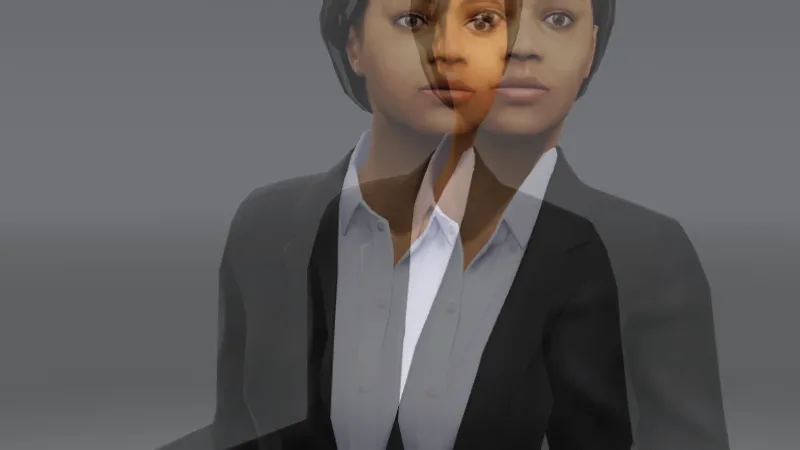
Morph cut
Smooths a jump in a talking head, so the speech seems unbroken.
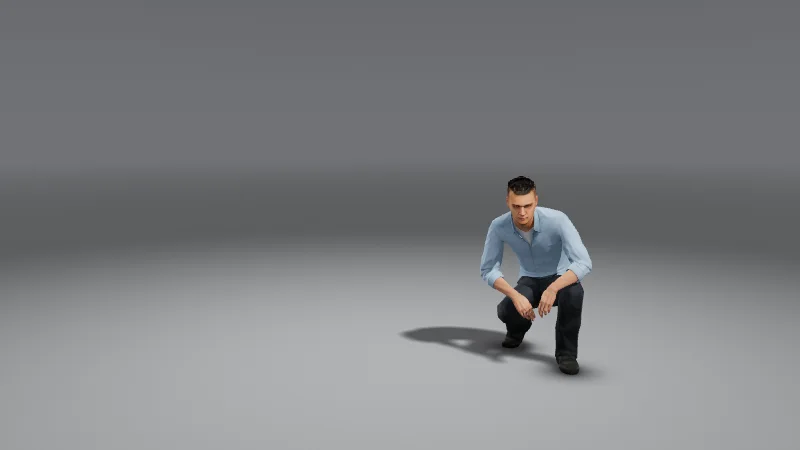
Jump cut
Leaves the jump in plain view, as a choice.
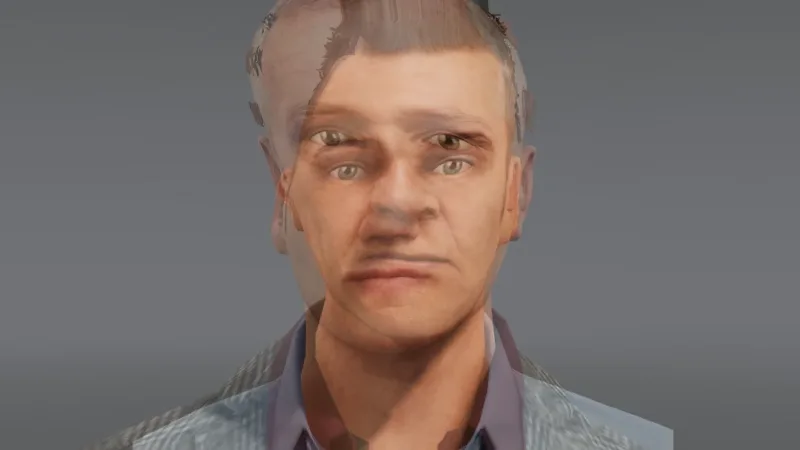
Morph
Changes one subject into another on purpose.