Natural wipe
Something passing close to the lens fills the frame, and the cut hides behind it. Hidden cuts, fake one-takes, changes of place.
- Made in
- Camera or editing
- Also called
- mask transition, object wipe, foreground wipe, body wipe
What it does
A person, a pillar, a tree or a passing car moves across the frame close to the lens, or the camera moves past it, and for a moment it covers everything. The cut falls while the frame is covered, and as the object clears, a different shot is revealed. In the editor the reveal is often refined with a mask that follows the object's edge, which is why creators call it a mask transition. Some writers list the invisible wipe and the natural wipe separately, with almost the same meaning.
When to use it
Use it to move from one place to another inside what looks like one move, to hide the joins of a fake one-take, or to reveal a new outfit or setting as someone walks past. The object should be dark or plain, and the movement past it should keep the same speed and direction in both shots.
Writing the prompt
ByteDance's prompt guide for Seedance 2.5 names foreground occlusion as one way to make a seamless transition between two clips. In other tools, describe the crossing: "a man walks past close to the lens and fills the frame" at the end of Shot 1, and "the frame starts covered by a passing figure, which moves away to reveal" at the start of Shot 2, then join them in the editor.
Easily mixed up with
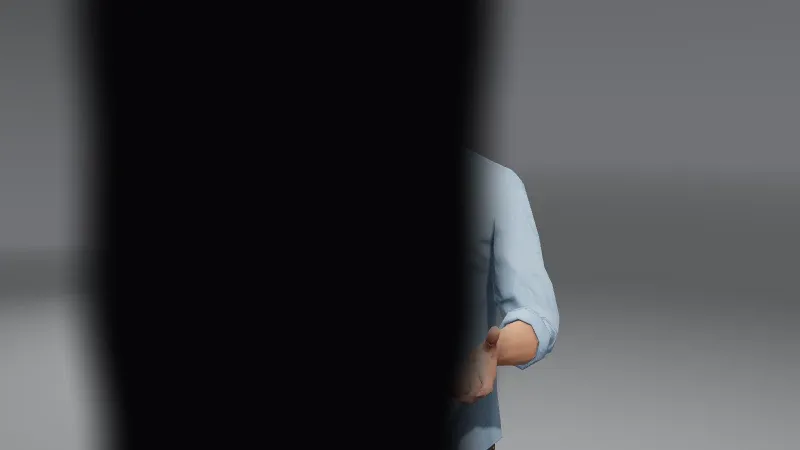
Natural wipe
Something passing close to the lens fills the frame, and the cut hides behind it.
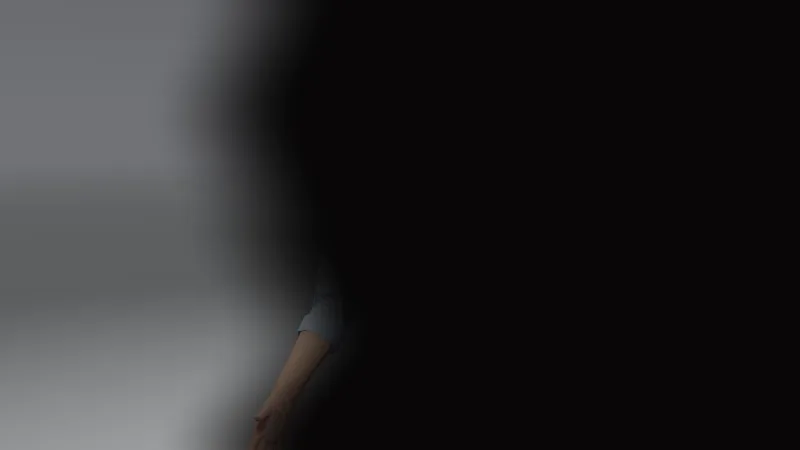
Lens cover
The cover is a hand or object held right at the lens.
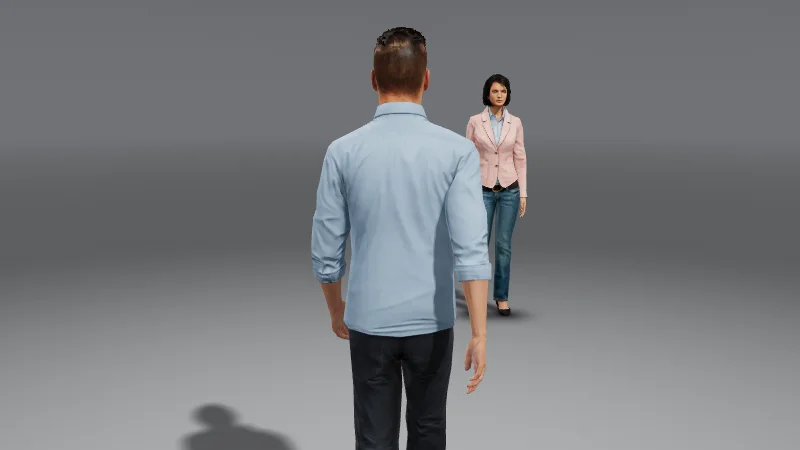
Invisible cut
The aim it often serves: separate takes that look like one.