Invisible cut
A cut hidden so well that separate takes look like one. Fake one-takes, long-take illusions, smooth joins.
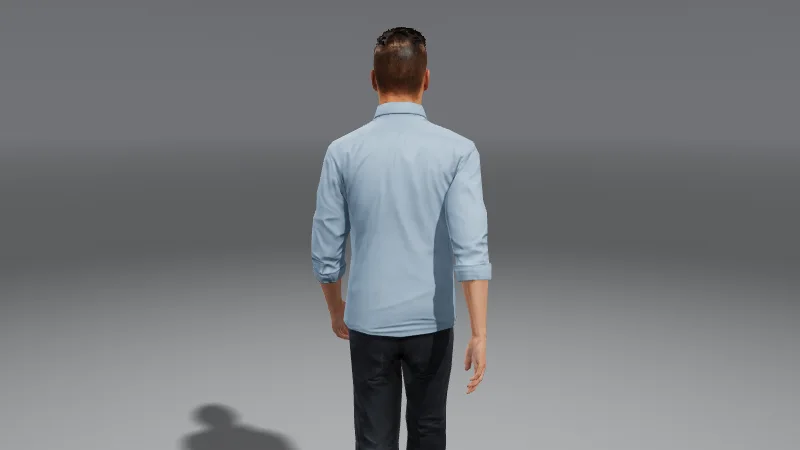
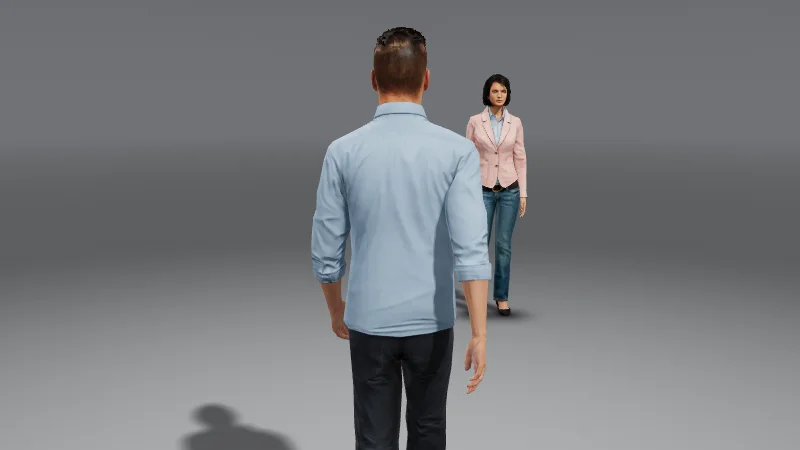 AB
- Made in
- Camera or editing
- Also called
- hidden cut, seamless transition, fake one-take, fake oner, stitched long take
What it does
The cut is placed where the viewer cannot see it: inside the blur of a whip pan, in a moment of full darkness, or behind a person or wall that crosses the lens. Each method hides one join, and strung together they make several takes play as one continuous shot, as in Hitchcock's Rope or in Birdman. Invisible editing is also a name for the whole classical continuity style, which is a wider meaning.
When to use it
Use it when a scene should feel like one unbroken take: to keep tension high, to follow a character through several rooms, or to build a long take that could not be filmed in one go. Plan every hiding place before shooting, because the end of one take and the start of the next must meet on the same frame.
Writing the prompt
In AI prompts these words work the other way: "continuous, seamless shot" or "one continuous shot" asks the tool for no cuts at all. ByteDance's Seedance 2.5 guide does describe seamless transitions between two clips, using methods such as foreground occlusion or a push or focus change. Elsewhere, end each take on a dark or blurred frame, start the next on a matching one, and join them in the editor.
Easily mixed up with
Invisible cut
A cut hidden so well that separate takes look like one.
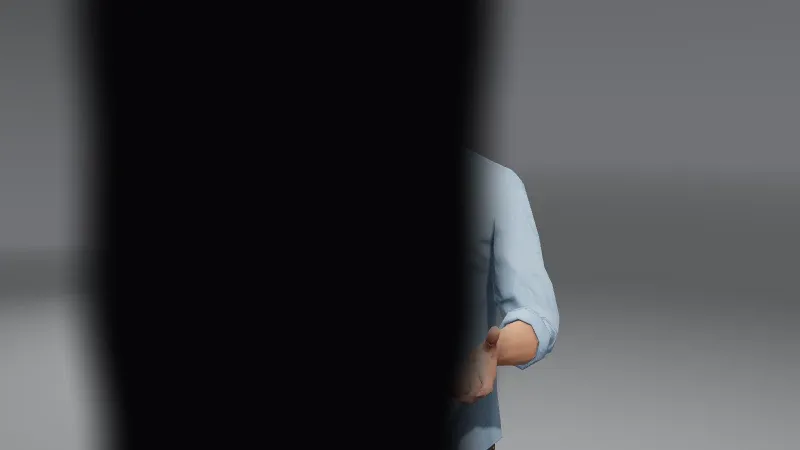
Natural wipe
One of its methods: something crosses the lens.
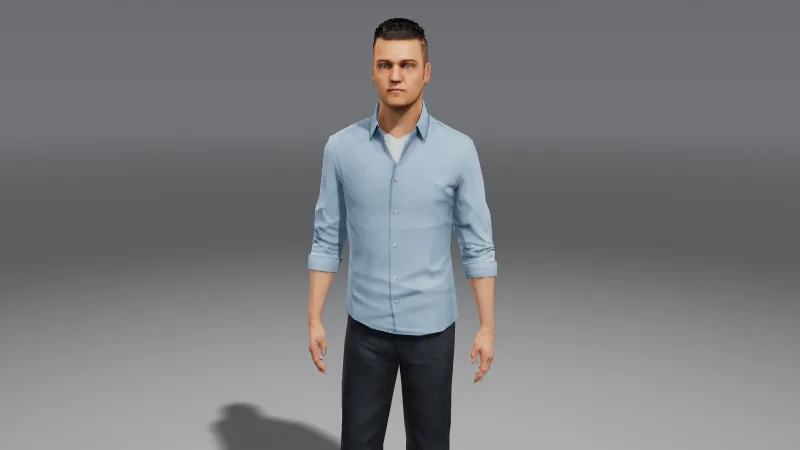
Whip pan right
Another method: the blur of a fast turn.