Guide / Camera-made transitions
Tilt to sky or ground
Tilts to plain sky or ground, cuts there, then tilts into a new place. Changes of place or time, calm travel edits.
- Made in
- Camera
- Also called
- sky tilt, tilt down to the ground
What it does
The camera tilts up until only empty sky fills the frame, or down until only pavement, grass or floor is left. Plain texture like this looks much the same anywhere, so a cut there passes unnoticed, and the next shot starts on similar sky or ground and tilts back into a different place. It works like a whip tilt, but the plain frame hides the cut instead of blur, so the speed can stay calm.
When to use it
Use it to move a character from one city to another, from morning to evening, or from the street outside a building to its roof. Match the sky or ground in both shots: clouds to clouds, asphalt to asphalt. It suits slower, gentler edits where a whip would feel too loud.
Writing the prompt
Ask for the tilt as the last beat of the first shot and the first beat of the second: "the camera tilts up until only clear blue sky fills the frame", then "the camera starts on clear blue sky and tilts down to reveal" the new place. MiniMax Hailuo's camera commands include "[Tilt up]" and "[Tilt down]". Make both shots and join them on the sky.
Easily mixed up with
Tilt to sky or ground
Tilts to plain sky or ground, cuts there, then tilts into a new place.
Whip tilt
Tilts so fast that blur, not plain sky, hides the cut.
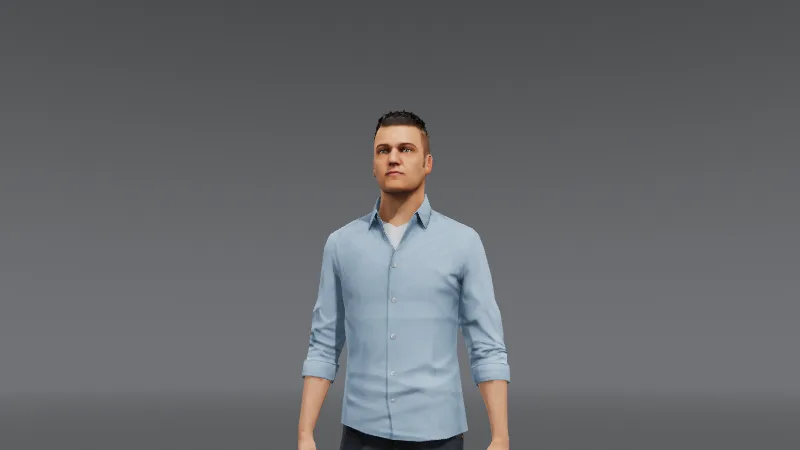
Tilt up
The plain tilt up inside one shot, with no cut in it.