Guide / Camera-made transitions
Zoom transition
Zooms fast into one shot and out of the next, with the cut in the blur. Fast montages, social video, diving into a memory.
- Made in
- Camera or editing
- Also called
- cross zoom, zoom-in transition, zoom-out transition
What it does
The end of the first shot zooms or pushes quickly toward a point, usually with heavy blur, and the next shot carries the same motion on from a point at its centre, or reverses it and pulls out. The eye stays fixed on the middle of the frame, so the change of picture feels like one rush forward. Editing programs fake it by scaling both shots with blur, in a preset often called cross zoom.
When to use it
Use it in fast montages and travel edits, on a beat drop in a music video, or to dive from a face into a memory. Line up the centres of both shots: a detail in the first should sit where something of a similar shape opens the second. Keep it for joins that are meant to feel fast.
Writing the prompt
Google's prompt guide for its Gemini Omni model names "zoom transitions" for clips made from a first and a last frame. Give both frames and describe the move, for example "fast zoom into the center of the first frame, with motion blur, continuing into the second". In other tools, make both shots and add the zoom in the editor, where a cross zoom preset does the blur.
Easily mixed up with
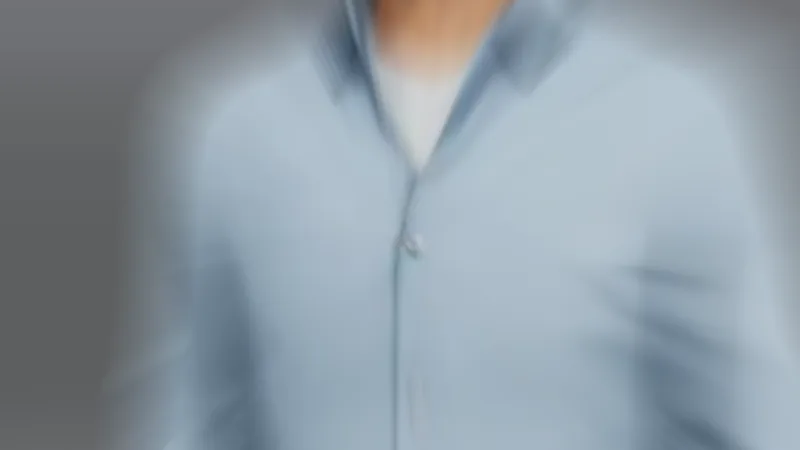
Zoom transition
Zooms fast into one shot and out of the next, with the cut in the blur.
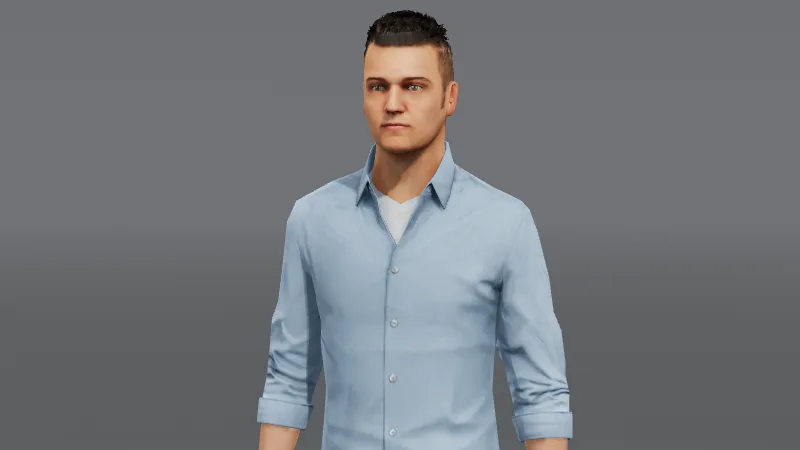
Fast zoom in
The fast zoom on its own, inside one shot.
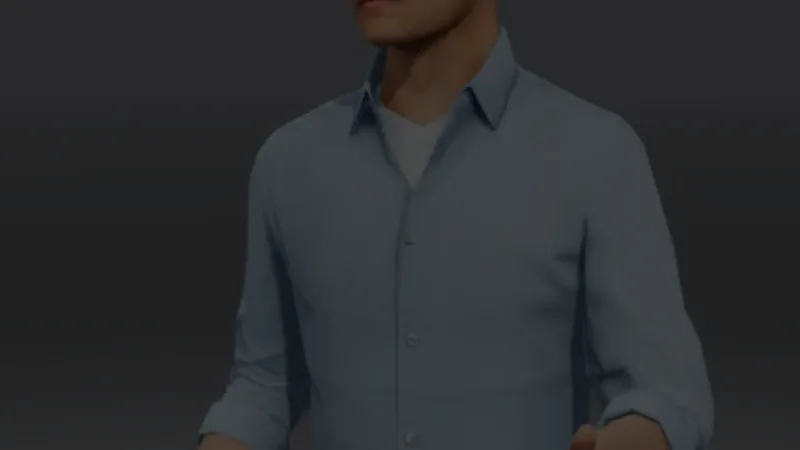
Push-in to black
Moves into darkness instead of into the next picture.