Cheat cut
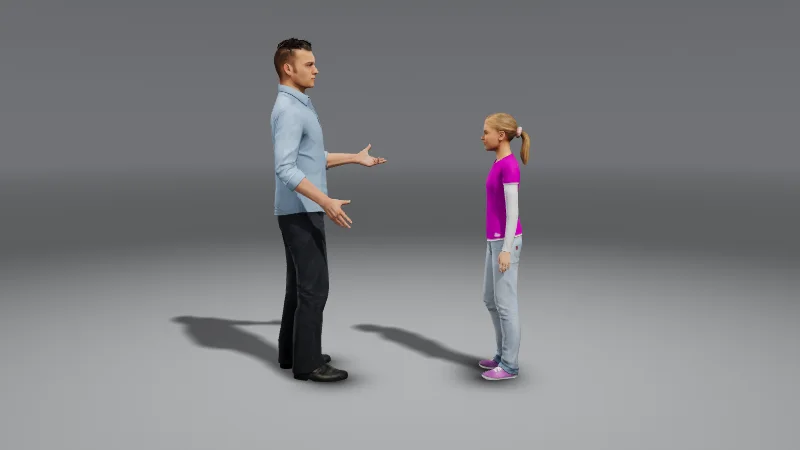
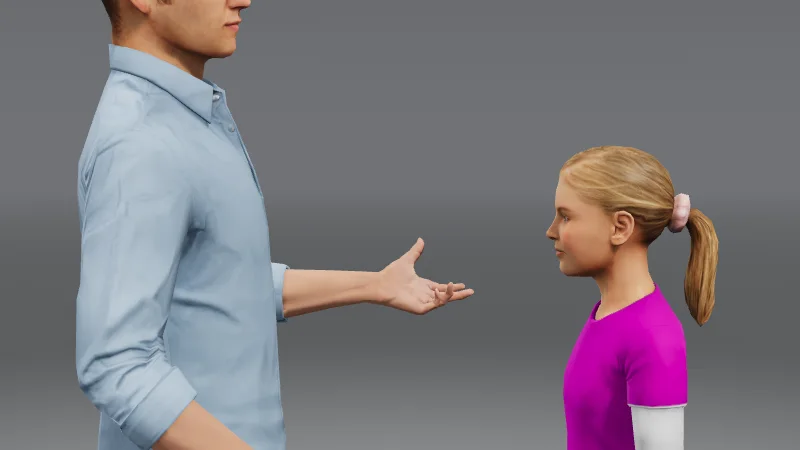
Quietly moves people or things between shots. Better framing, matched heights, clear eyelines.
 AB
- Made in
- Camera or editing
What it does
Time runs on continuously across the cut, but something has changed that strictly should not have: an actor stands a step closer, a shorter actor has been raised, a lamp has moved into frame. The new position makes the shot better, and because attention follows the action, the viewer does not notice. It is a normal part of classical continuity editing.
When to use it
Use it when a position that works in the wide shot fails in the closer one: a face hidden by a shoulder, two heads at very different heights, an eyeline that misses. Small changes are safe; anything the viewer has studied, such as an object in a hand, is not.
Writing the prompt
In AI video each shot is made fresh, so small mismatches happen on their own. Describe the positions you want in each shot, for example "their faces nearly level" or "her face clear of his shoulder", and check every cut for things that jumped, such as a cup changing hands.
Easily mixed up with
Cheat cut
Quietly moves people or things between shots.
Jump cut
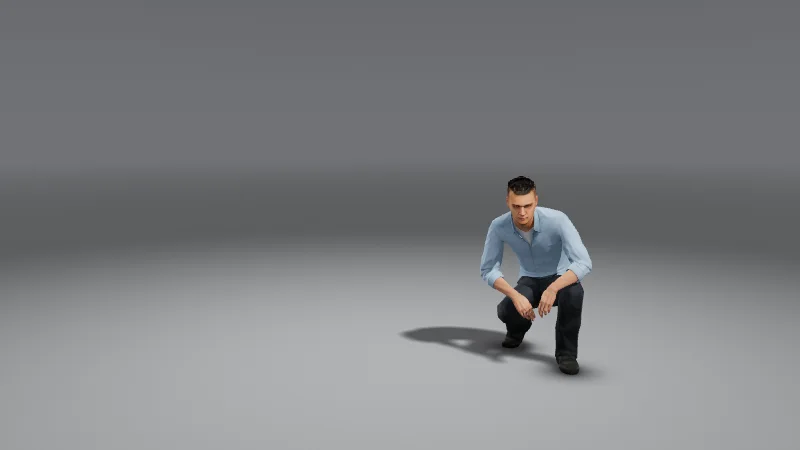
Makes the change visible on purpose.
Cut
The plain join that a cheat cut hides inside.