Match dissolve
A dissolve between shots whose shapes line up, so one turns into the other. A face ageing, past into present, one object becoming another.
- Made in
- Camera or editing
- Also called
- graphic dissolve, plastic dissolve
What it does
Two shots with the same composition are dissolved into each other, a face into an older face, a clock face into a full moon, so for a moment one shape seems to become the other. Where a match cut makes the link in a single frame, the dissolve lets the viewer watch the change happen. Scripts mark it "MATCH DISSOLVE TO:". One guide calls it a morph cut, but that name belongs to a Premiere Pro tool that smooths jump cuts in interviews.
When to use it
Use it to age a character in a single breath, to carry a place from past to present, or to turn one object into another as a visual metaphor. Plan both shots together and lock the framing, because the effect works only when the shapes really sit on top of each other.
Writing the prompt
Make both shots with the same framing words, "close-up, face centered in frame, looking straight into the lens", and change only what must change, such as the age. Dissolve between them in the editor and shift or scale one shot until the shapes overlap. Start-and-end-frame tools build motion between two frames, so they give something closer to a morph.
Easily mixed up with
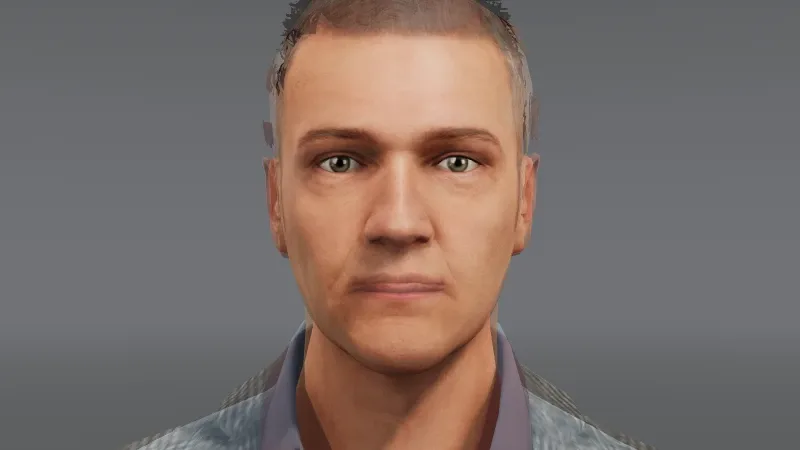
Match dissolve
A dissolve between shots whose shapes line up, so one turns into the other.
Match cut
Makes the same kind of link with a cut, in a single frame.
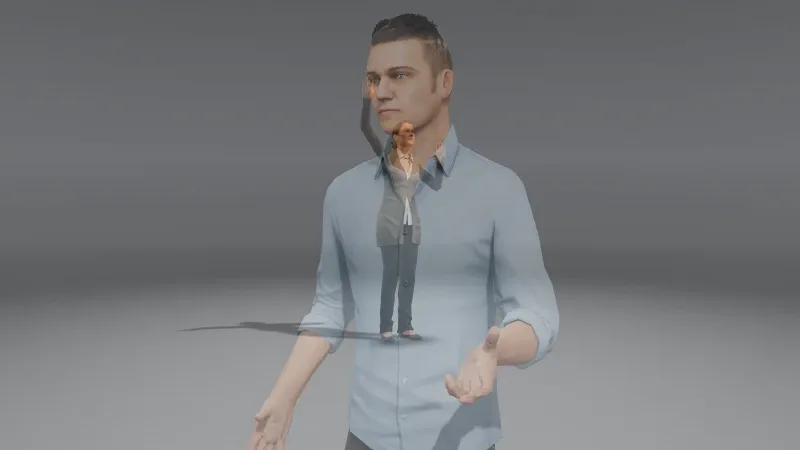
Cross dissolve
The plain dissolve, with no need for the shapes to match.