Cube spin
The two shots sit on two faces of a turning cube. Switching topics, rooms or people; presentations.
- Made in
- Editing
- Also called
- cube, box turn
What it does
The two shots sit on neighbouring faces of a cube, and the cube turns in perspective, carrying the old face away and bringing the new one forward. Because the turn happens in depth, it suggests moving to the next side of something: another place, topic or person. Final Cut has Cube and Filmora calls it Box Turn. Premiere had Cube Spin until it removed it in version 26.0; its newer Block Motion turns 3D blocks instead.
When to use it
Use it in presentations, product videos and playful montages, to switch between topics, rooms or people with a clear sense of turning a corner. It is a strong, showy effect that looks dated in serious work, so use it sparingly, or on purpose for a retro look.
Writing the prompt
Cube spins are made in the editor: make both shots and add the effect there. Each face shows a whole frame at an angle, so shots that read at a glance work best: "medium shot, centered subject, plain background". Movement in the same direction as the turn, such as "the camera pans right" before a cube turning left, helps it feel like one motion.
Easily mixed up with
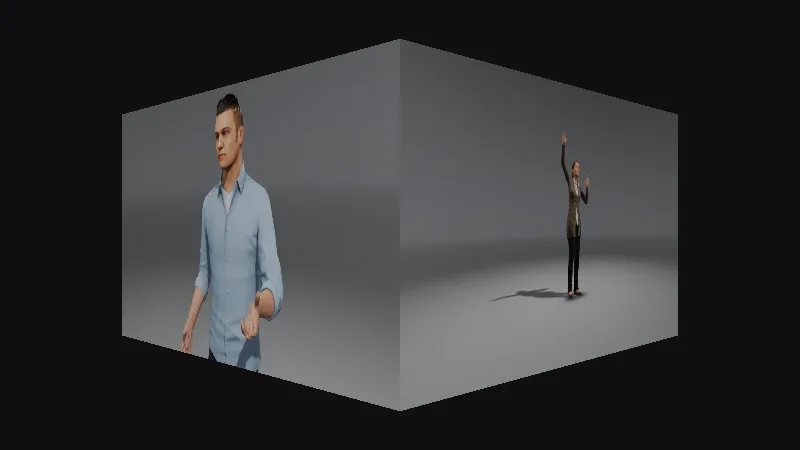
Cube spin
The two shots sit on two faces of a turning cube.
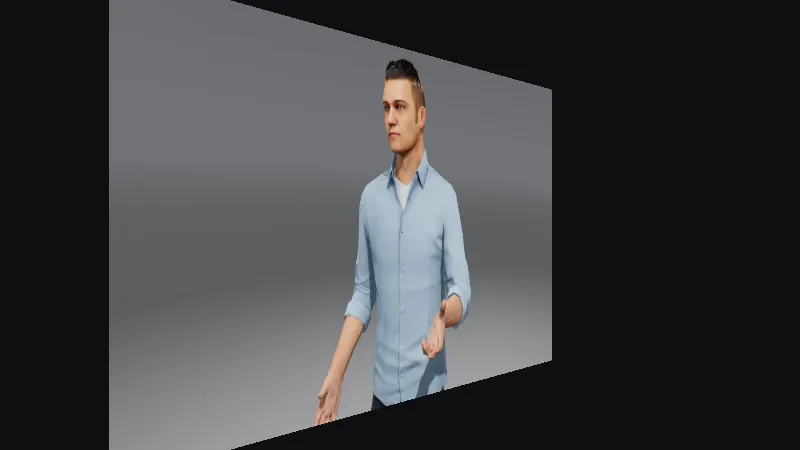
Flip
Turns one picture over to its back instead of to a neighbouring face.
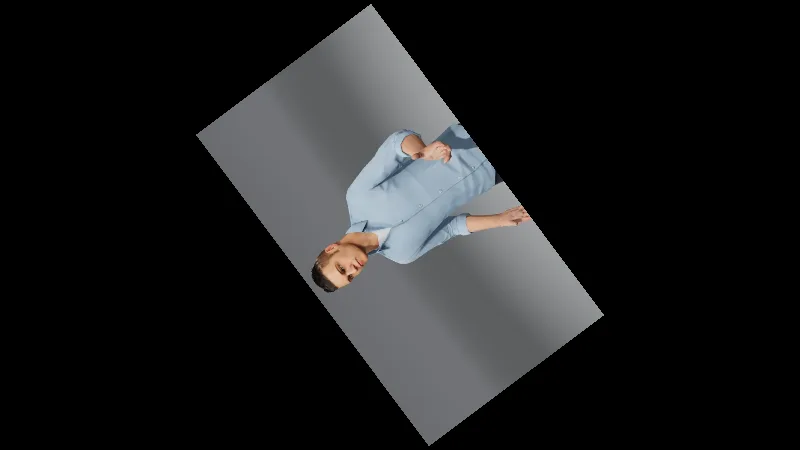
Rotate
Spins flat in the frame, with no depth.