Flip
The frame turns over like a card, with the next shot on its back. The other side of a story, a reversal, before and after.
- Made in
- Editing
- Also called
- flip over, card flip
What it does
The frame turns over around its middle, like a card or a sign flipped on a pin, and the next shot is on its back. Because one picture literally becomes the reverse of the other, it suggests the other side of something: the opposite view, a reversal, the same place in another light. Premiere's Flip Over was removed in version 26.0 and its newer Flip Motion does the same; Avid has it as X Spin and Y Spin.
When to use it
Use it for before and after, then and now, a twist where someone is not who they seemed, or two sides of an argument. It works best when the two shots are framed alike, so the flip really feels like turning one picture over. Like the cube, it is showy, so one or two in a video is plenty.
Writing the prompt
Flips are added in the editor; make both shots and choose the axis of the turn there, sideways or top to bottom. Frame the two shots the same way so they feel like two sides of one card: "medium shot, centered subject, same framing" in both prompts. Changing only the subject, the light or the clothes makes the reversal clear.
Easily mixed up with
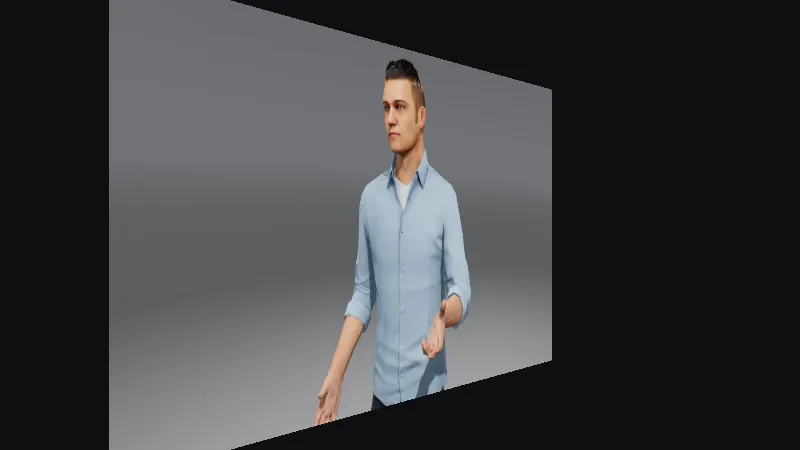
Flip
The frame turns over like a card, with the next shot on its back.
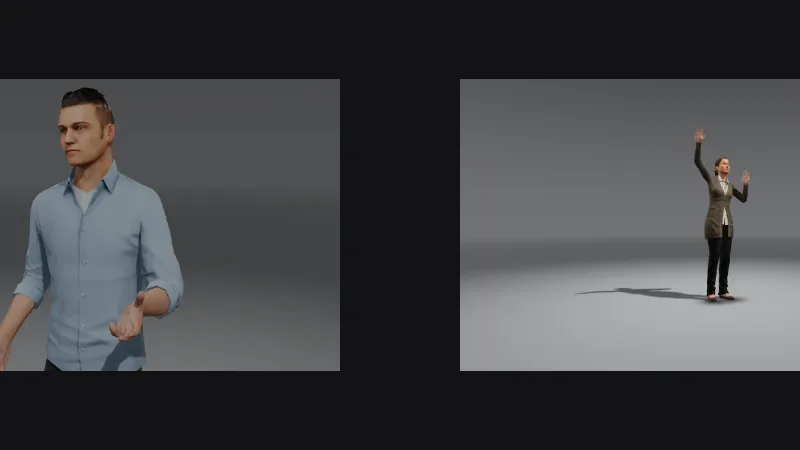
Swap
The two pictures trade places without turning over.
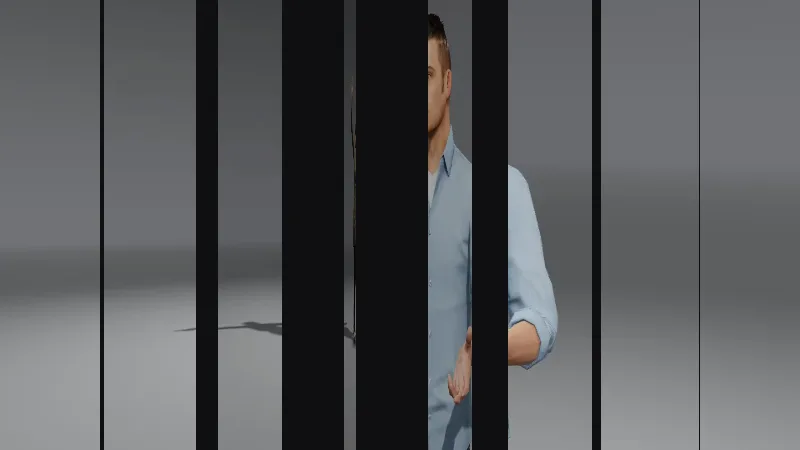
Card wipe
Many small cards flip in turn instead of one whole frame.