Rotate
The frame spins in its own plane as one shot turns away and the next turns in. High-energy travel, music and social videos.
- Made in
- Editing
- Also called
- spin, spin slide, roll
What it does
The frame spins in its own plane, like a wheel, as the old shot turns away and the next one turns in, often with a zoom or motion blur to hide the change. It is the editor's version of the spin transition that creators make by rolling the camera itself. Most programs have one under a name such as Spin, Rotate or Roll; Premiere's newer set calls it Spin Motion.
When to use it
Use it in high-energy travel, music and social videos, especially to join two shots that both turn the same way. A roll of the camera at the end of Shot 1 and at the start of Shot 2, carried on by the effect, makes it feel like one move. In quiet scenes the spin feels out of place.
Writing the prompt
Rotations are added in the editor. Make both shots and set the direction of the turn there, matching any turn inside the shots. To help it, end Shot 1 and begin Shot 2 with a roll the same way, such as "the camera rolls clockwise". Generated rolls vary in speed, so trim both shots until the turns line up.
Easily mixed up with
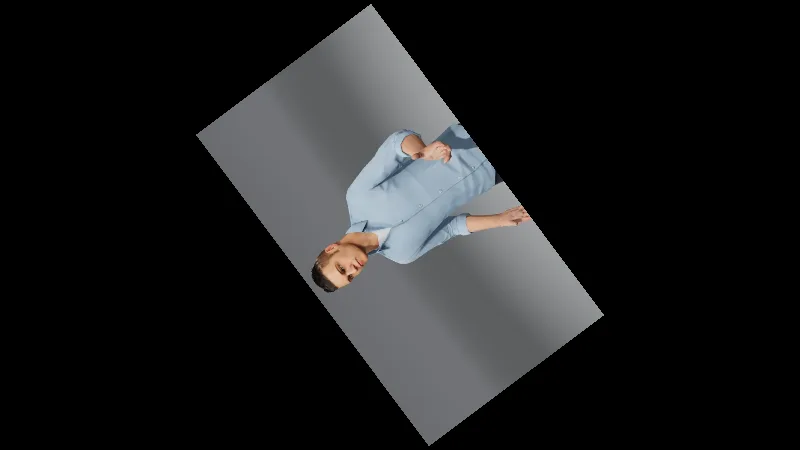
Rotate
The frame spins in its own plane as one shot turns away and the next turns in.
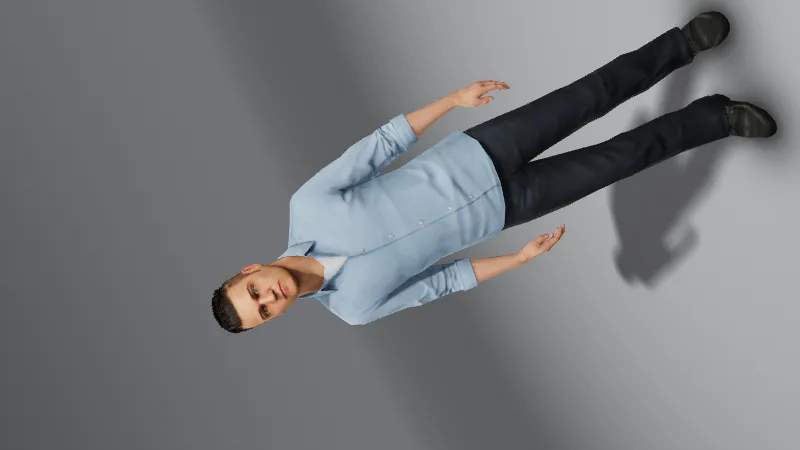
Roll
The camera itself rolls during a shot, the move this effect imitates.
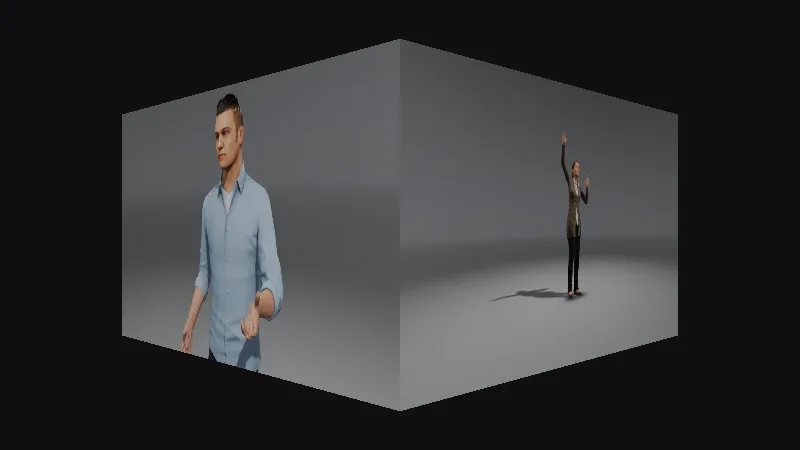
Cube spin
Turns in depth like a cube instead of flat in the frame.