Eyeline match
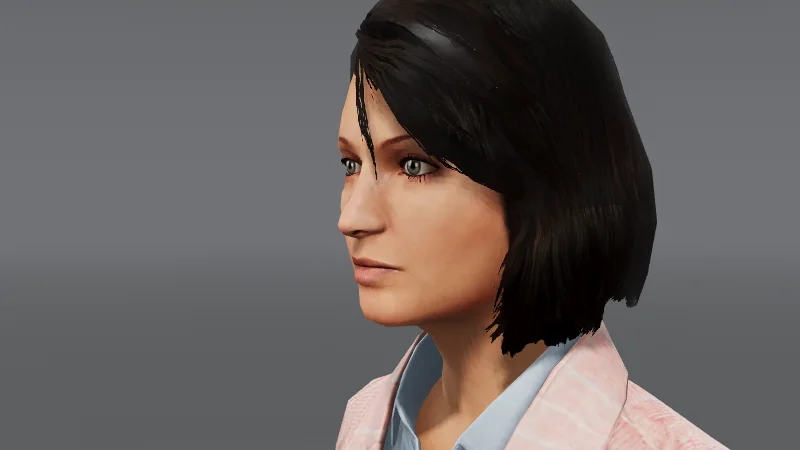
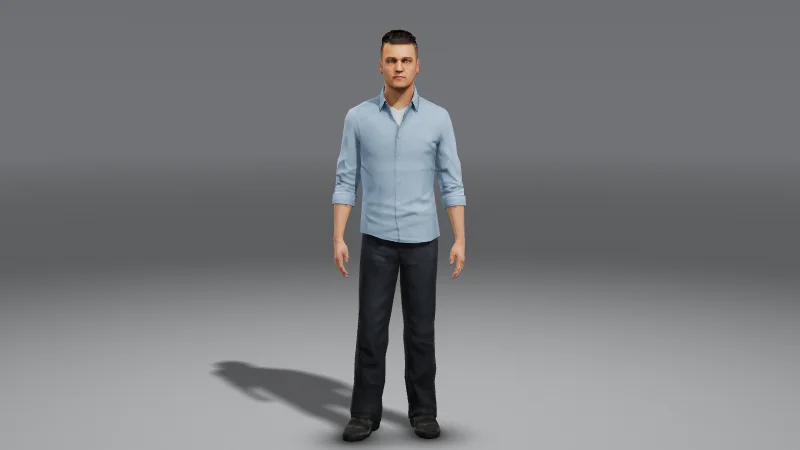
A look off-screen, then what is being looked at. Point of view, reactions, noticing something.
 AB
- Made in
- Camera or editing
- Also called
- eye-line match
What it does
A character looks at something outside the frame, and the next shot shows what they see, placed where their eyes pointed. If she looks up and to the left, the next shot shows something above and to the left of her. Keeping the directions consistent makes the link read at once; getting them wrong makes it seem she is looking at nothing.
When to use it
Use it whenever a look matters: someone noticing a danger, a face across a crowded room, a child staring at a shop window. It also tells the viewer where things are in the space without a wide shot.
Writing the prompt
Say where the eyes point in the first shot and match it in the second: "looking off to the right of the frame", then "seen from her position, at her eye height". For a view through the character's own eyes, write "point-of-view shot".
Easily mixed up with
Eyeline match
A look off-screen, then what is being looked at.
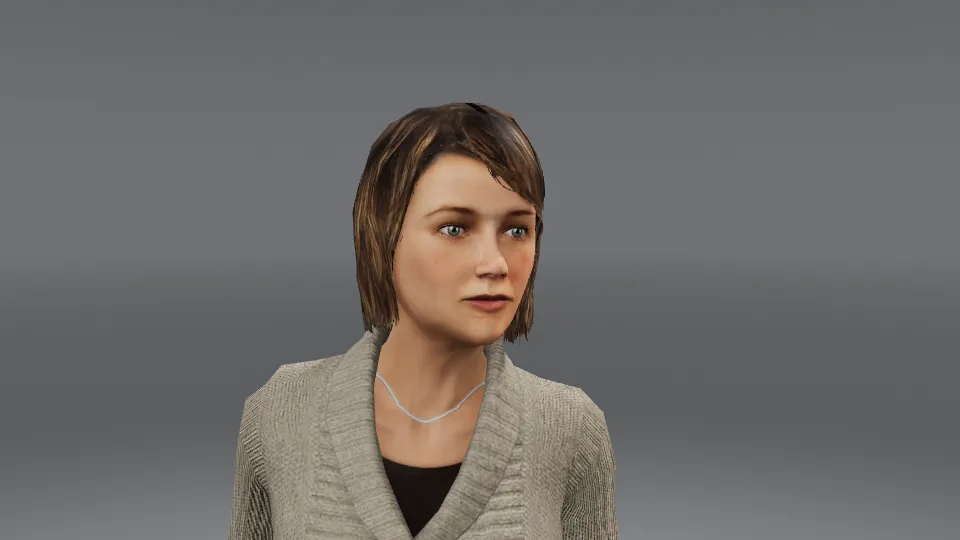
Point of view
Shows the view through the character's own eyes.
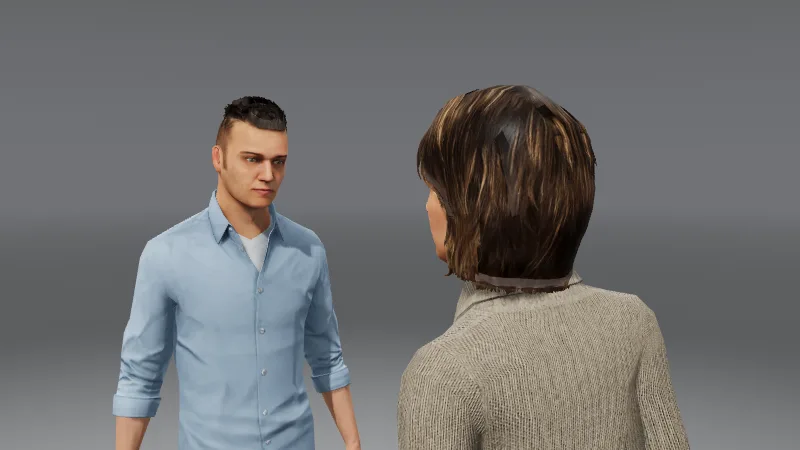
Shot / reverse shot
Two people looking at each other, cut back and forth.