Match on action
Cuts in the middle of a movement. Invisible continuity in fights, doors, sport.
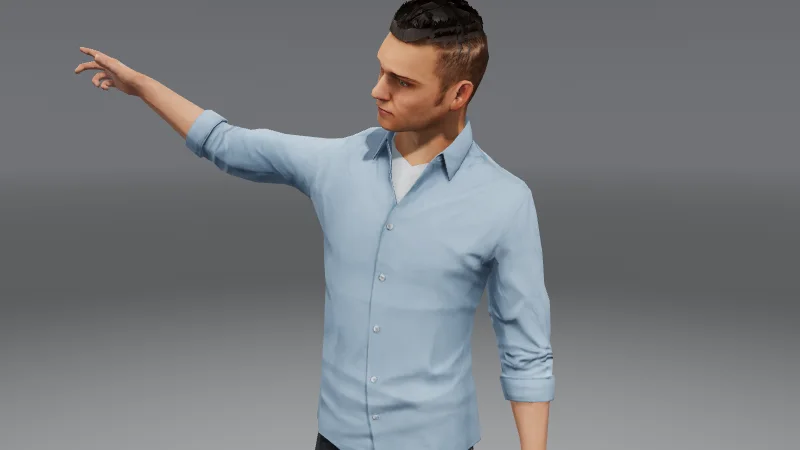
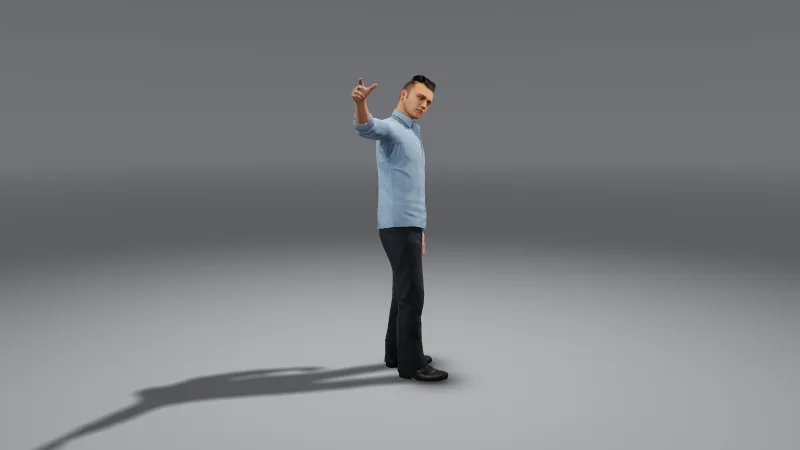 AB
- Made in
- Camera or editing
- Also called
- cut on action, cutting on action, action match
What it does
A movement begins in one shot and finishes in the next, and the cut falls in the middle of it: an arm starts to rise in a medium shot and reaches full stretch in a wide one. The viewer follows the motion and barely notices the change of angle. It is one of the basic tools of continuity editing and is used constantly in scenes with physical action.
When to use it
Use it whenever a scene changes angle during a movement: sitting down, standing up, throwing, opening a door, a punch landing. The movement must match in speed and direction in both shots, so cover the whole action from each angle and choose the cut point in the edit.
Writing the prompt
Describe the same action in both shots and say where each one picks it up: "Shot 1: he starts to raise his arm. Shot 2, wide from the other side: the arm reaches full stretch." Repeat the clothing and props in both shots, since separately generated shots often change them.
Easily mixed up with
Match on action
Cuts in the middle of a movement.
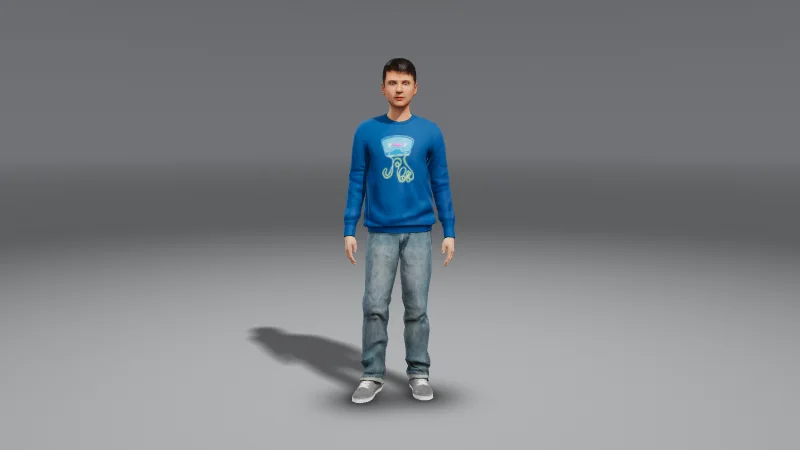
Match cut
The wider name for cuts that carry something across.
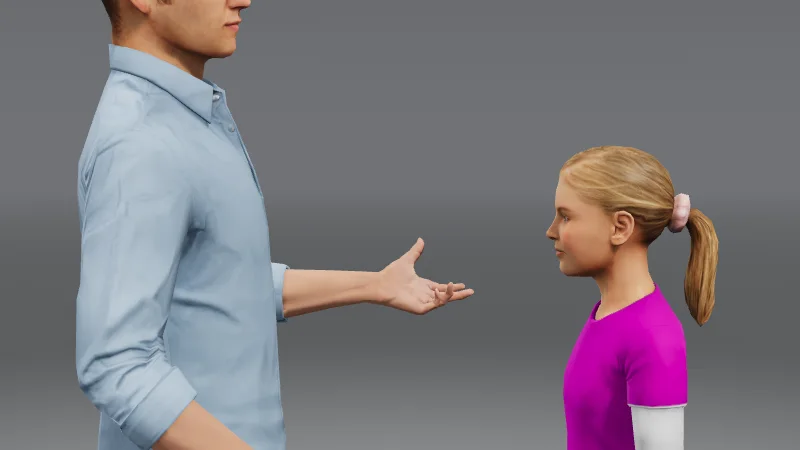
Cheat cut
Also hides inside continuity, but by moving things.