Film roll
The picture slides along like a film strip until the next frame is in place. Retro looks, home movies, film-themed titles.
- Made in
- Editing
- Also called
- film strip
What it does
The picture moves as if it were one frame on a strip of film: it slides up or sideways out of the gate, the dark line between frames and sometimes the sprocket holes go past, and the next shot arrives as the next frame. It recalls a projector slipping out of step or film being wound by hand. The join is shown openly and points to film itself, so it reads as nostalgic and a little playful. Premiere Pro calls it Film Roll, DaVinci Resolve Film Strip.
When to use it
Use it for retro and home-movie styles, flashbacks, a story about cinema, or to move from one old photograph or clip to the next as in a slideshow. It joins pictures in a row naturally, so it suits a series of memories. In a modern, realistic scene it breaks the spell, because it reminds the viewer of the medium.
Writing the prompt
This is an editor effect, so make the shots first. Generated shots can carry the look of film, for example "1970s home movie, 8mm film, grain, faded colour", which makes the roll feel at home. Then join them with a film roll or film strip preset, and choose whether the strip runs up or sideways.
Easily mixed up with
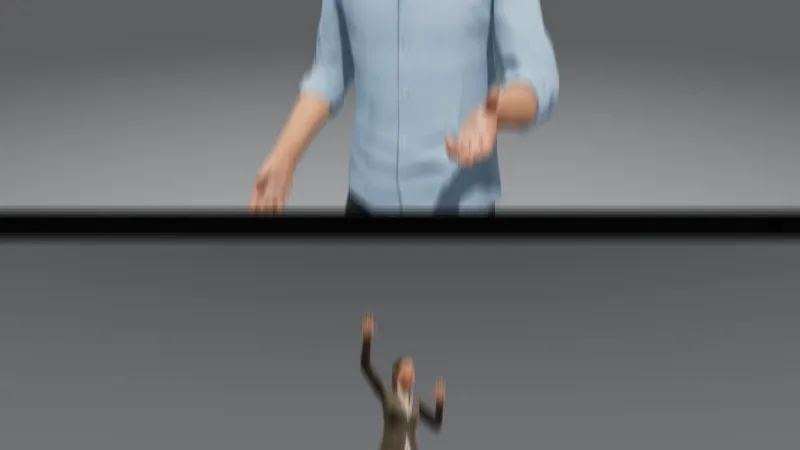
Film roll
The picture slides along like a film strip until the next frame is in place.
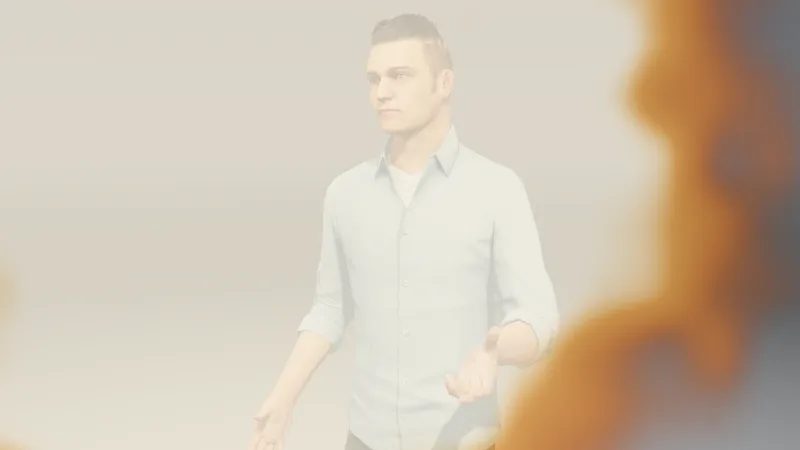
Film burn
Shows the film damaged and burning instead of moving on.
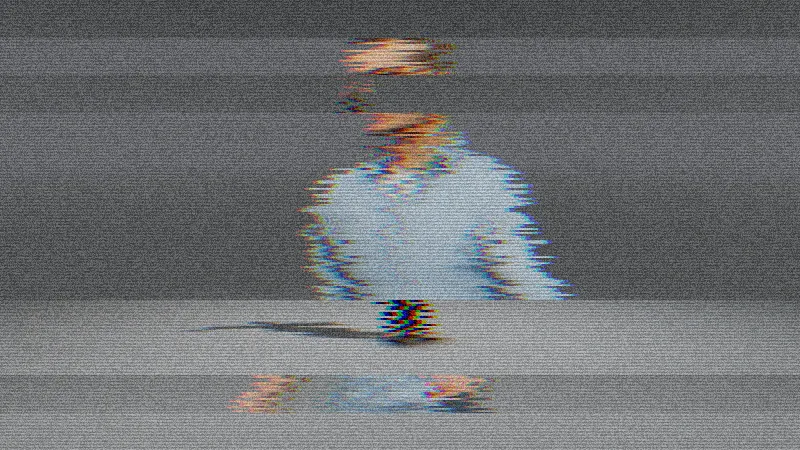
VHS damage
Imitates old video tape instead of film.