VHS damage
Faults of worn video tape fill the join: rolling bars, snow, bleeding colour. Retro looks, found footage, home-video memories.
- Made in
- Editing
- Also called
- analog damage, VHS effect
What it does
For a moment the picture behaves like a worn videotape: a band of distortion rolls through it, lines tear sideways, colours bleed past their edges and static snow crackles, then the image steadies on the next shot. These are the faults of analog tape and old players, so the effect places the footage in the past, on a home camcorder or a tape copied too many times. Editors offer it under names such as VHS Damage in Premiere Pro and Analog Damage in DaVinci Resolve.
When to use it
Use it for 1980s and 1990s settings, found-footage horror, home-video flashbacks and retro music videos, or to suggest a recording that someone is watching. It also suits a jump back to childhood. Keep it to one or two places, because constant damage is tiring to watch and hides the faces.
Writing the prompt
The damage is usually added in the editor with a VHS preset, so make both shots first and lay it over the join. To make a whole shot look like tape, describe it: "1990s home video, VHS camcorder footage, soft picture, colour bleed, a tracking line rolls through". Generated damage may not fall on the join, so keep the transition itself in the editor.
Easily mixed up with
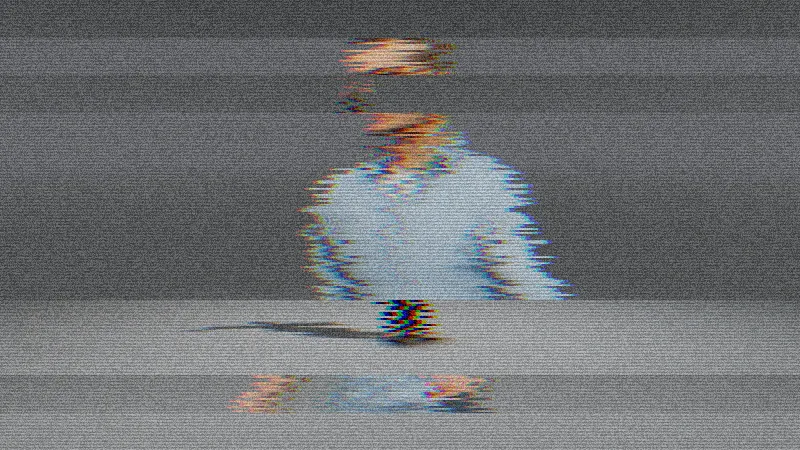
VHS damage
Faults of worn video tape fill the join: rolling bars, snow, bleeding colour.
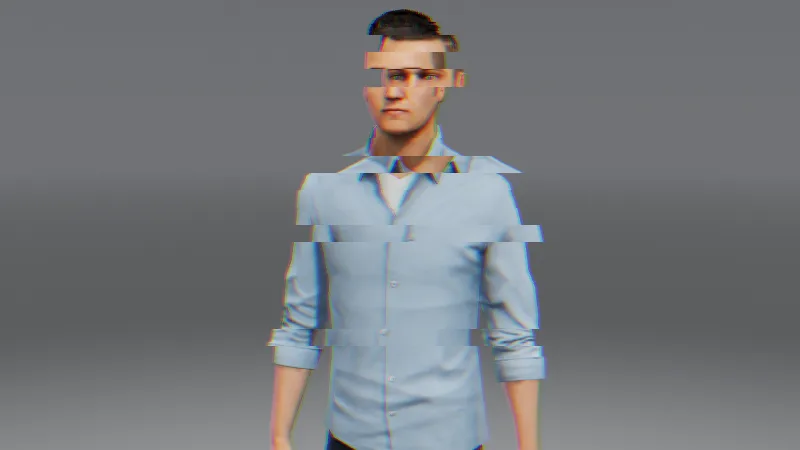
Glitch
Digital faults, with blocks and colour splits, not worn tape.
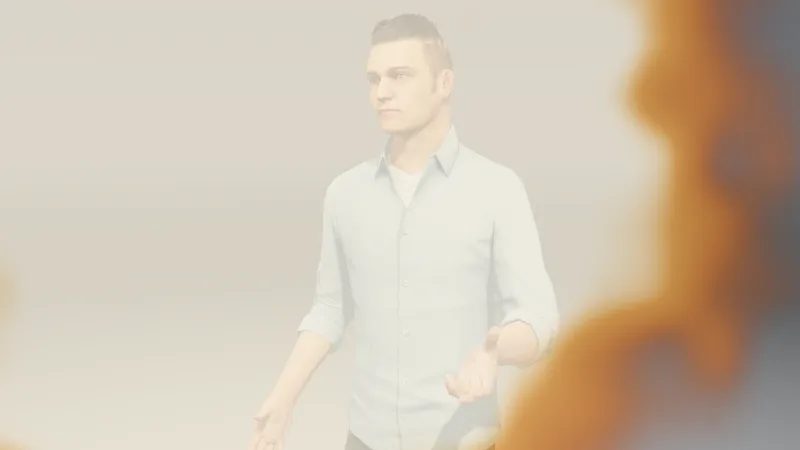
Film burn
Damage to film running through a projector, not to video tape.