Film burn
Hot orange and white blotches eat through the frame to the next shot. Vintage looks, music videos, indie films.
- Made in
- Editing
- Also called
- burn transition, burnt film, burn away
What it does
Bright orange, red and white blotches spread over the picture, as if the film were scorching, and where they burn through, the next shot appears. It imitates real accidents of film: a frame melting when it stalls in a hot projector, or the overexposed frames at the ends of a roll. Sources draw the line differently: some call any warm burst over the join a film burn, others keep the name for damage and call soft colour a light leak.
When to use it
Use it for a vintage or handmade look in music videos, indie films and retro edits, or to end a flashback as if the film itself were giving out. It is loud and eye-catching, so one or two in a piece is usually enough. Between clean, modern digital shots it can look like a filter rather than film.
Writing the prompt
Film burns are overlays or presets added in the editor, such as Burn Away in DaVinci Resolve, so make the two shots first and lay the burn over the join. To ask for the look inside one generated shot, describe it: "old 16mm film, the frame scorches and melts from the center with orange edges". Results vary, and a burn added in the editor is easier to time.
Easily mixed up with
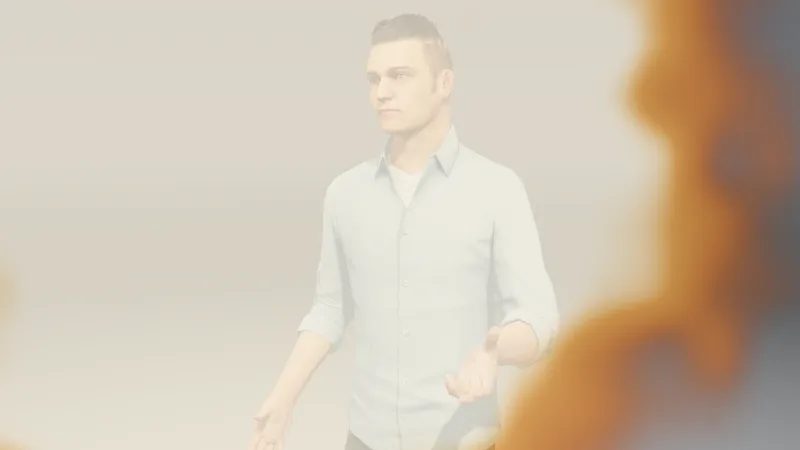
Film burn
Hot orange and white blotches eat through the frame to the next shot.
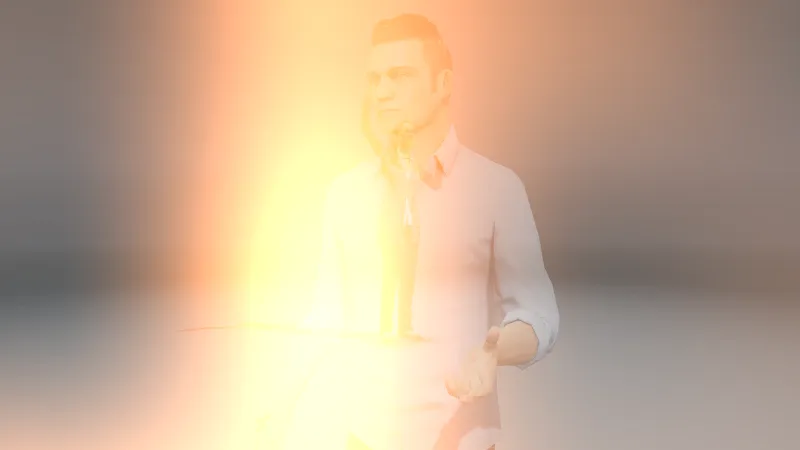
Light leak
Soft, warm stray light that tints the frame without eating it.
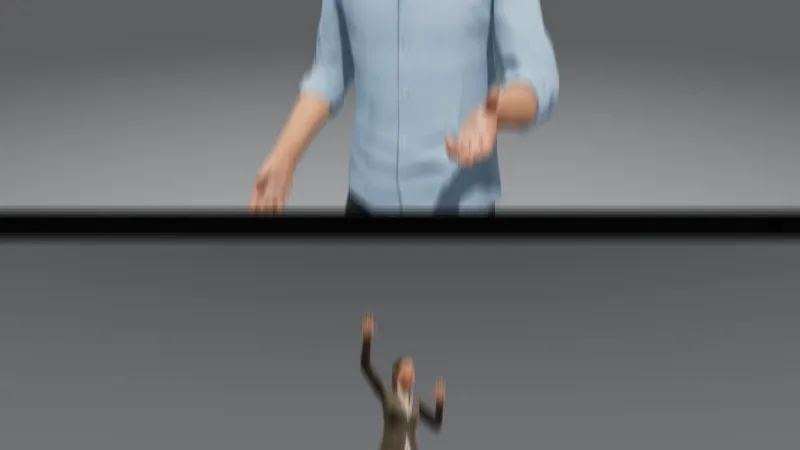
Film roll
Shows the film strip sliding through the gate, with no damage.