Glass
The next shot appears through blocks of glass that bend it, then clear. Clean, modern edits, titles, a dreamy blur.
- Made in
- Editing
- Also called
- glass blocks, refraction
What it does
For a moment the frame looks as if it were seen through patterned glass: thick blocks or panels bend and offset the picture behind them, and as they slide or clear away the next shot is sharp. The picture is refracted, not broken, so it stays recognisable and feels cool and polished. It is not the same as a shattering-glass effect, where the frame cracks and falls in pieces. Premiere Pro offers Glass and Panel Wipe, and After Effects has CC Glass Wipe.
When to use it
Use it for clean, modern edits, title sequences, fashion and product videos, or a soft change in a dreamlike scene. It works best on bright shots with clear shapes, which stay readable through the glass. A real sheet of ribbed or patterned glass passed in front of the lens gives a similar look in camera.
Writing the prompt
Glass transitions are added in the editor, so make both shots first. Bright light and clear shapes stay readable through the blocks, for example "a man in a white shirt against a clear blue sky". Then choose the size of the blocks: a few large panels look calm and designed, while a fine grid looks busier and more abstract.
Easily mixed up with
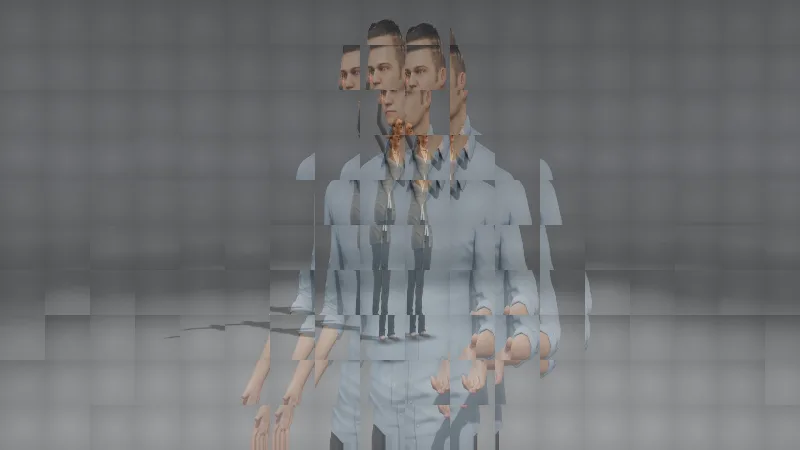
Glass
The next shot appears through blocks of glass that bend it, then clear.
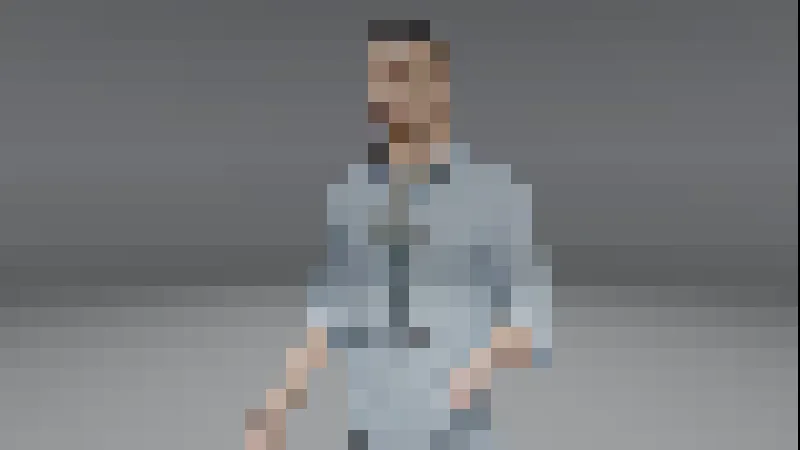
Pixelate
Breaks the picture into flat squares of colour instead of bending it.
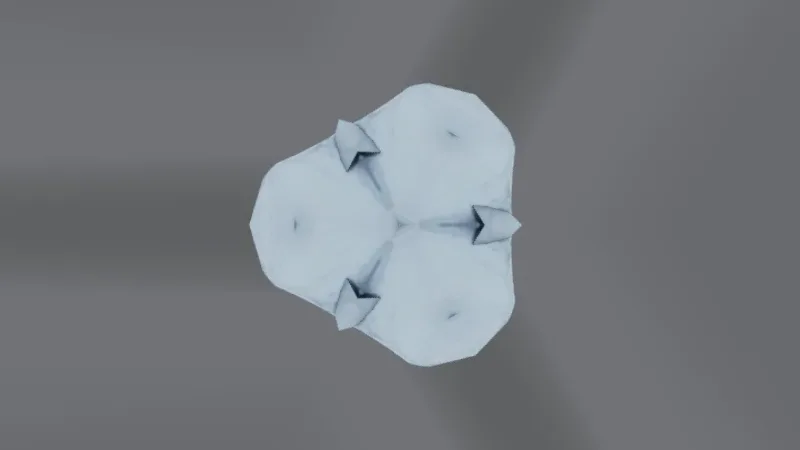
Kaleidoscope
Mirrors the picture into a symmetrical pattern that turns.