Warp
The pictures bend and ripple like liquid as one flows into the next. Dreams, music videos, playful scene changes.
- Made in
- Editing
- Also called
- liquid distortion, wave
What it does
The picture loses its shape: it stretches, bulges and waves as if it were printed on liquid, and while it is distorted the next shot flows in and settles back into shape. Because the frame seems to melt rather than switch, it feels fluid and a little unreal. The name is loose. Premiere Pro offers Liquid Distortion and Wave, the Warp category in Filmora stretches the picture, and the Fusion Warp in DaVinci Resolve swirls it like water in a drain.
When to use it
Use it for a dream or a daze, a drug scene, a music video cut to the beat, or a playful change of scene in a social video. It suits shots that both have movement, so the distortion seems to carry the motion over. On a slow, quiet join it draws more attention than the scene deserves.
Writing the prompt
Warps are added in the editor with a distortion transition or an animated wave or liquid effect, so make both shots first. Shots with texture and movement show the bending well, for example "a woman dancing in a sequined dress under moving lights". Keep the strongest distortion short and on the join, so the picture is clean again within half a second.
Easily mixed up with
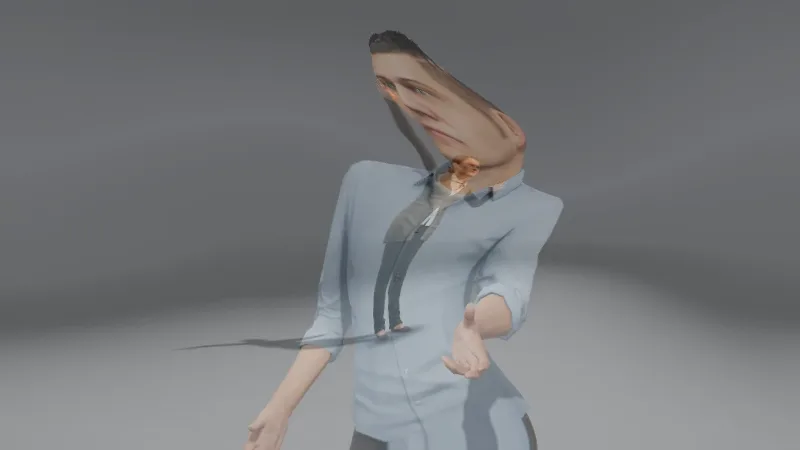
Warp
The pictures bend and ripple like liquid as one flows into the next.
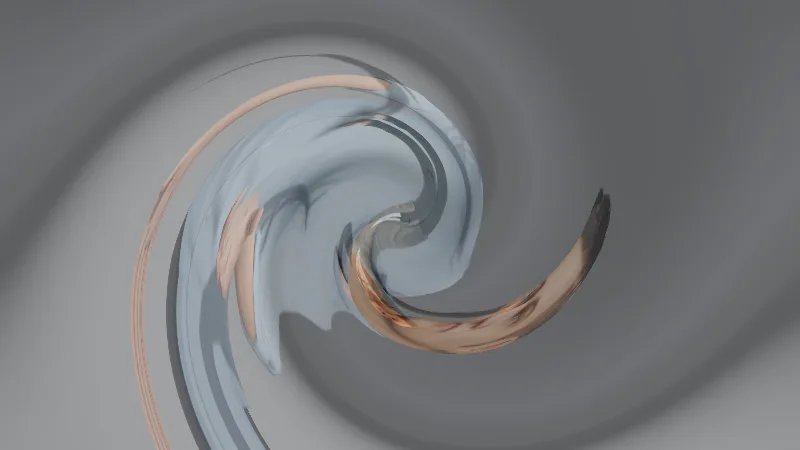
Swirl
Twists the picture around one centre, like water down a drain.
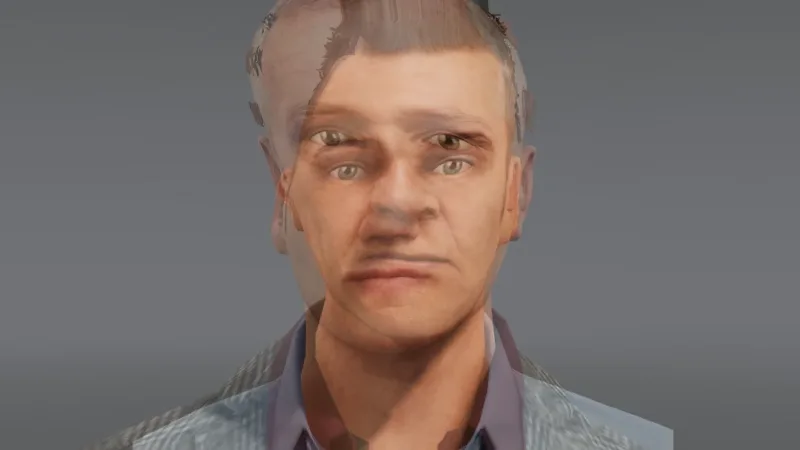
Morph
Reshapes one subject into another, rather than bending the whole frame.