Pixelate
The picture breaks into big square pixels, then resolves into the next shot. Game and tech themes, retro digital looks.
- Made in
- Editing
- Also called
- mosaic, pixelation
What it does
The picture breaks into square blocks that grow coarser until only patches of colour are left, the shot changes behind them, and the blocks shrink again until the new picture is sharp. Reduced to large pixels, the frame looks like a low-resolution screen or an old video game. The same blocks hide faces and number plates, so it can also hint at something concealed. Names clash: Premiere Pro calls this Mosaic, while the Mosaic in iMovie flips the picture over as a grid of tiles.
When to use it
Use it in videos about games, computers and the internet, for a retro digital look, or for a playful change between sections of a tutorial or vlog. It can also swap two shots of the same place, as if the image were being rebuilt. In a serious drama it tends to look like a technical fault.
Writing the prompt
Pixelation is added in the editor, with a mosaic transition or an animated mosaic effect, so make both shots first. Simple shapes and strong colours survive the blocks best, for example "bold red jacket against a plain white wall". Keep the moment of full pixelation short, a few frames, so the change reads as a switch rather than a blur.
Easily mixed up with
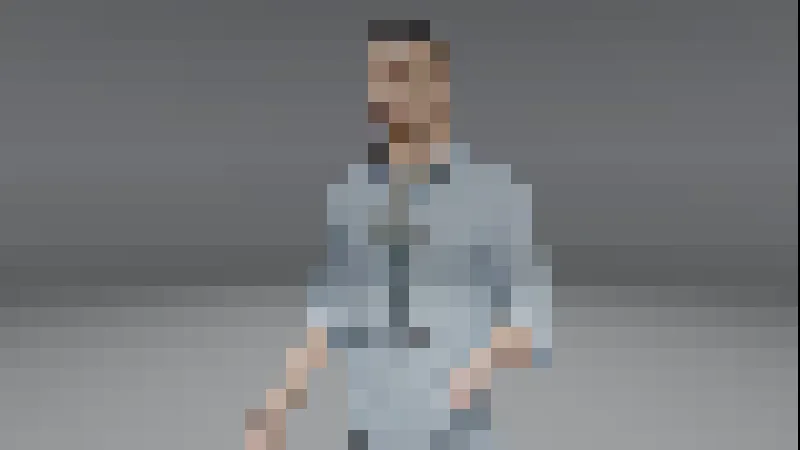
Pixelate
The picture breaks into big square pixels, then resolves into the next shot.
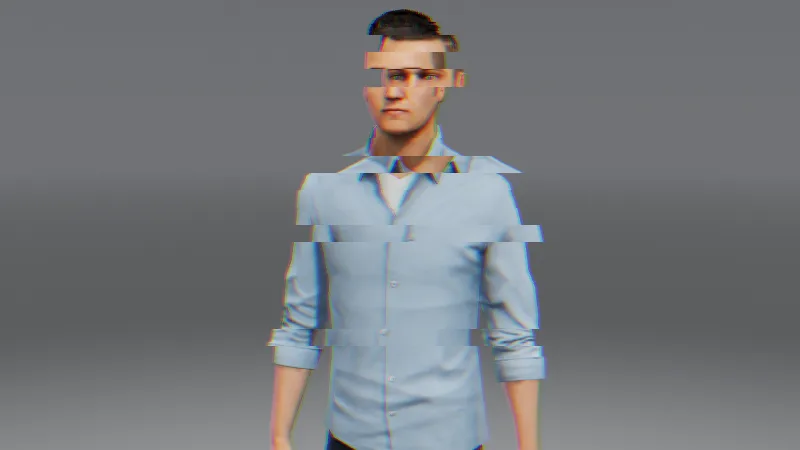
Glitch
Tears the picture in random bands and blocks, not in an even grid.
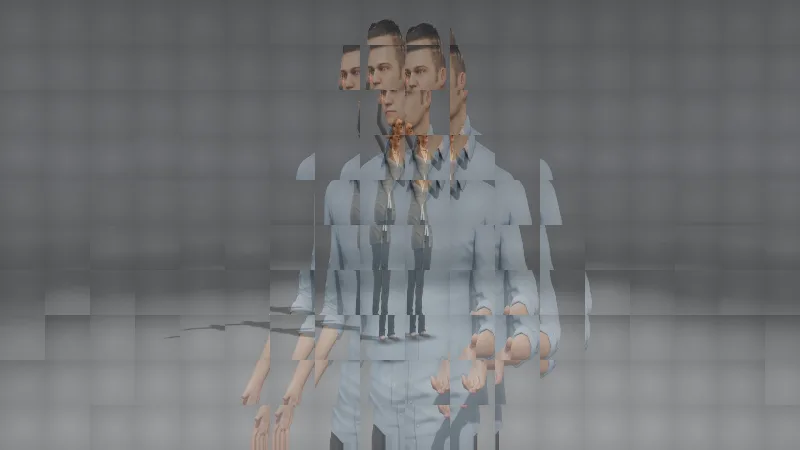
Glass
Splits the picture into blocks of glass that bend it, rather than flat squares.