L-cut
The last shot's sound runs on over the next picture. Reactions, a line that lingers, soft scene endings.
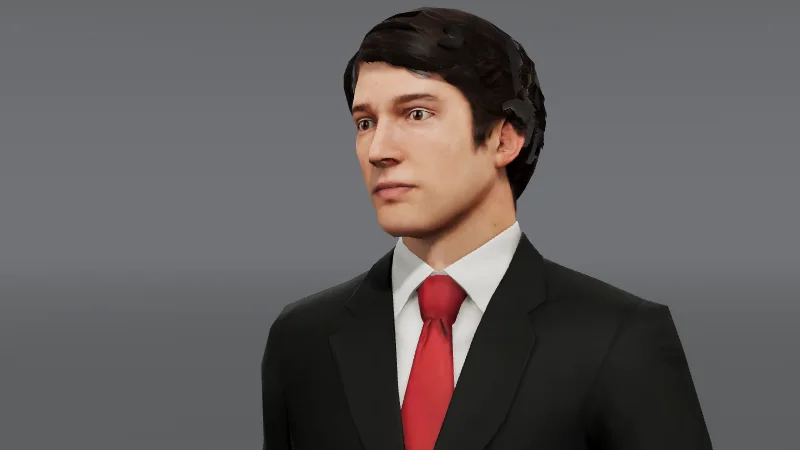
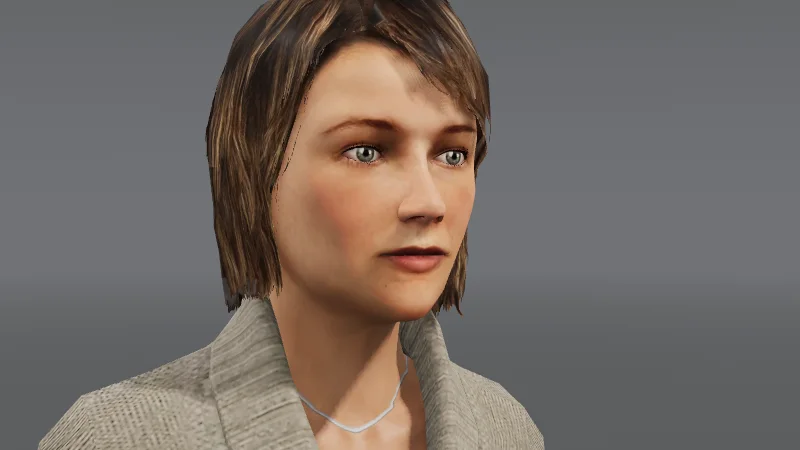 AB
- Made in
- Editing
- Also called
- video lead, overlapping sound
What it does
The picture cuts to the next shot while the sound of the previous one runs on for a moment: a speaker keeps talking while we watch the listener, or party music lingers over the street outside. The viewer holds on to the old moment while seeing the new one, so the change feels gentle. On a timeline the outgoing sound reaches right under the next picture, like the foot of an L. It mirrors the J-cut, and both are split edits. Some editors use L-cut loosely for either kind.
When to use it
Use it to show how a line lands on the person hearing it, to let a moment linger after a scene ends, or to cut away from a speaker without stopping their words. In interviews and documentaries it lets the voice go on over pictures of what is being described.
Writing the prompt
Build the L-cut in the editor: make both shots, each with its own sound, then let the first clip's audio run on under the start of the second. Give the first shot the line, "a man says quietly: 'I have to go.'", and keep the second free of speech, "close-up of a woman listening, no dialogue", so his voice is the only one heard.
Easily mixed up with
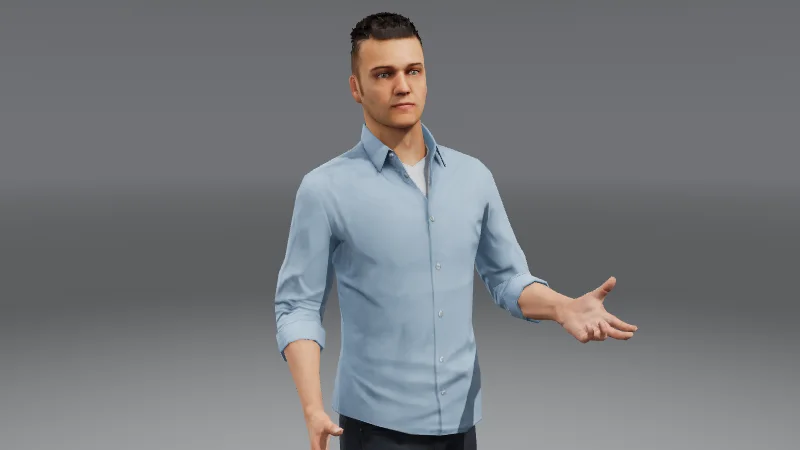
L-cut
The last shot's sound runs on over the next picture.
J-cut
The other way round: the next sound arrives before its picture.
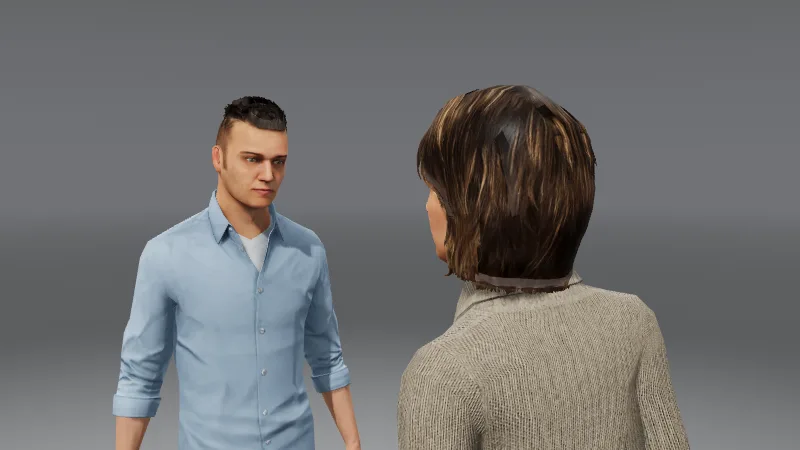
Shot / reverse shot
The dialogue pattern that L-cuts and J-cuts most often smooth.