Light leak
Warm, uneven light washes over the join and fades on the next shot. Nostalgia, weddings, travel, summer memories.
- Made in
- Camera or editing
- Also called
- light leaks, light leak transition
What it does
A glow of orange, red or yellow light drifts across the frame, brightest at the join, so the end of one shot melts into the start of the next. It imitates stray light reaching the film through a gap in an old camera, which fogs the frames with soft colour, and it can still be made that way on film. Because it looks like a happy accident, it gives the edit a warm, home-movie feel.
When to use it
Use it in wedding films, travel edits and summer montages, or wherever a memory should feel sunny and nostalgic. It also covers a change of place gently, without a hard cut. Avoid it in tense or serious scenes, where the warmth can feel out of place, and do not lay it over every join.
Writing the prompt
Light leaks are usually laid over the join in the editor, from a ready-made overlay clip or a light-leak preset, so make both shots first. To get the light inside one generated shot instead, describe it as part of the look: "warm orange light leak drifting in from the right edge, soft and hazy". Results vary from tool to tool, so check that it does not hide the face.
Easily mixed up with
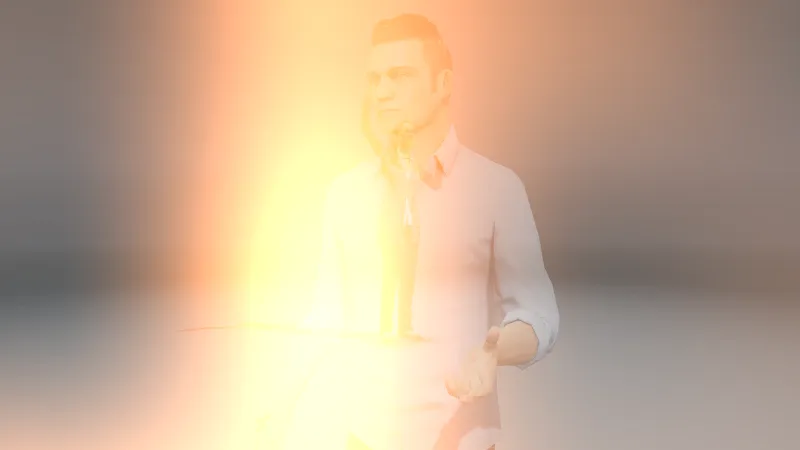
Light leak
Warm, uneven light washes over the join and fades on the next shot.
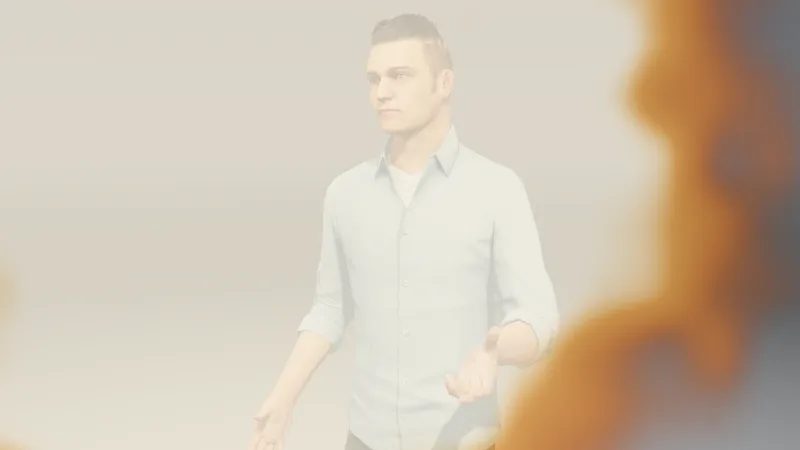
Film burn
Looks like scorched, damaged film rather than soft stray light.
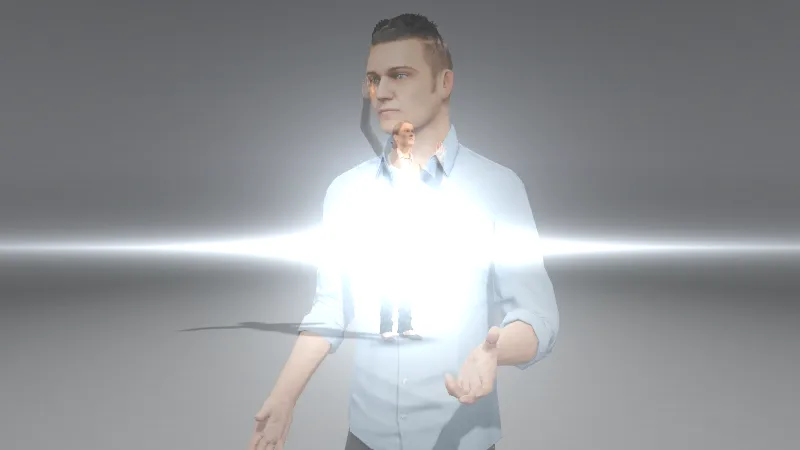
Lens flare
Comes from a bright light shining into the lens, in streaks and rings.