Lens flare
A bright flare streaks or blooms across the frame and hides the cut. Music videos, trailers, sunny lifestyle edits.
- Made in
- Camera or editing
- Also called
- flare transition, flare wipe
What it does
A flare, the streaks, rings and haze that appear when a bright light shines into a lens, sweeps across the frame or blooms in its middle, and the cut hides under its brightest moment. As it fades, the next shot is already there. It suggests sun, stage lights or a bright reveal. The name comes from editing presets and creators' tutorials more than from film textbooks, so what counts as a flare transition varies.
When to use it
Use it in music videos, trailers and bright lifestyle or travel edits, especially when both shots have a strong light in them, such as the sun or stage lights, so the flare seems to belong. It can also be shot: swing the camera past a strong light so a real flare fills the frame, and cut on its brightest frame.
Writing the prompt
Flare transitions are usually overlays or presets added over the join in the editor, so make both shots first. To get a real flare in a generated shot, name the light and the move, for example "the camera pans past the low sun, a bright lens flare streaks across the frame", then cut on the brightest frame. Check that the flare peaks where you want it.
Also
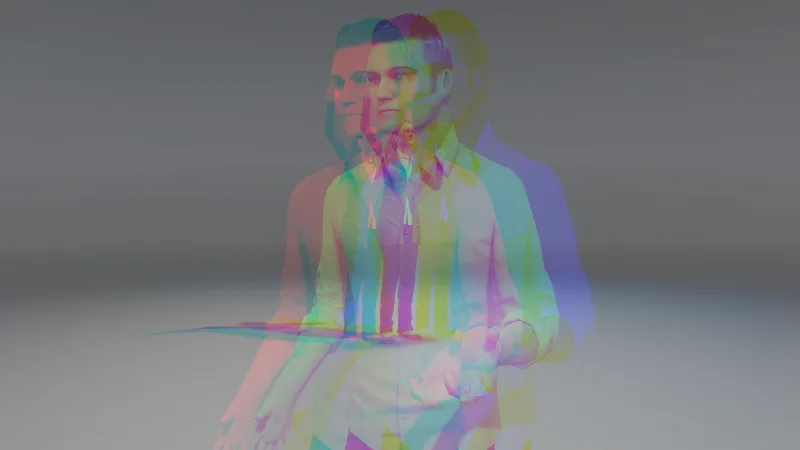
Prism
A prism in front of the lens bends and splits the picture over the cut. Dreamy music and fashion films.
Easily mixed up with
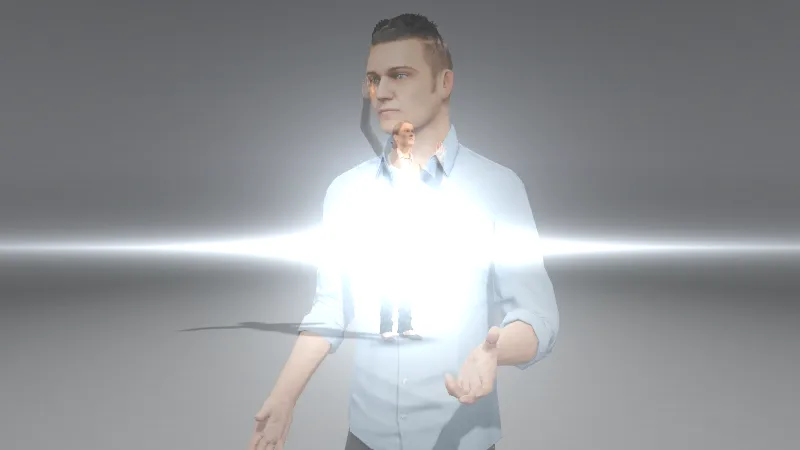
Lens flare
A bright flare streaks or blooms across the frame and hides the cut.
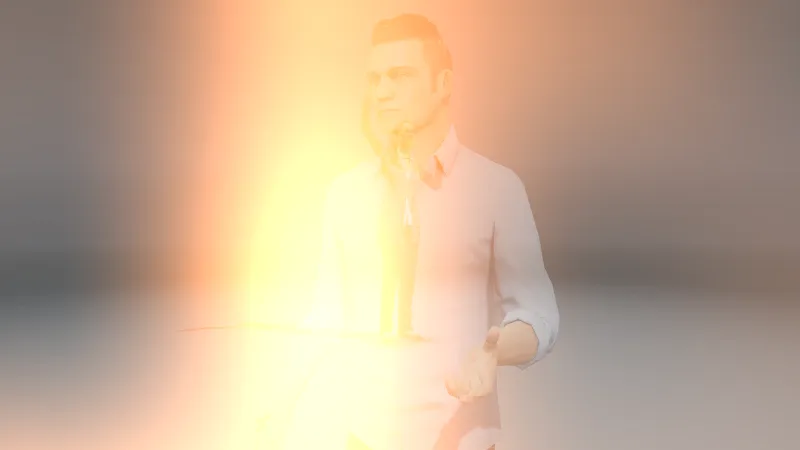
Light leak
A soft wash of coloured light with no sun or lamp in the picture.
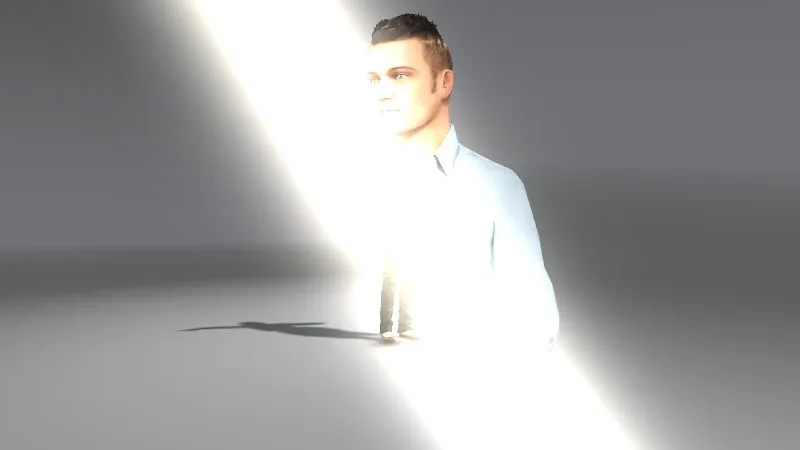
Light sweep
A clean band of light passes across the frame like a shine on glass.