Light sweep
A band of light crosses the frame and leaves the next shot behind it. Titles, logos, a polished, glossy look.
- Made in
- Editing
- Also called
- light rays
What it does
A beam or band of light passes over the picture, like a shine running along polished metal or glass, and as it moves on, the next shot is left behind it. Some versions send rays out from a point instead. Because the light passes over the picture rather than growing out of it, it feels clean and designed, closer to a reflection than to film. After Effects has an effect named CC Light Sweep, often used to run a shine over titles and logos.
When to use it
Use it for openings, title cards, logo reveals and polished promotional edits, where a crisp, glossy change suits better than a soft or vintage one. A sweep that runs the same way as the camera or the action feels more natural. In a quiet drama scene it can look like an advert, so keep it for designed sequences.
Writing the prompt
Light sweeps are presets or effects added in the editor, so make the two shots first and lay the sweep over the join. Give it a direction that matches the movement in the shots, for example left to right when both shots "truck right". Pick a white or warm colour to suit the grade, and keep the band narrow so it reads as a shine.
Also
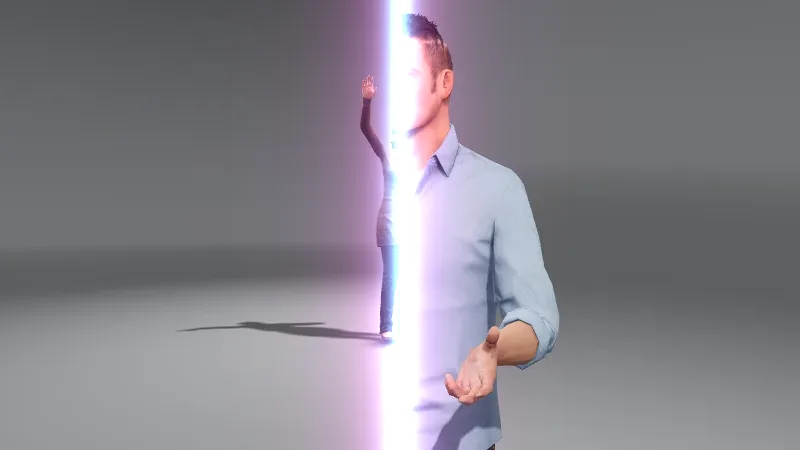
Neon wipe
A wipe whose moving edge glows in bright neon colour. Night scenes, music and game edits.
Easily mixed up with
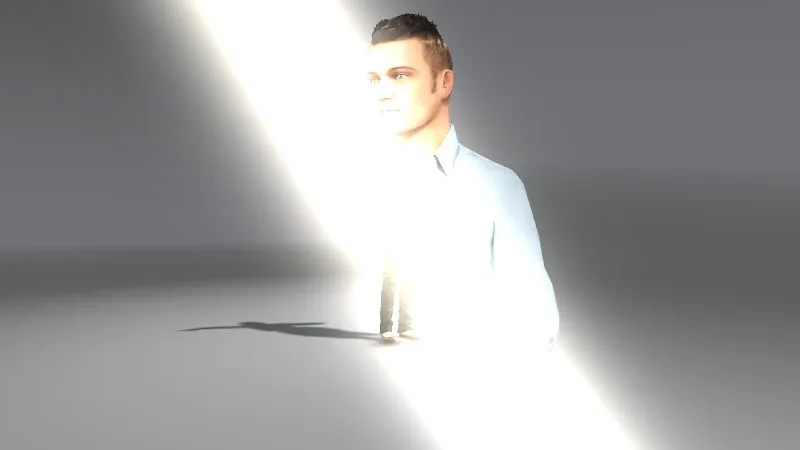
Light sweep
A band of light crosses the frame and leaves the next shot behind it.
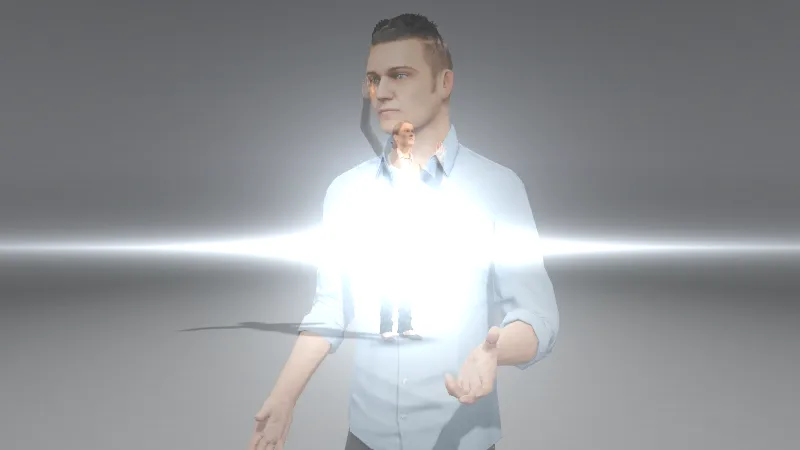
Lens flare
Comes from a light shining into the lens, with streaks and rings, not a clean band.
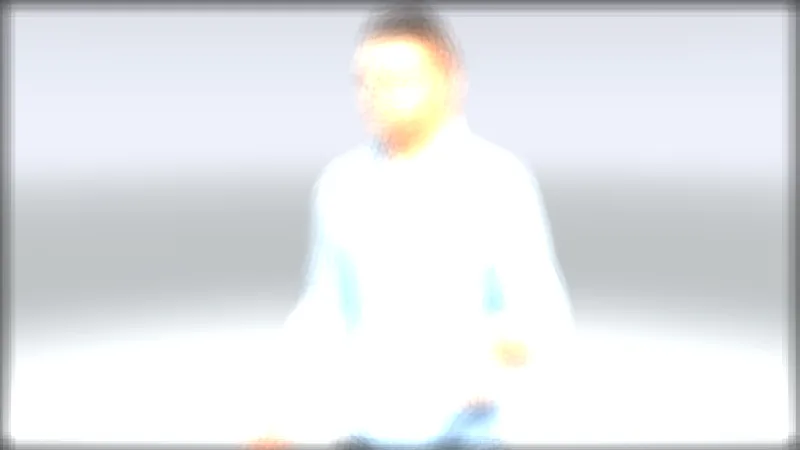
Glow
Lets the picture's own highlights bloom instead of passing a band over it.