Additive dissolve
A dissolve that adds the two pictures' brightness, so the middle flares. A jolt, a dazed moment, a bright hard shift.
- Made in
- Editing
What it does
Instead of trading one picture for the other evenly, the mix adds their brightness together, so the frames in the middle grow brighter, and light areas can wash out to white before the new shot settles. It feels like a burst of light rather than a gentle blend. The name comes from editing software, Premiere Pro, DaVinci Resolve and the old Final Cut Pro, rather than from film history, and few film references describe it.
When to use it
Use it for a jolt or a moment of disorientation: waking up, a blow to the head, a camera flash, stepping out into strong sun. Some editors build a white-flash transition out of it. It brightens most when both shots are bright, so between dark shots the effect stays mild.
Writing the prompt
Generate both shots normally and choose Additive Dissolve in the editor: the flare comes from the mix, not from the shots. If you want a strong flash, make the join bright on both sides, with "harsh midday sun" at the end of the first shot and "bright white corridor" at the start of the second.
Easily mixed up with
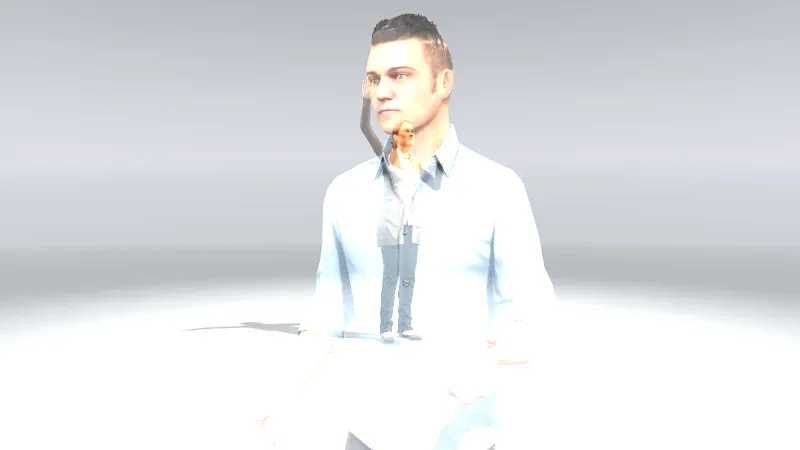
Additive dissolve
A dissolve that adds the two pictures' brightness, so the middle flares.

Cross dissolve
Mixes evenly, so the brightness stays level.

Flash frame
A white frame or two cut in, not a mix of two pictures.