Guide / Camera-made transitions
Motion-match transition
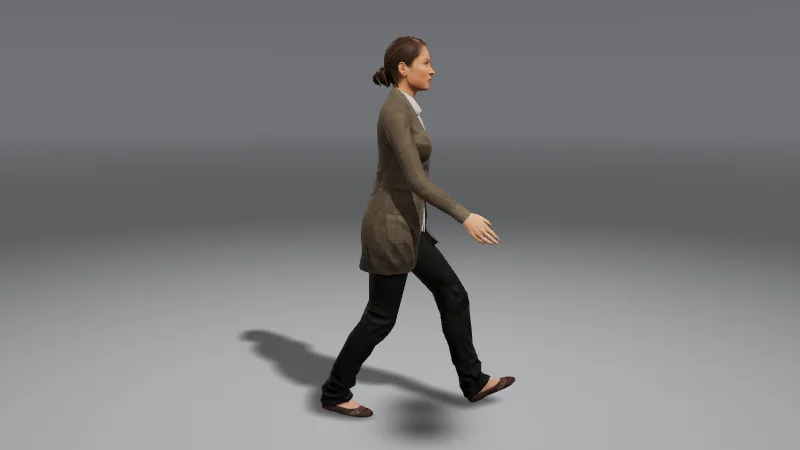
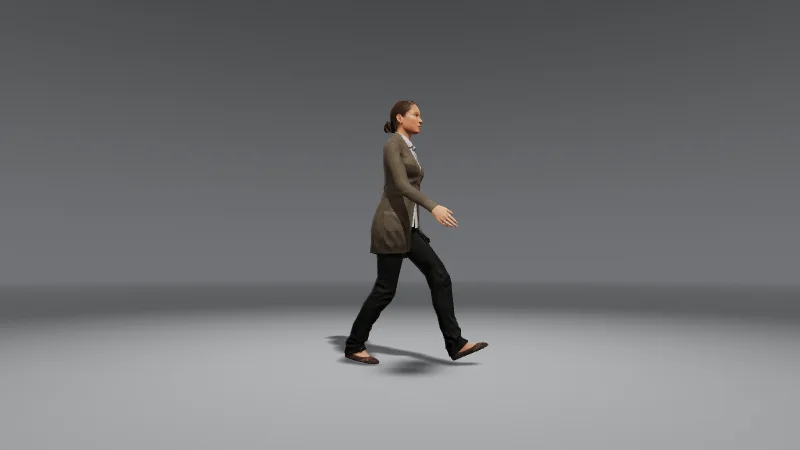
The same movement, same way and same speed, carries on in a new place. Travel montages, chases, drone sequences.
 AB
- Made in
- Camera or editing
- Also called
- movement match, motion transition
What it does
A movement at the end of one shot, of the camera or of the subject, continues at the same speed and in the same direction at the start of the next, though the place has changed. The eye follows the motion and accepts the new place as part of the same journey. It is close to the match cut and to match on action; the difference is that the whole movement, often the camera's, is what carries across.
When to use it
Use it to link the stages of a journey: a walk through a city that becomes a walk along a beach, a drone flying forward over a forest and then over a town. Keep the direction, the speed and the subject's place in the frame the same, because a change in any of them breaks the link.
Writing the prompt
Repeat the same motion words in both shots and change only the place: "side tracking shot, walking from left to right at a steady pace" in each. Separately made shots seldom keep exactly the same speed, so make both, line them up in the editor, and speed one up or slow it down a little if needed.
Easily mixed up with
Motion-match transition
The same movement, same way and same speed, carries on in a new place.
Match on action
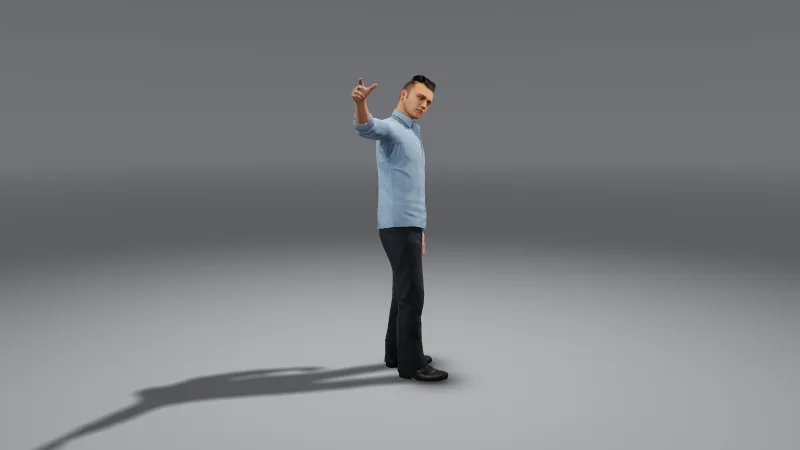
Matches one movement of a person, usually inside the same scene.
Match cut
The wider name for cuts that carry something across.