Guide / Camera-made transitions
Shake transition
A hard shake blurs the end of one shot and the start of the next. Quick vlogs, music edits, impacts.
- Made in
- Camera or editing
- Also called
- camera shake, phone shake
What it does
The camera is jolted hard and fast, so the frame jerks and smears for a few frames at the end of the first shot, and the second shot begins in the same shaking before it steadies. The cut sits in the roughest moment, where nothing can be read. It is a rough cousin of the whip pan, with no set direction. The name comes mostly from tutorials for social video, and editing programs ship presets for it with names such as Camera Shake or Earthquake.
When to use it
Use it in vlogs and fast social edits, to sell an impact such as a punch, a slammed door or a bass drop, or to join two handheld shots. Keep it short, a few frames on each side of the cut, or it starts to look like a mistake.
Writing the prompt
MiniMax Hailuo's camera commands include "[Shake]". In other tools, write it in plain words, such as "the camera shakes violently for a moment". A generated shake may not land at the moment you want, so it is often simpler to make two steady shots and add a shake preset at the join in the editor.
Easily mixed up with
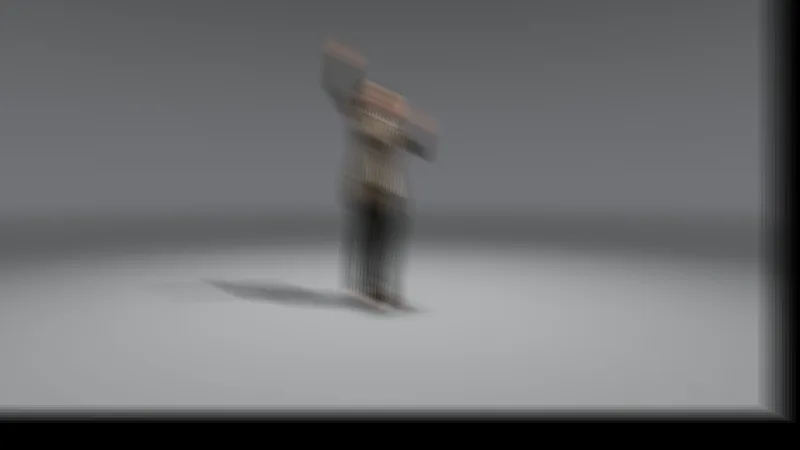
Shake transition
A hard shake blurs the end of one shot and the start of the next.

Impact shake
One jolt that settles, inside a single shot.
Whip pan right
A clean, fast turn in one direction instead of a jolt.