Guide / Camera-made transitions
Orbit transition
Circles the subject and cuts mid-arc to the same circle somewhere new. Fashion, travel and drone videos, outfit changes.
- Made in
- Camera
- Also called
- arc transition
What it does
The camera travels in an arc around the subject, and partway round the cut swaps in a second shot that continues the same arc at the same speed and distance. The new shot can show the same person in a new place or a new outfit, or a different person in the same pose. Because the circling never pauses, the eye takes the change as part of one move.
When to use it
Use it to show a dancer in several cities, a model in a row of outfits, or a drone circling one landmark and then another. The subject must sit in the same place in the frame in both shots, and the arc must keep the same direction, height and speed.
Writing the prompt
Name the direction of the arc and keep it in both shots: "the camera arcs right around him at a steady speed". Google's Veo 3.1 guide uses a "smooth 180-degree arc shot" between a first and a last frame as an example, so two frames from the ends of the arc help keep the move whole. To change place or outfit, make two arcs and cut mid-move in the editor.
Easily mixed up with
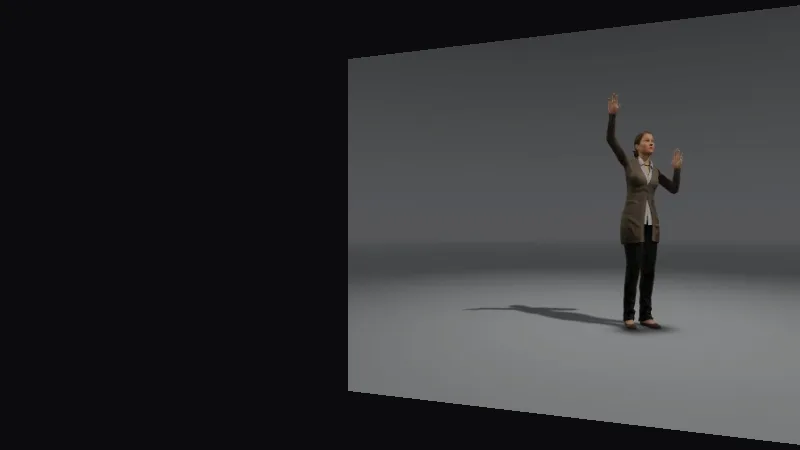
Orbit transition
Circles the subject and cuts mid-arc to the same circle somewhere new.
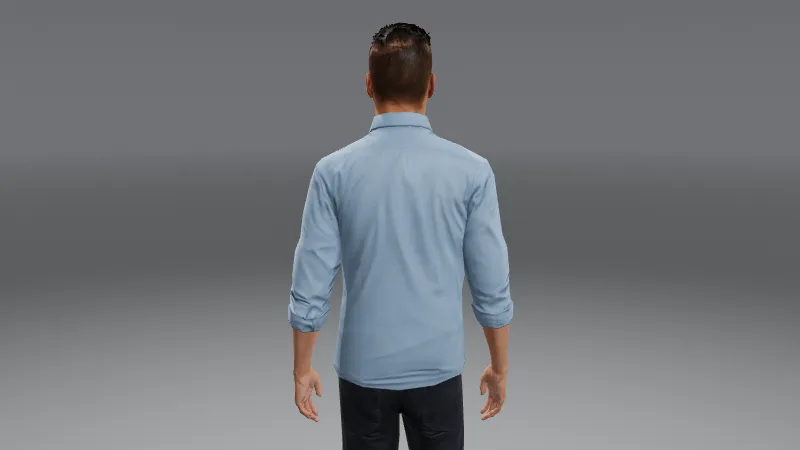
Half orbit
The half circle on its own, with no cut inside it.
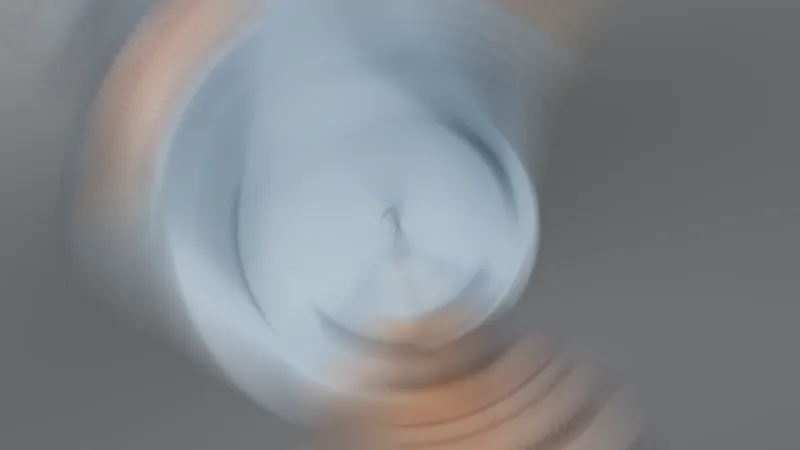
Spin transition
Turns the frame around the lens instead of circling the subject.