Guide / Camera-made transitions
Spin transition
The frame rolls around the lens and lands level in a new shot. Travel, music and high-energy social videos.
- Made in
- Camera or editing
- Also called
- roll transition, rotation transition, barrel roll
What it does
At the end of the first shot the camera rolls quickly around its own lens, so the horizon spins and blurs. The second shot starts partway through the turn, finishes the roll and settles level in a new place. Because the rotation keeps one direction across the cut, the change reads as a single turn. Editing programs imitate it by rotating the pictures with blur while the camera stays still.
When to use it
Use it in travel montages, music videos and energetic social clips, or at the moment a character's world turns upside down. Keep the direction and speed of the roll the same in both shots, and start the second shot at the angle where the first one ended.
Writing the prompt
Describe the roll at the join of each shot: "the camera rolls fast clockwise around its lens with motion blur" at the end of Shot 1, and "the shot starts mid-roll and turns clockwise until level" at the start of Shot 2. If the two rolls do not match, make two plain shots instead and add a spin preset in the editor.
Easily mixed up with
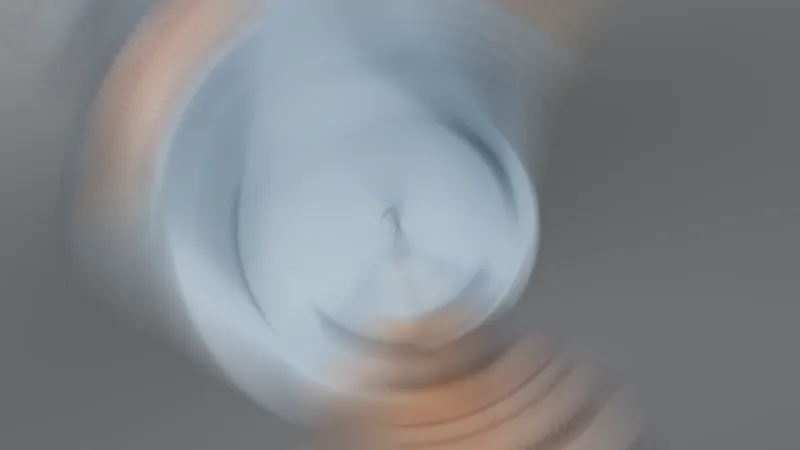
Spin transition
The frame rolls around the lens and lands level in a new shot.
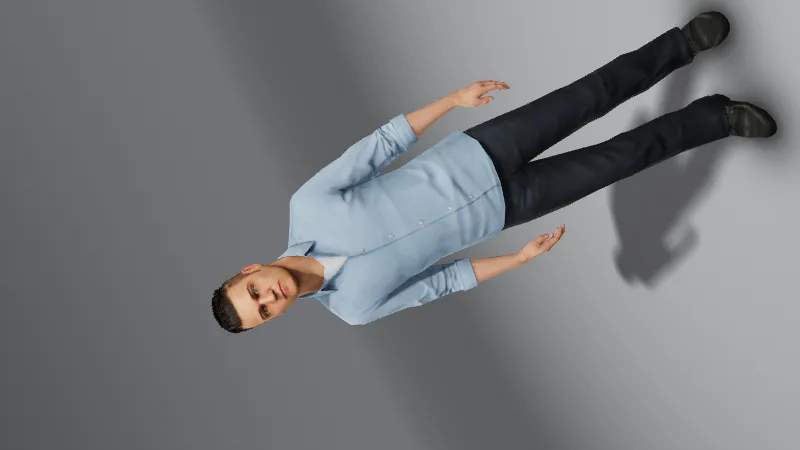
Roll
The same turn around the lens, kept inside one shot.
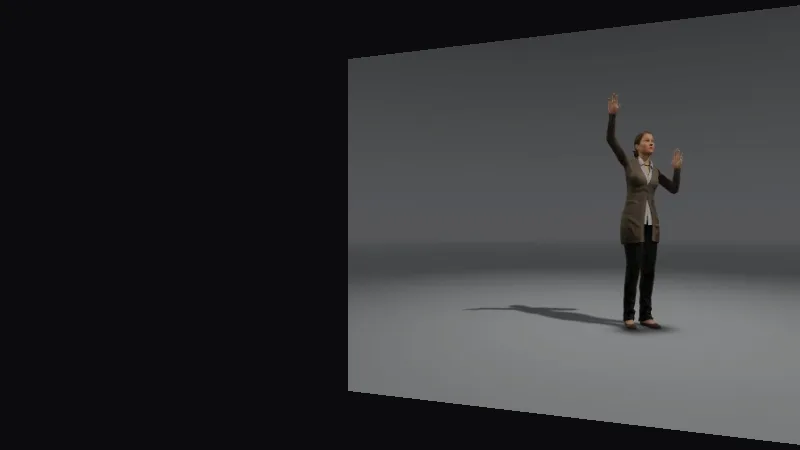
Orbit transition
Circles around the subject instead of turning the frame.