Paint wipe
The next shot is brushed on in rough strokes. Art, craft and handmade looks; playful edits.
- Made in
- Editing
- Also called
- brush wipe, paint splatter
What it does
The next shot is painted on, as if broad brush strokes or splashes of paint were covering the old one, with rough, uneven edges. It turns the join into a visible handmade gesture, so it reads as playful or artistic rather than cinematic. Premiere had a Paint Splatter transition, filed as obsolete since version 26.0, and Resolve can paint the change on with brush strokes. A gradient wipe with a picture of brush strokes as its map gives a similar result in most editors.
When to use it
Use it in art, craft, food or travel videos, in children's content and in music videos, where a handmade feel fits. It also works as a way into a painting, a drawing or an animated section. In a serious scene it breaks the mood, so keep it for edits that are meant to be noticed.
Writing the prompt
Paint wipes are made in the editor from two finished shots. If your editor has no paint preset, use a gradient wipe with brush strokes as its map; an image tool can make one: "thick black brush strokes on a white background". In the video prompts, colourful, textured scenes, such as "a painted mural" or "an artist's studio", make the painted edge feel at home.
Easily mixed up with
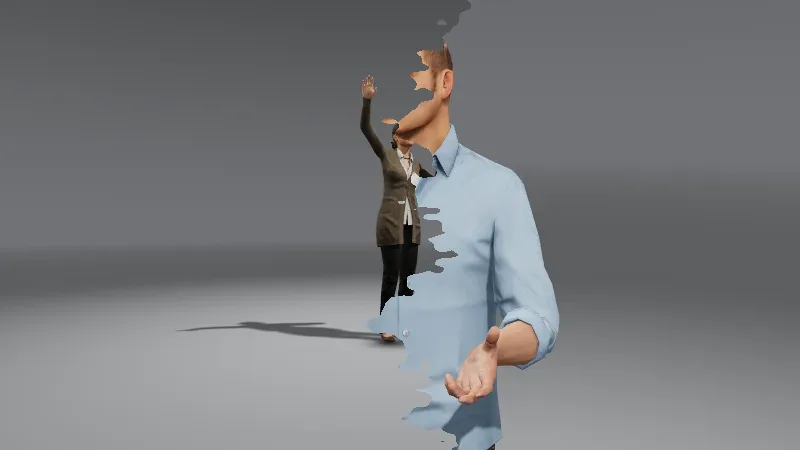
Paint wipe
The next shot is brushed on in rough strokes.
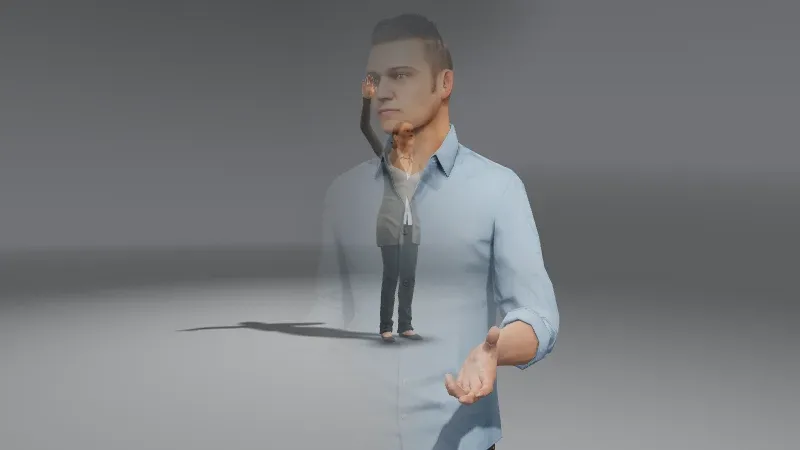
Gradient wipe
Uses any greyscale picture as the shape of the change, often a smooth one.
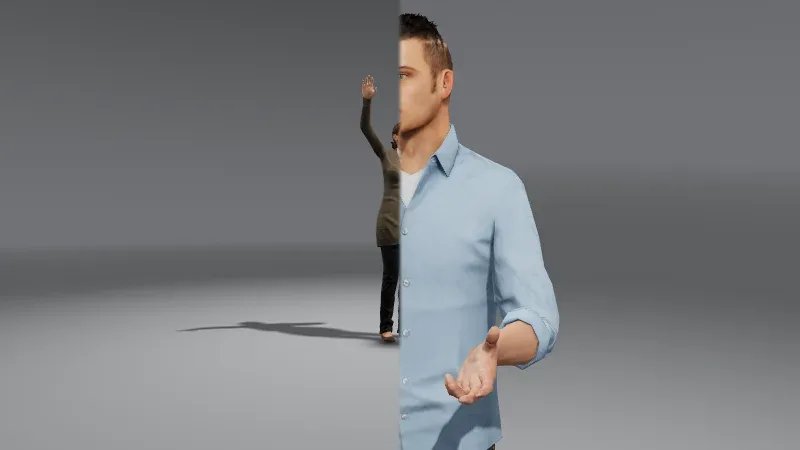
Wipe
A clean, straight edge.