Gradient wipe
A greyscale picture decides which parts change first. Soft, shaped or textured reveals.
- Made in
- Editing
- Also called
- luma wipe, image wipe
What it does
A greyscale picture, a ramp or any image, works as a map for the change: the dark parts of the map switch to the next shot first and the light parts last, or the other way round, and a softness setting blurs the edge. A simple ramp gives a soft-edged wipe; clouds or a texture give an uneven, organic reveal. Other programs call it a luma wipe or an image wipe. Premiere removed the transition in version 26.0 and lists the effect as legacy since 27.0.
When to use it
Use it when a hard edge would feel too mechanical: a dreamy change of place, light spreading into a new scene, smoke or water seeming to carry the next shot. A map that echoes something in the picture, such as clouds over a sky, makes the change feel part of the scene rather than laid on top.
Writing the prompt
Gradient wipes are built in the editor from two finished shots and a greyscale map. You can draw the map in any image program, or ask an image tool for one: "black and white gradient, soft clouds, no objects" or "smooth gradient from black on the left to white on the right". Then make both shots in the video tool, load the map into the wipe and set the softness.
Easily mixed up with
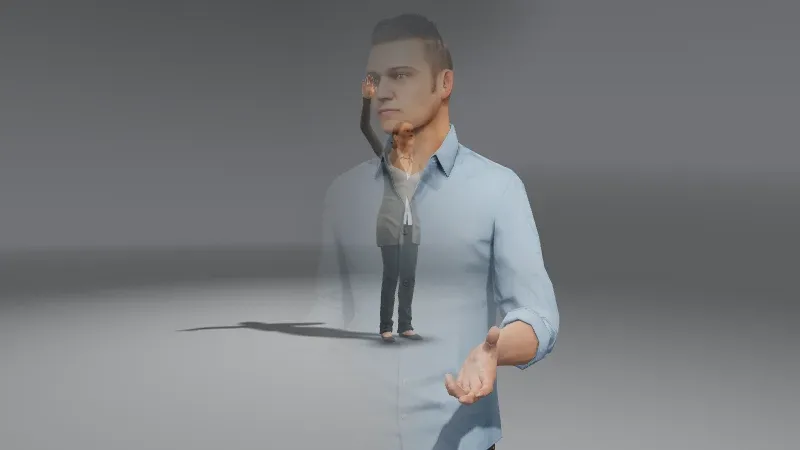
Gradient wipe
A greyscale picture decides which parts change first.
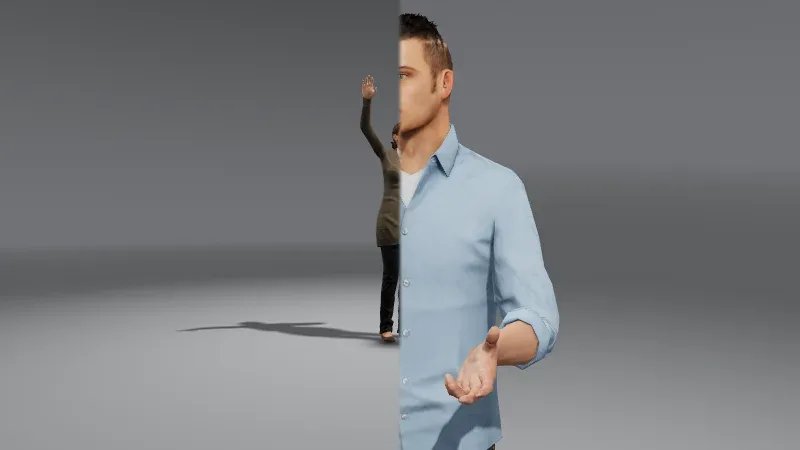
Wipe
A hard, straight edge with no map behind it.
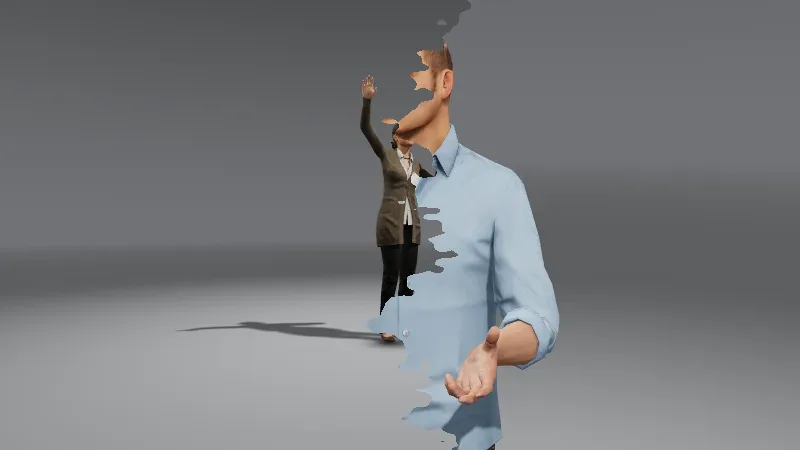
Paint wipe
A rough brush edge instead of a smooth one.