Parallel editing
Alternates separate story lines so they can be compared. Mirrored lives, past and present, linked themes.
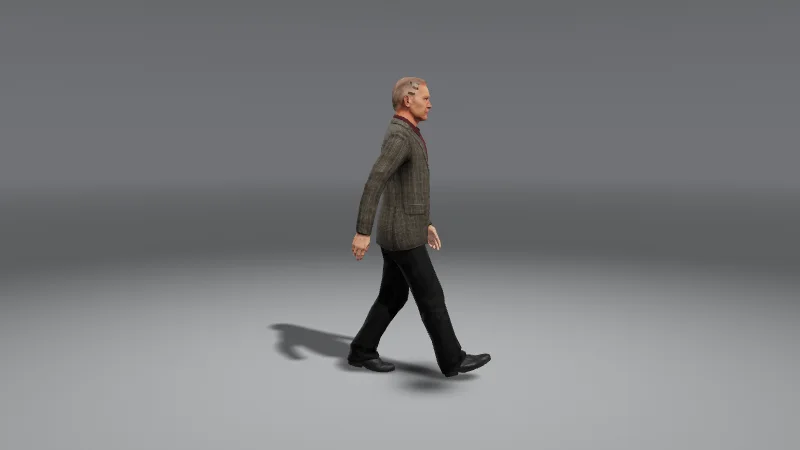
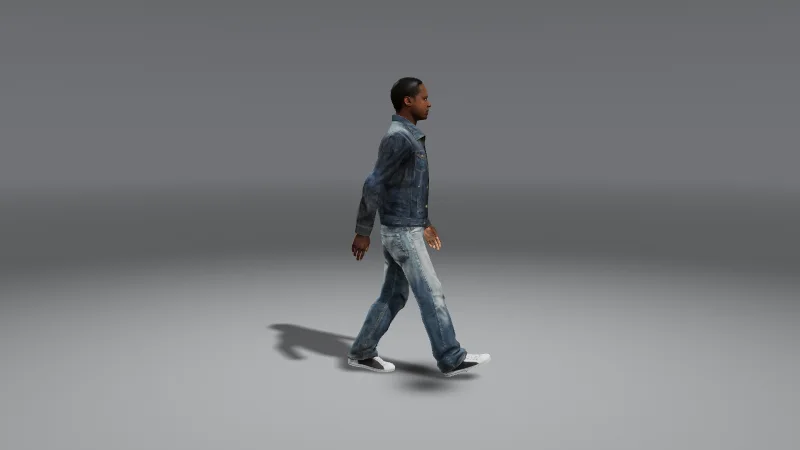 AB
- Made in
- Editing
- Also called
- parallel cutting, parallel action
What it does
Here, parallel editing means alternating between separate story lines so that the viewer compares them, whether or not they happen at the same time: a man's old age and his youth, two families in two cities. The meaning comes from the echoes between the lines. Usage varies: many treat the term as another word for cross-cutting, some allow its lines to be in different times, and a few say the reverse, that parallel editing is the simultaneous kind and cross-cutting the wider term.
When to use it
Use it to set two lives side by side, to compare a past and a present that echo each other, or to tie two stories together by theme rather than plot. Make the links visible, a matching place, gesture or line of dialogue, so the comparison reads.
Writing the prompt
Say what the lines are and when each happens, because the term alone is read in different ways: "two stories fifty years apart, alternating". Then label each shot with its line: "Shot 1: an old man walks a country road today. Shot 2: a young man walks the same road in 1975." Long sequences are easier made line by line and alternated in the editor.
Easily mixed up with
Parallel editing
Alternates separate story lines so they can be compared.
Cross-cutting
Alternates lines happening at the same moment, usually heading toward each other.
Flashback
One trip into the past and back, not two lines kept running.