Push
The next shot enters and shoves the old one out of frame. Fast-paced edits, step-by-step videos, sideways journeys.
- Made in
- Editing
- Also called
- push slide, DVE push
What it does
The next shot enters from one side and shoves the old one out the other, both pictures moving together as if they were frames on one long strip. Because nothing overlaps, the viewer reads it as a move sideways, to the next place, item or step. Broadcast switchers call it a DVE push, and nearly every editing program has one. The names get mixed up between programs; strictly, in a push both pictures move, and in a slide only one does.
When to use it
Use it for sequences that move along: one room to the next in a house tour, step after step in a tutorial, a journey as a row of places. It pairs well with movement the same way across the screen, such as a runner or a car heading the way of the push. In drama it looks like television graphics.
Writing the prompt
Pushes are added in the editor; make both shots, put the push between them and set its direction. To make it flow, let the motion in the shots match: if Shot 2 should enter from the right, have the camera move right in both shots, "the camera trucks right", so the scene drifts left just as the push does. Trim both shots until the speeds line up.
Easily mixed up with
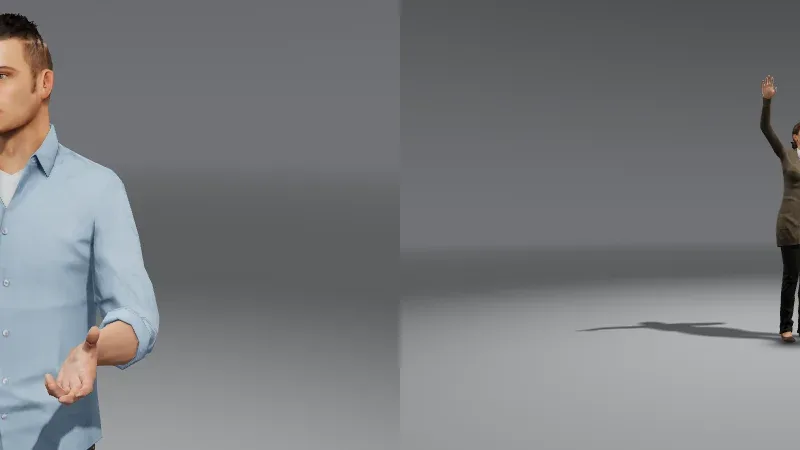
Push
The next shot enters and shoves the old one out of frame.
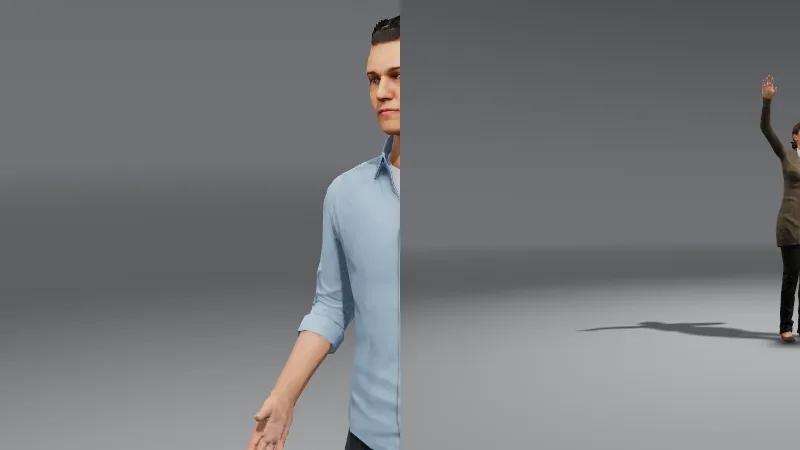
Slide
Only the new shot moves; the old one stays still underneath.
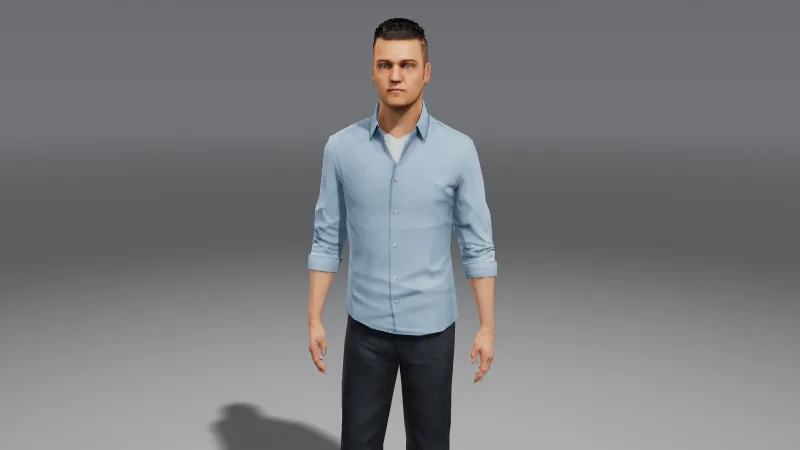
Whip pan right
A real camera swing whose blur hides the cut, made in the shot itself.