Slide
Only one shot moves: the next slides in over the old one, which stays still. Adding the next step, cards of information, slideshows.
- Made in
- Editing
- Also called
- cover, uncover, conceal
What it does
Only one picture moves. In the usual form the next shot slides in from an edge and covers the old one, which stays still; in the reverse form the old shot slides away and uncovers the next one waiting underneath. Because one picture holds still, a slide feels like a card laid on top of another rather than a move along a strip. Premiere files it as Slide, and Avid calls the covering form a conceal.
When to use it
Use it when the new shot should feel added on top: the next step of a recipe, a new card of information, a reaction laid over a statement, a photo slideshow. The uncovering form suits reveals, as if a cover were pulled away. Like a push, it belongs to graphic, lively edits more than to drama.
Writing the prompt
Slides are added in the editor; make both shots and set the direction and length there. Since the old shot holds still under the new one, a still Shot 1 works best: "locked-off shot" or "static camera". Keep the main subject of Shot 1 away from the edge the new shot enters from, so it is not covered at once.
Easily mixed up with
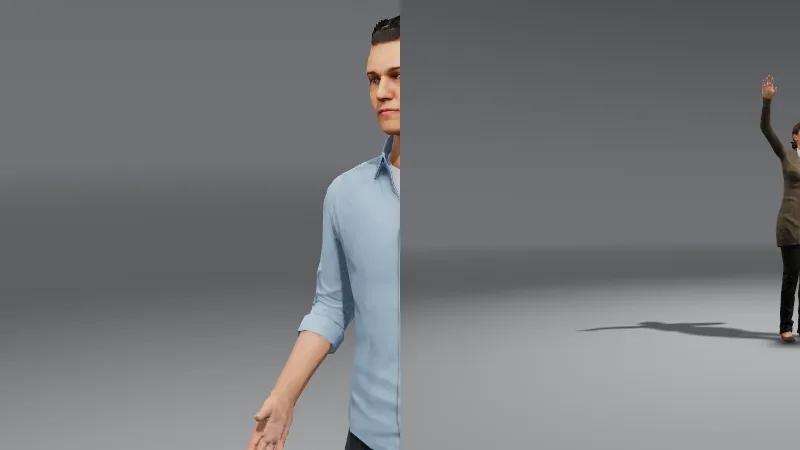
Slide
Only one shot moves: the next slides in over the old one, which stays still.
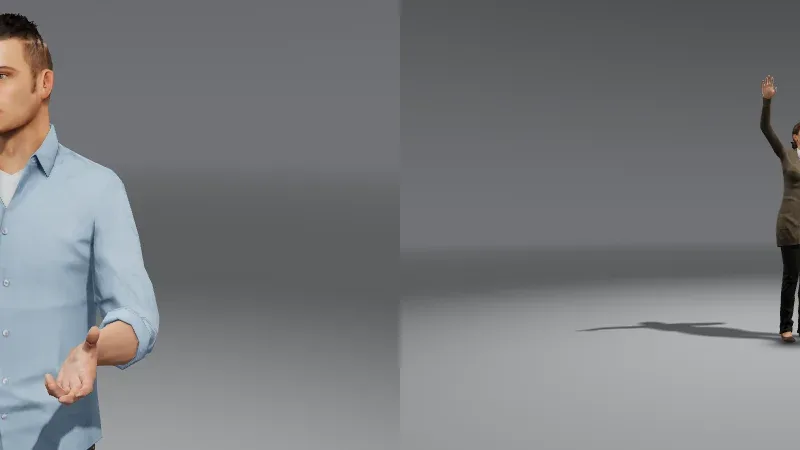
Push
Both pictures move together, the new one shoving the old one out.
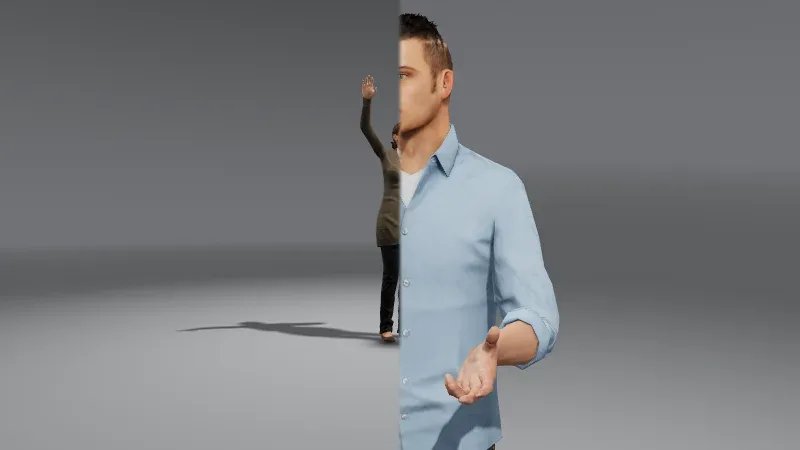
Wipe
Neither picture moves; an edge uncovers the next one.