Doorway
The old shot opens like two doors swinging toward the camera. Entering a new place, a grand reveal.
- Made in
- Editing
- Also called
- door swing
What it does
The old shot splits down the middle, and the two halves swing toward the camera like a pair of doors opening, while the next shot comes forward from behind them. Because the halves turn in depth, it feels like walking through into a new space rather than seeing one uncovered. Final Cut has it under the name Doorway, along with Swing, which turns the picture away on a single hinge; few other programs have a built-in version.
When to use it
Use it for entering a new place or world: a house tour, a venue reveal, the start of a dream, a new chapter. It is most convincing when Shot 1 shows something that could open, such as doors or gates, and Shot 2 is the space beyond them. As a strong 3D effect, it suits one grand moment.
Writing the prompt
Doorways are made in the editor; Final Cut has one built in. Make both shots and add the effect there. Give it a motive: end Shot 1 on "closed double doors, symmetrical, centered" and start Shot 2 with "the camera moves forward into a grand hall", so the effect seems to open the doors and carry the viewer through.
Easily mixed up with
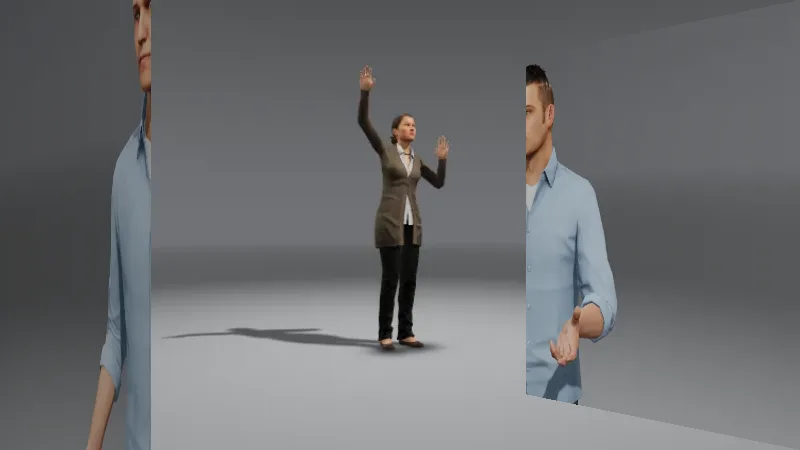
Doorway
The old shot opens like two doors swinging toward the camera.
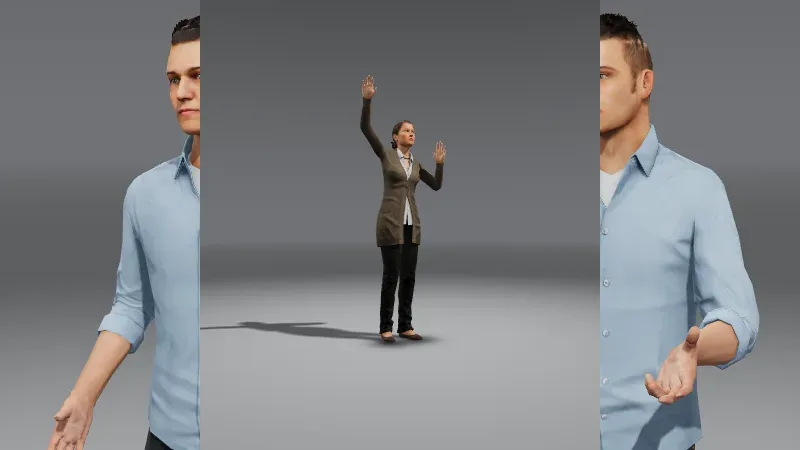
Split
The halves slide apart flat instead of swinging toward the camera.
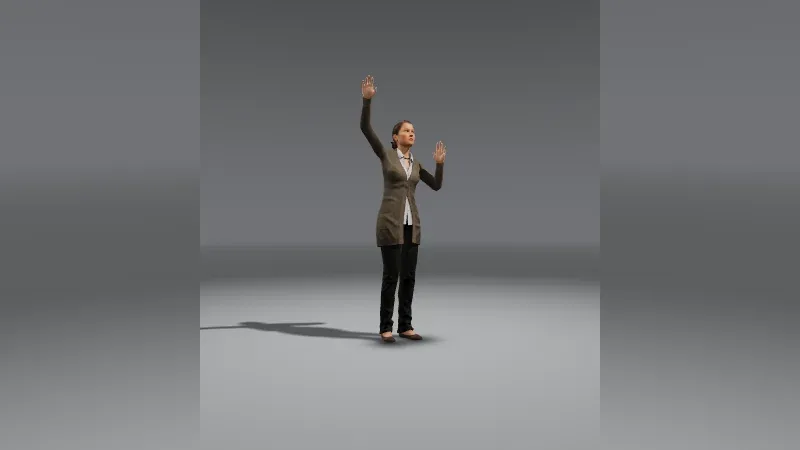
Barn door wipe
Edges open over still pictures, with no 3D turn.