Slice
The picture is cut into strips that slide in one after another. Punchy edits to music, titles, trailers.
- Made in
- Editing
- Also called
- band slide, slice push
What it does
The picture is cut into strips, and the strips slide in one after another, often from alternating sides, until they line up into the next shot. The staggered timing gives it a fast, mechanical rhythm, like shutters or blades closing. Older Premiere and Final Cut called it Band Slide; Premiere's newer set has one named Slice, and Resolve has a Slice Push.
When to use it
Use it for energetic edits cut to music, title sequences and trailers, where the strips can land on the beats. It suits graphic, high-contrast shots with strong lines. In a calm or emotional scene it is far too busy, so keep it for moments that are meant to feel punchy.
Writing the prompt
Slices are added in the editor. Make both shots, then set the number of slices, their direction and their timing there; lining the last slice up with a beat makes it land. Shots with bold shapes and lines survive being cut into strips, so words such as "graphic composition, strong diagonal lines" or "high contrast" in the prompt help.
Easily mixed up with
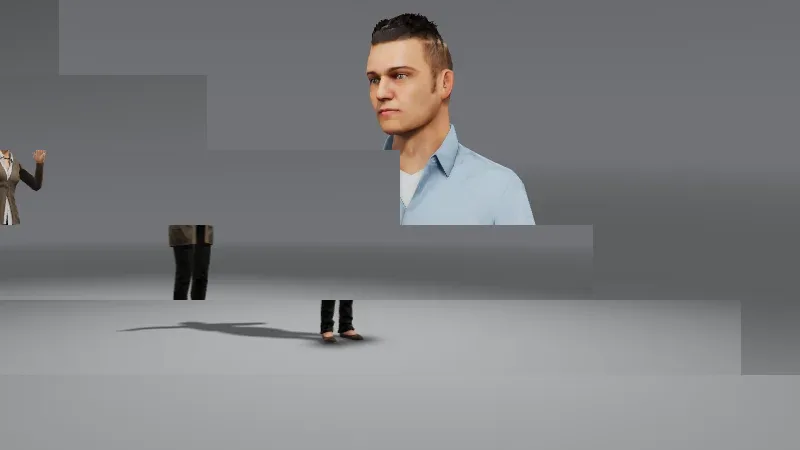
Slice
The picture is cut into strips that slide in one after another.
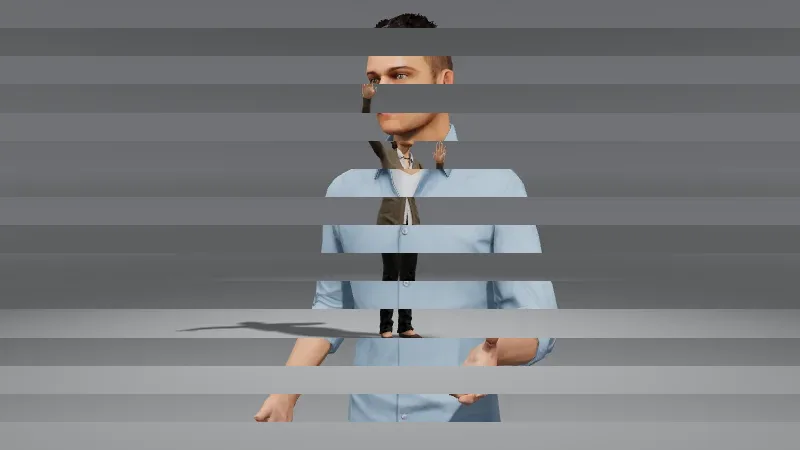
Venetian blinds
Strips open in place instead of sliding.
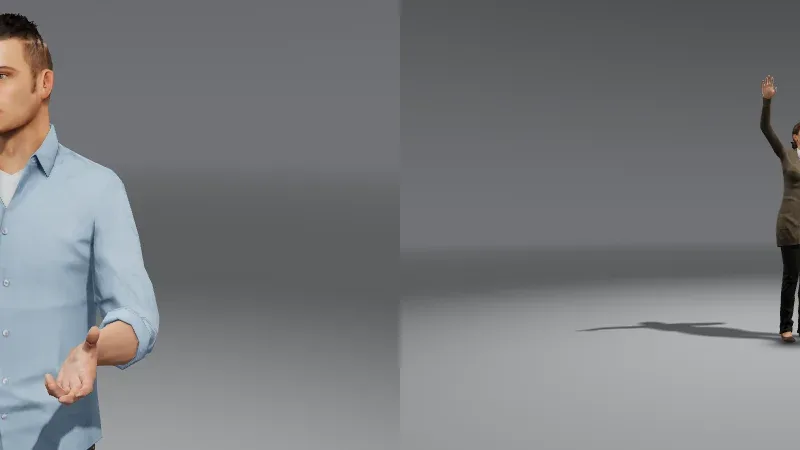
Push
One whole picture pushes the other out.