Swirl
The picture twists into a spiral and the next shot unwinds out of it. Dreams, trances, comedy, a trip in time.
- Made in
- Editing
- Also called
- vortex, whirl
What it does
The picture twists around a point, usually the centre, faster near the middle than at the edges, until it is a spiral of colour. The next shot comes out of the same spiral and unwinds until it lies still. Some versions instead suck the picture into a point like water down a drain, as Black Hole does in Final Cut Pro. The spinning reads at once as a loss of balance or a pull into another world.
When to use it
Use it for a fall into a dream, hypnosis, a faint, a trip back in time, or a cartoon-like joke. It is a loud, playful effect, so it suits comedy and parody better than drama. In a serious scene it can look cheap, unless the story really is about a spell or a spinning mind.
Writing the prompt
Swirls are added in the editor, with a swirl transition or a distortion effect, so make both shots first. Give each shot a clear centre for the spiral, for example "close-up of a man staring straight into the lens, centered", so the twist turns around the face. Match the direction of the spin on both sides of the join.
Easily mixed up with
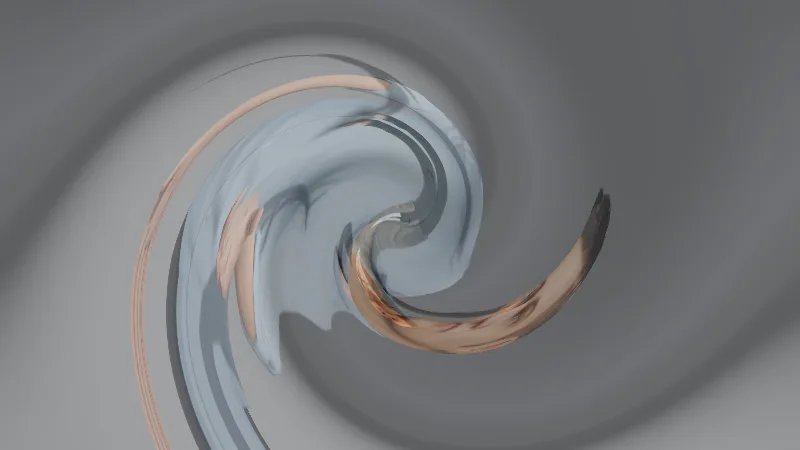
Swirl
The picture twists into a spiral and the next shot unwinds out of it.
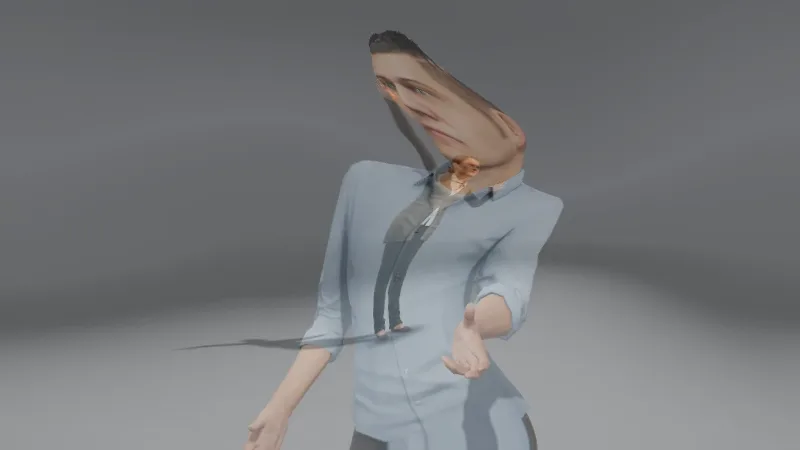
Warp
Bends the pictures in waves, without one centre to turn around.
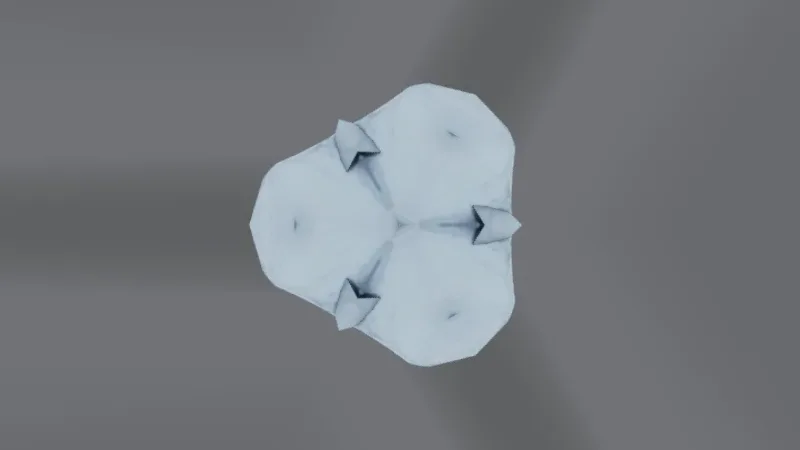
Kaleidoscope
Mirrors the picture into turning facets instead of twisting it.