Non-additive dissolve
A dissolve that compares the two pictures and lets the brighter parts lead. Night lights, neon, a harder, high-contrast blend.
- Made in
- Editing
What it does
Rather than averaging the two shots, the mix compares them point by point, so the brighter parts of each tend to show first and the dark parts last. The picture never brightens overall, and the blend looks harder and more contrasty than a plain dissolve, with the lights of one shot floating over the other. Descriptions differ between software versions: newer ones stress that it adds no brightness, older ones that bright areas appear first.
When to use it
Use it between night shots with strong lights, such as neon, headlights or candles, where the lights of the next shot can float in over the darkness of the first. It is a stylised look, so it suits music videos and title sequences better than quiet drama.
Writing the prompt
Make both shots and pick Non-Additive Dissolve in the editor; Premiere Pro now files it as Legacy, and DaVinci Resolve has one too. The effect depends on contrast, so ask for strong lights against dark ground in both shots: "neon signs against a dark street", "candles in a dark room". Shots with flat, even light give it little to work with.
Easily mixed up with
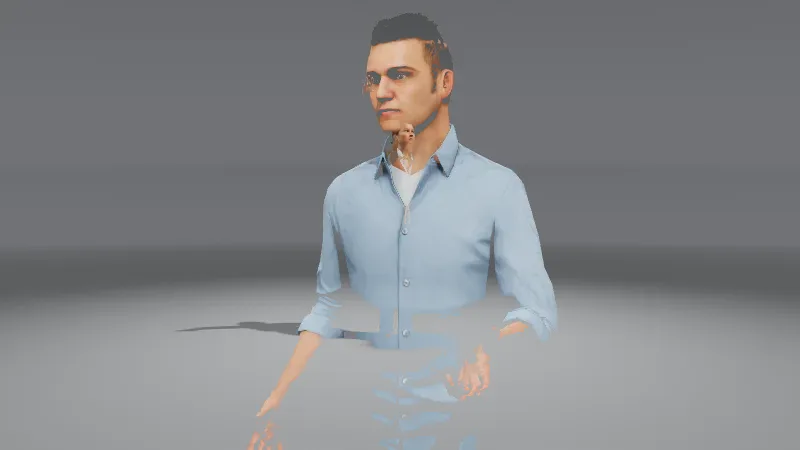
Non-additive dissolve
A dissolve that compares the two pictures and lets the brighter parts lead.
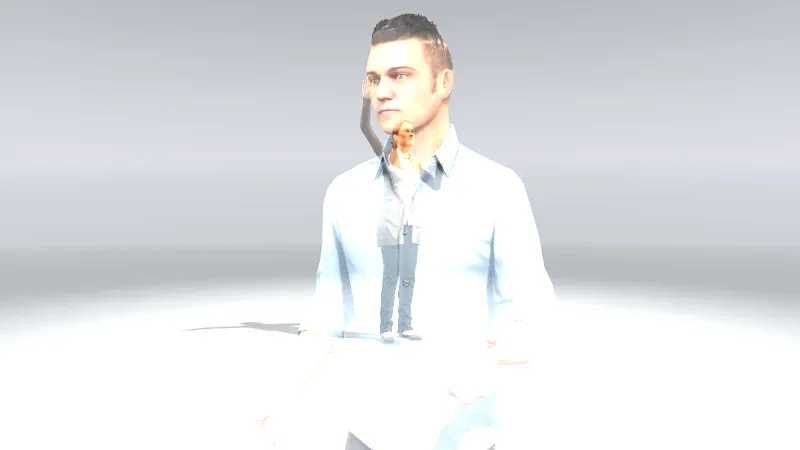
Additive dissolve
Adds the brightness instead, so the middle flares.
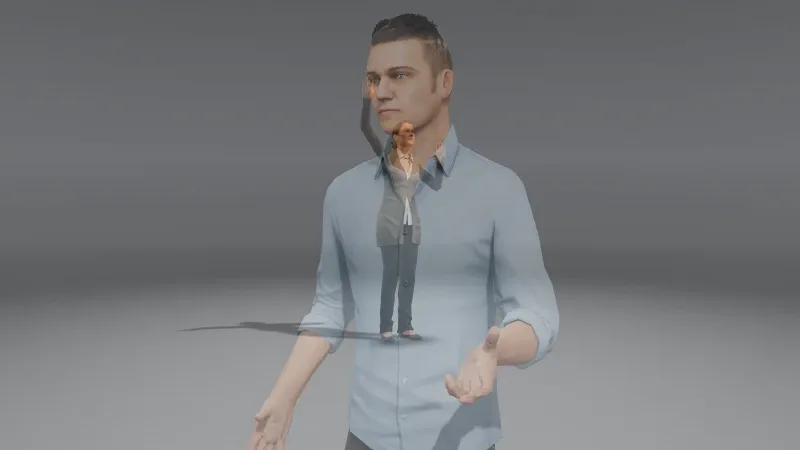
Cross dissolve
Blends evenly, with no comparing of the two pictures.